Can't get synced tabs from desktop FF on my iPad/iPhone
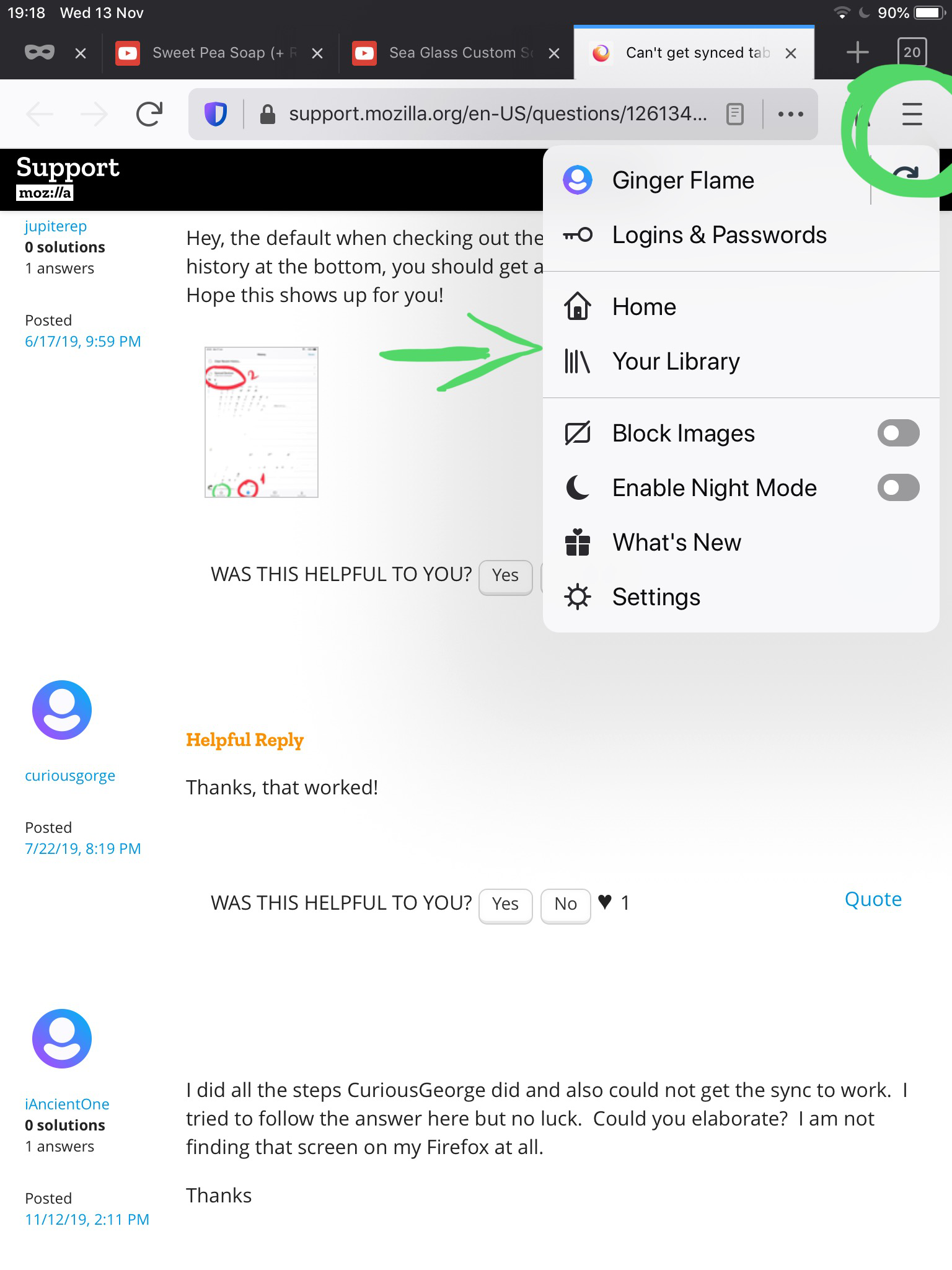
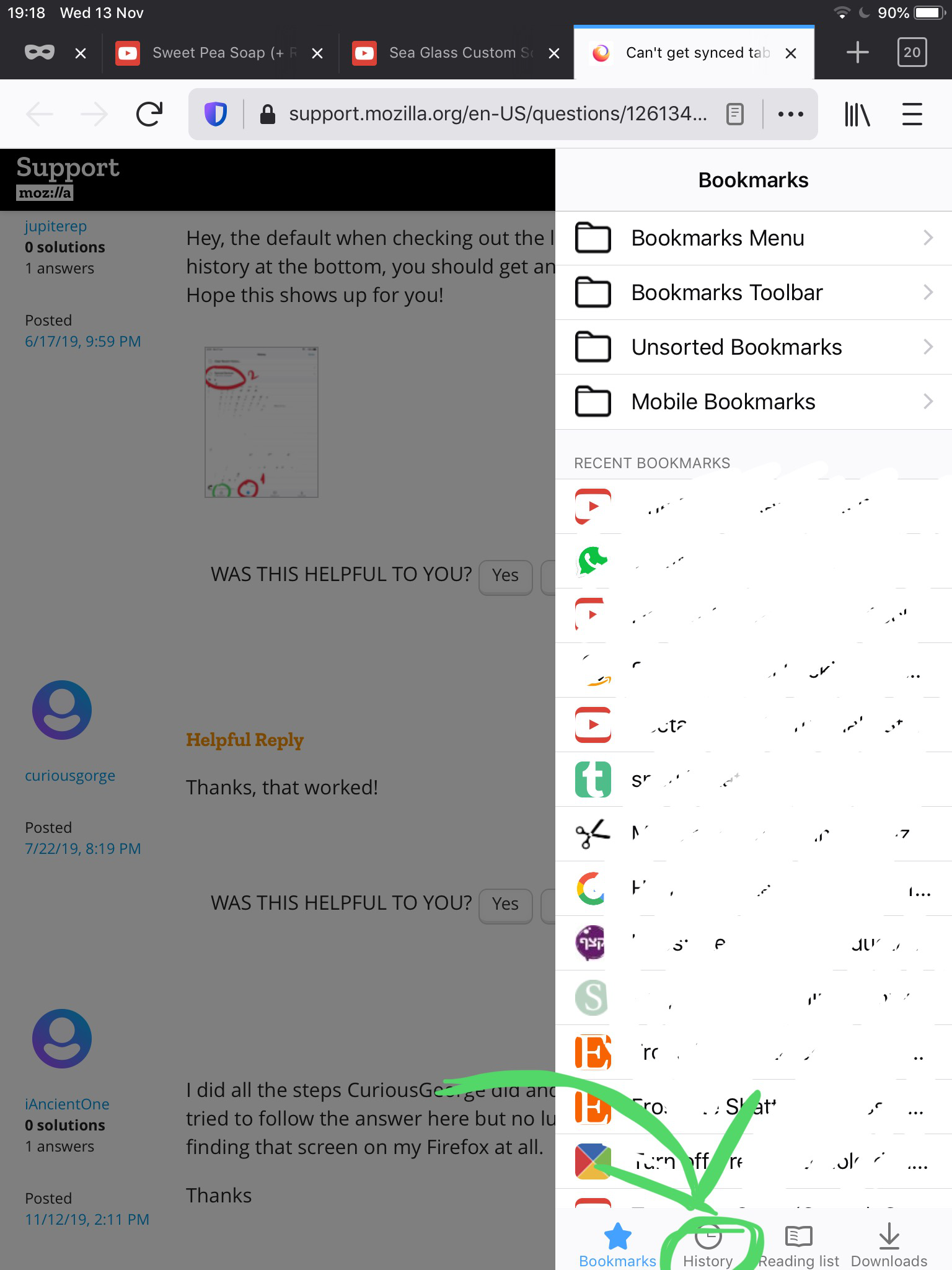
I installed FF on my desktop and iOS devices last night. Unless I misunderstand how synced tabs work, I can see synced tabs from my iPhone and iPad on my desktop FF, but when I click on the library icon on my iOS devices, I only have Bookmarks Menu, Bookmarks Toolbar, Unsorted Bookmarks and Mobile Bookmarks as options. There's no "Synced Tabs" option.
I have notifications set to "on" on both devices. I've synced both devices multiple times. What am I doing wrong?
Thanks in advance.
Vsi odgovori (4)

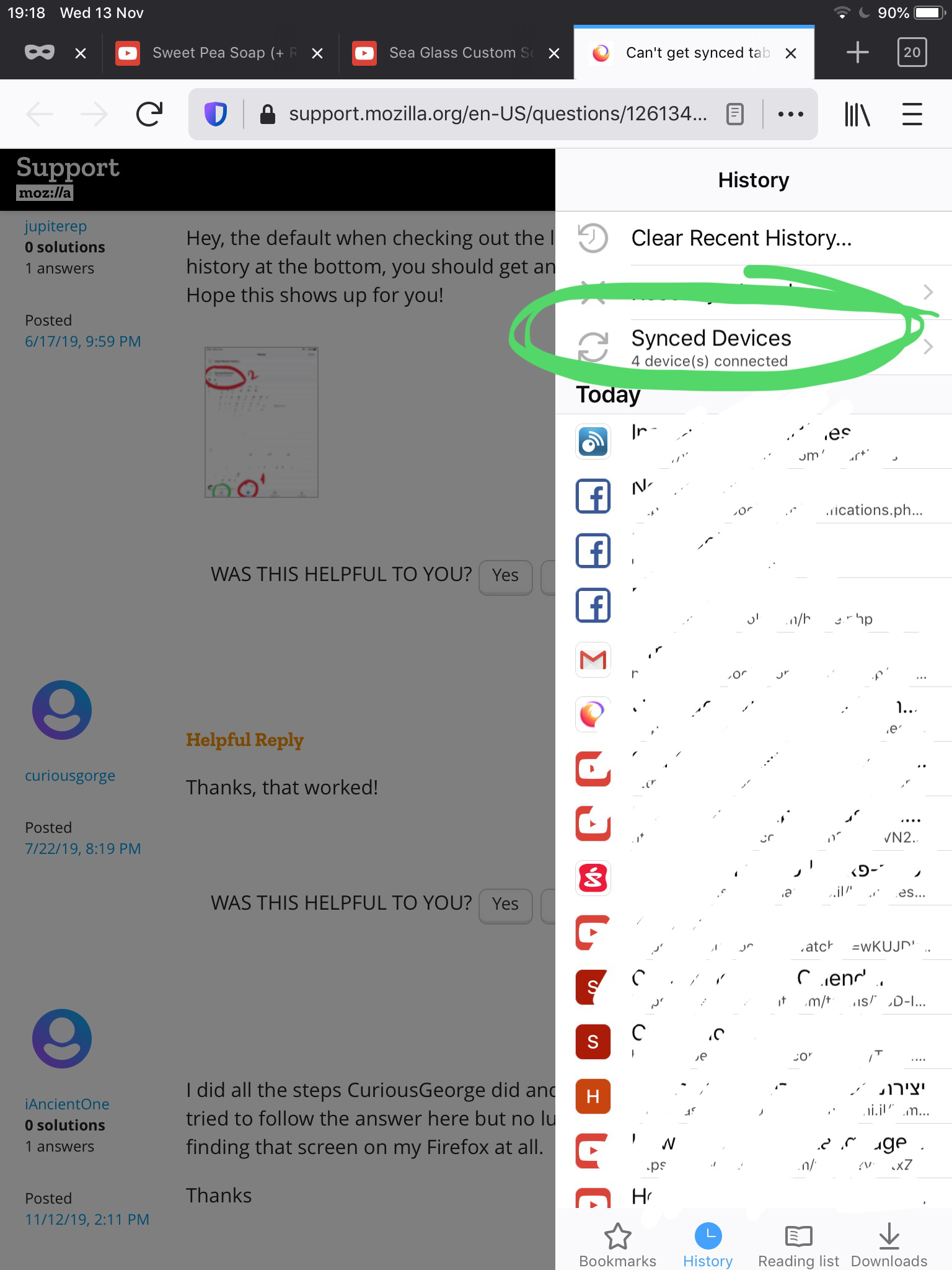
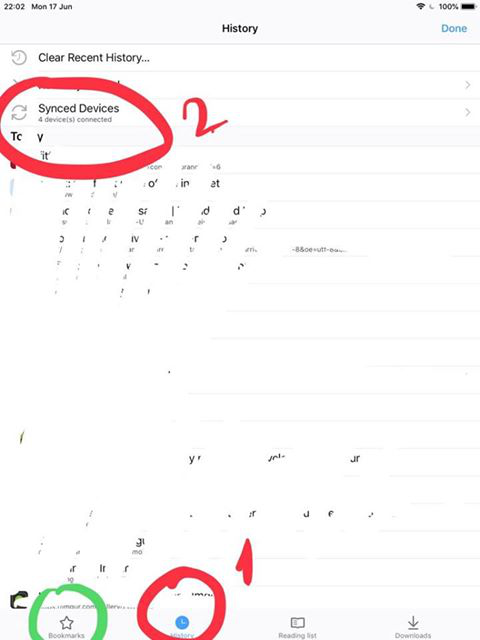
Hey, the default when checking out the library menu is bookmarks. If you clock history at the bottom, you should get an option for synced devices at the top. Hope this shows up for you!
Thanks, that worked!
I did all the steps CuriousGeorge did and also could not get the sync to work. I tried to follow the answer here but no luck. Could you elaborate? I am not finding that screen on my Firefox at all.
Thanks
iAncientOne said
I did all the steps CuriousGeorge did and also could not get the sync to work. I tried to follow the answer here but no luck. Could you elaborate? I am not finding that screen on my Firefox at all. Thanks
See if my screenshots help you,