


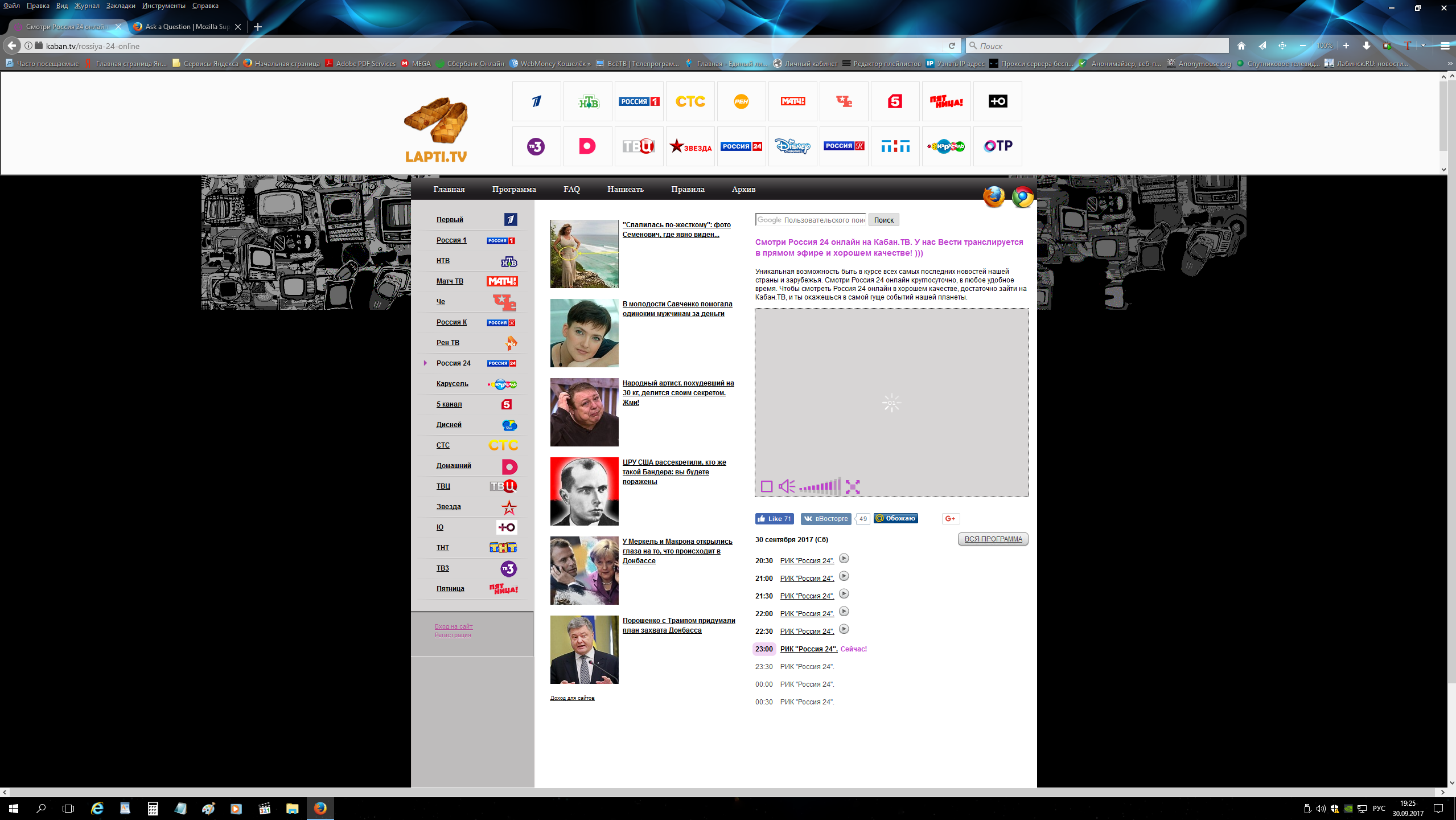
Здравствуйте скажите почему не работает видео с сайта http://kaban.tv/ версия браузера 56 на компьютере виндос 10 и 57 бета на смартфоне андроид

Здравствуйте скажите почему не работает видео с сайта http://kaban.tv/ версия браузера 56 на компьютере виндос 10 и 57 бета на смартфоне андроид 5.1. В других браузерах на смартфоне работает тв онлайн.
Spremenil user1359899
Vsi odgovori (6)

I think it's a website issue. I tied Firefox and Win IE. Both had the same problem.
В других браузерах хром, дельфин и других на смартфоне работает тв онлайн и этот сайт http://kaban.tv/
I called for more help.
Ahh, AdBlock Plus was blocking things. Also, the site wants you to download something to watch their content.
В браузере хром на смартфоне работает а в браузере мазила нет
If you use extensions ("3-bar" menu button or Tools -> Add-ons -> Extensions) that can block (wanted) content (e.g. Adblock Plus, NoScript, Ghostery, uBlock Origin) always make sure such extensions do not block (wanted) content.
- make sure your extensions and filters are updated to the latest version
You can try these steps in case of issues with web pages:
You can reload web page(s) and bypass the cache to refresh possibly outdated or corrupted files.
- hold down the Shift key and left-click the Reload button
- press "Ctrl + F5" or press "Ctrl + Shift + R" (Windows,Linux)
- press "Command + Shift + R" (Mac)
Clear the cache and remove the cookies from websites that cause problems via the "3-bar" Firefox menu button (Options/Preferences).
"Clear the cache":
- Options/Preferences -> Advanced -> Network -> Cached Web Content: "Clear Now"
"Remove the cookies" from websites that cause problems.
- Options/Preferences -> Privacy -> "Use custom settings for history" -> Cookies: "Show Cookies"
Start Firefox in Safe Mode to check if one of the extensions ("3-bar" menu button or Tools -> Add-ons -> Extensions) or if hardware acceleration is causing the problem.
- switch to the DEFAULT theme: "3-bar" menu button or Tools -> Add-ons -> Appearance
- do NOT click the "Refresh Firefox" button on the Safe Mode start window
Все установлено на чистую но все равно в браузере хром на смартфоне работает а в браузере мазила нет