


Only 3 of my bookmarks show in Library. No folders show up either. I have tried everything.

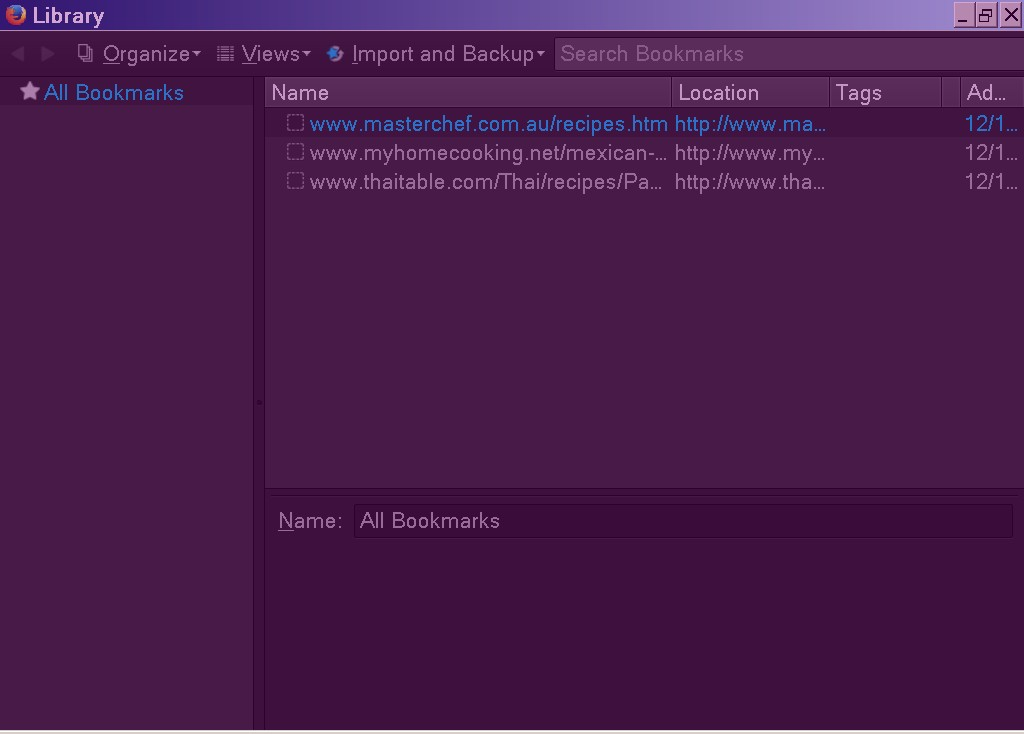
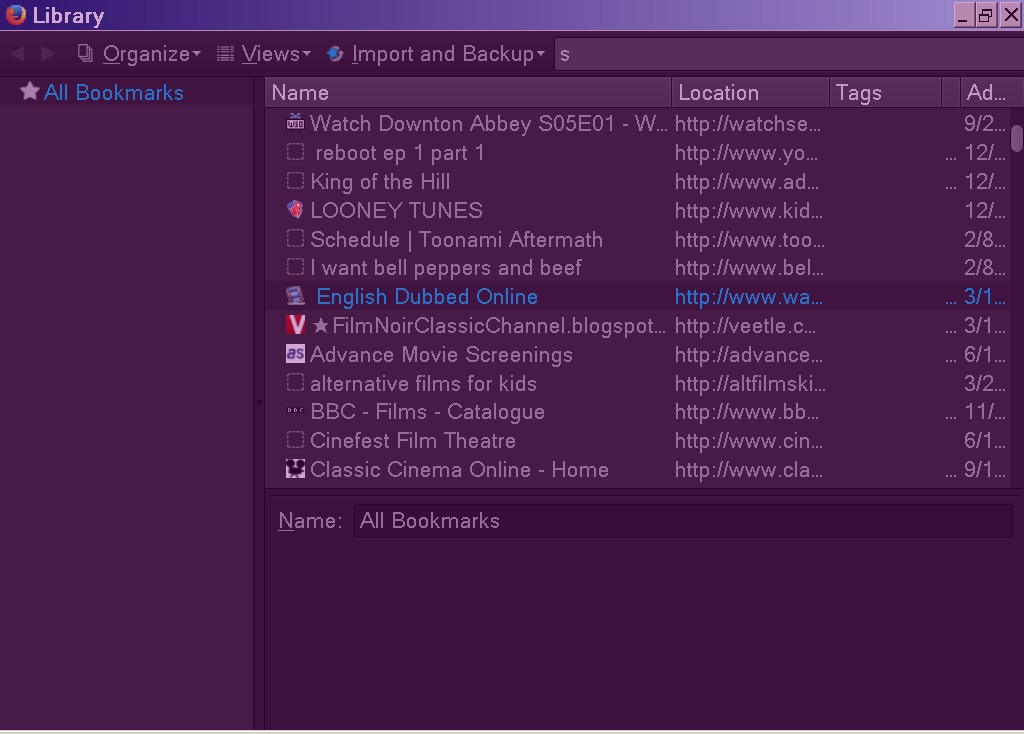
When I choose BOOKMARKS from the Menu ToolBar and choose "Show all bookmarks" only 3 of my bookmarks show up in the library. When I type anything in the SEARCH bookmarks field, ex. s, all of my bookmarks containing the letter s will show up with name and location, tag etc. but no folders at all. Can not sort.
When I choose BOOKMARKS from the Menu ToolBar and choose "Show all bookmarks" only 3 of my bookmarks show up in the library. When I type anything in the SEARCH bookmarks field, ex. s, all of my bookmarks containing the letter s will show up with name and location, tag etc. but no folders at all. Can not sort.
Vsi odgovori (3)
You can check for problems with the places.sqlite database file in the Firefox profile folder.
- http://kb.mozillazine.org/Bookmarks_history_and_toolbar_buttons_not_working_-_Firefox
- https://support.mozilla.org/kb/Bookmarks+not+saved#w_fix-the-bookmarks-file
- Places Maintenance: https://addons.mozilla.org/firefox/addon/places-maintenance/

Hi siriusalw,
Can you share a screenshot of what shows up on your toolbar when you these instructions to show the Bookmark Toolbar?

Bookmarks hot key is <Control>(Mac:<Command>) <Shift> B.
Is the problem here also?