


Some of my add-on shortcuts have disappeared from the toolbar
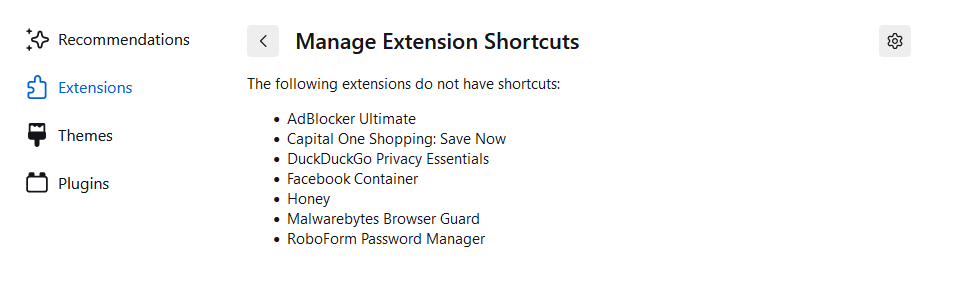
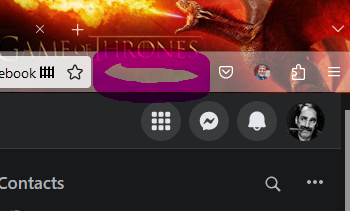
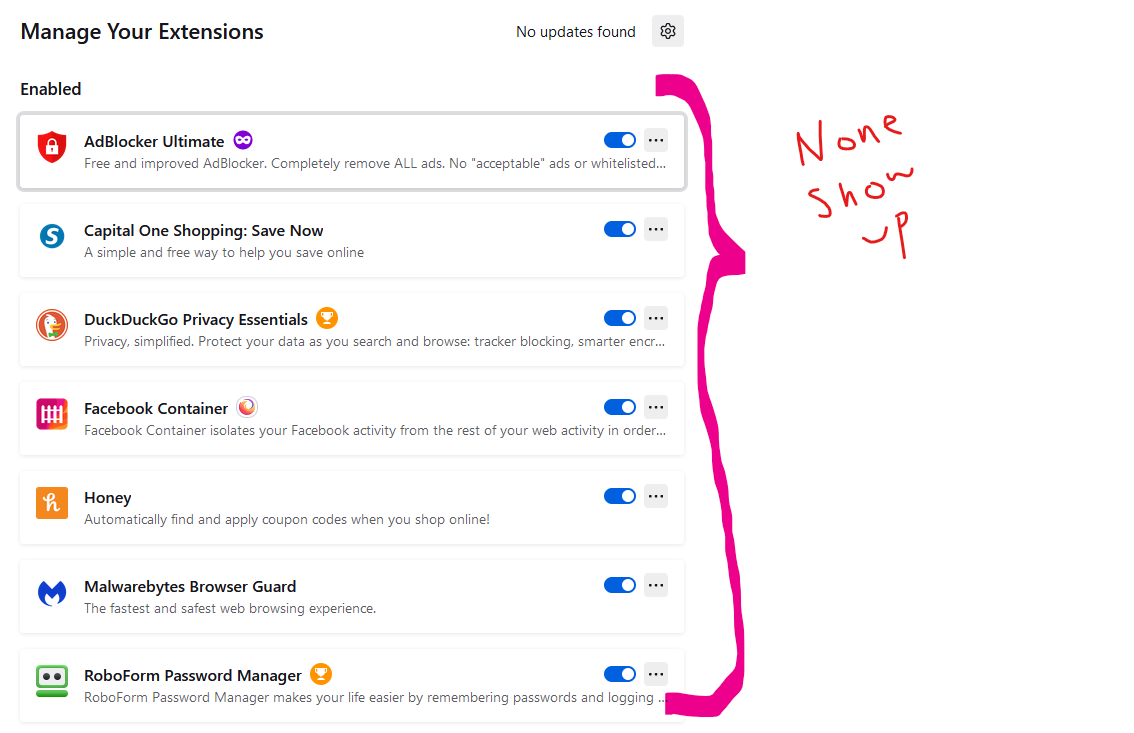
Some of my add-on shortcuts have disappeared from the toolbar. I have tried all of the suggestions on your help site. If I go to the add-ons page, it says they are still there, but they don't show up in my browser.
Všetky odpovede (1)
Firefox 109 comes with the Extensions button in the Navigation Toolbar as the new way to manage your extensions. The panel that opens if you click the Extensions button (puzzle piece icon) serves as overflow area for extensions you install. The legacy chevron (>>) overflow area still exists but is only used for built-in toolbar buttons as found in the Customize page.
In the Extensions button panel, you can click the gear icon  next to an extension or use the right-click context menu to pin the extension to the toolbar (Pin to Toolbar).
To (re)move the extension from the toolbar back to the Extensions button panel, you can use "Unpin from Toolbar" in the right-click context menu.
next to an extension or use the right-click context menu to pin the extension to the toolbar (Pin to Toolbar).
To (re)move the extension from the toolbar back to the Extensions button panel, you can use "Unpin from Toolbar" in the right-click context menu.
More Information: