


Firefox has done it again
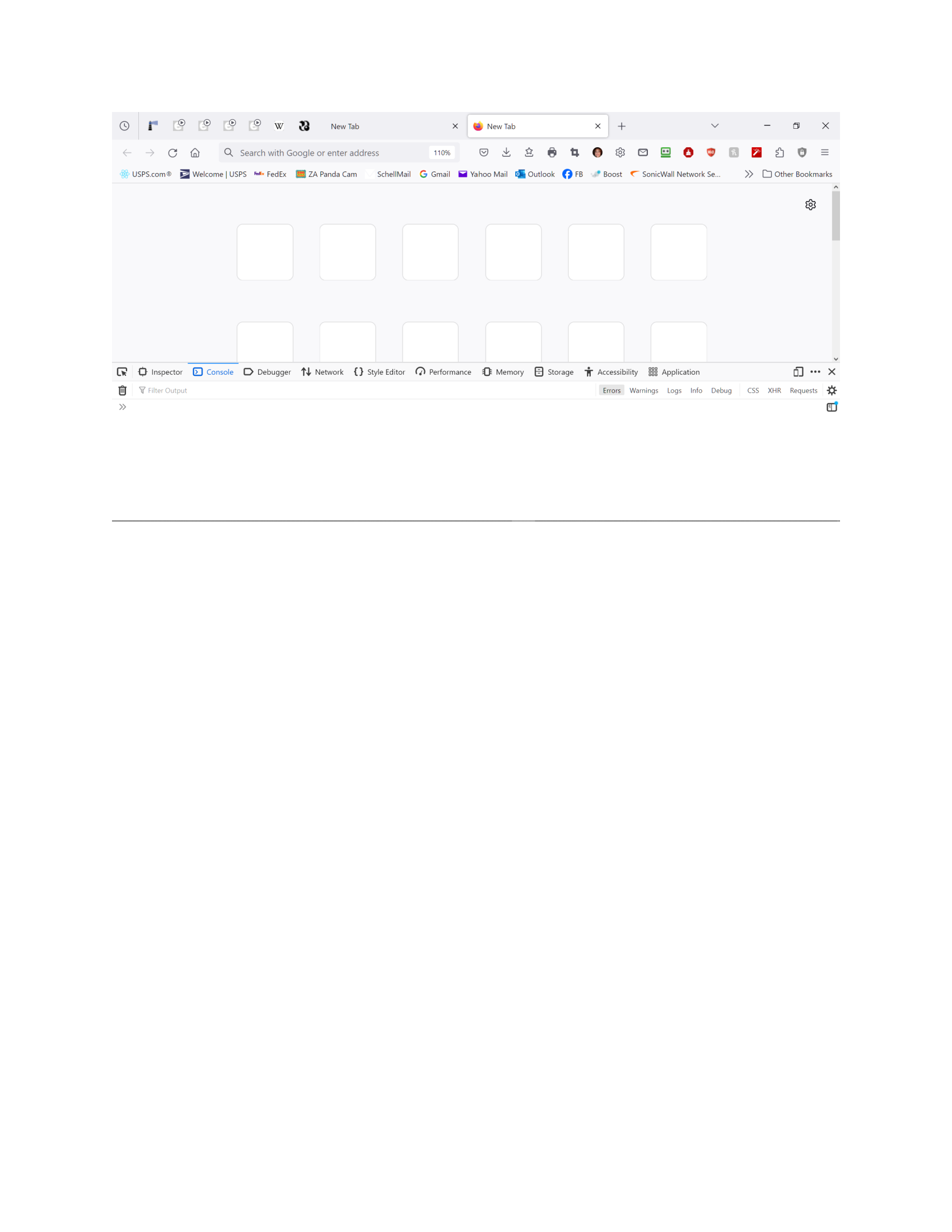
The pinned shortcuts on my newtab page have all disappeared once again. I've gone to about:config > browser.newtabpage.pinned and my shortcuts are all listed. But only blank boxes show up on the page. It will not accept a new entry when I try to enter one. It goes back to the blank white box. Why does this keep happening? Can anyone give me a Firefox for Dummies way to fix this?? Thanks!
Email removed for privacy
Upravil(a) NoahSUMO dňa
Všetky odpovede (9)
Log out of your sync account, visit about:support in the address bar, click the "Clear startup cache" button on the right side and then restart the browser. Reload the new tab page without the cache by pressing Ctrl+F5.
Yes. The shortcuts are still missing. Just white boxes that won't accept a new shortcut. I can input the info, but it's not accepted.
I don't know what that is, BUT..........I went into troubleshoot mode>about:config>browsers.newtabpage.pinned>both lines after the pinned shortcuts were marked TRUE. I changed them to false and VOILA! My shortcuts came back. I have no idea what True and False means, but it worked. At least for now. Thanks for all of your input. (As to the policies, I just checked and it is inactive.) Thanks again!
Are you using Sync as pinned tab are part of syncing prefs? services.sync.prefs.sync.<pref name> are Sync control prefs that determine which prefs to sync.
I'm attaching a screenshot of what appears below browser.newtabpage.pinned. You tell me if I'm using Sync. As I said previously, there needs to be a Firefox for Dummies. I know a lot but not everything. Especially the technical stuff. Thanks!
raydle1101
