


Firefox wont sync across laptop and desktop

Hello
I hope you can help.
Trying to sync my logins/passwords from my laptop to my desktop. It just doesnt work.
I have reset primary password, logged into both devices, selected sync on both devices. But it does not sync to desktop. Both machines come up in the Connected Services setion of my mozilla account.
When i try to manually enter logins & password on desktop list - it keeps asking me to enter my primary password (despite already being logged into firefox).
This is very frustrating so any help is greatly appreciated.
Všetky odpovede (12)
chughes2 said
I have reset primary password,
Sorry.
Warning: Resetting your Primary Password will remove all of your saved usernames and passwords. https://support.mozilla.org/en-US/kb/reset-your-primary-password-if-youve-forgotten-it
Thanks for this reply.
I had already reset the primary password but all my logins+ passwords are still available on my laptop.
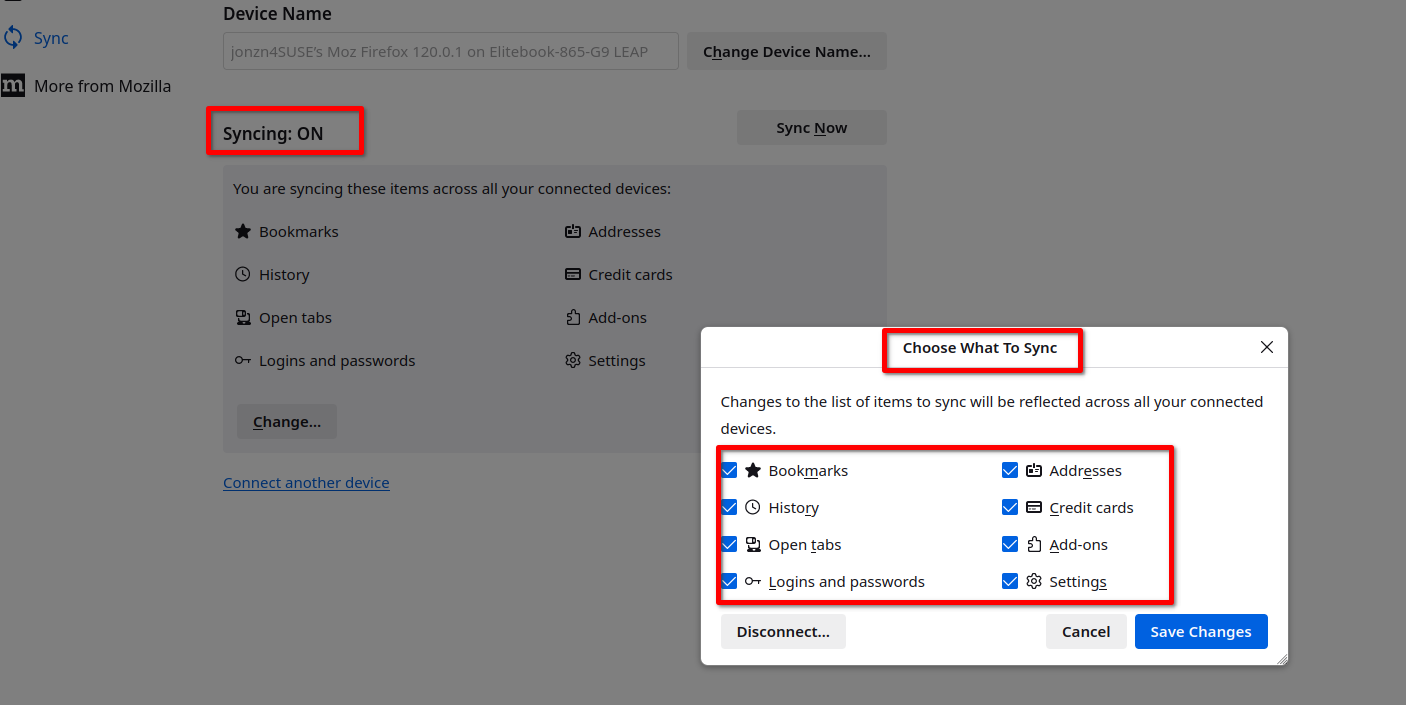
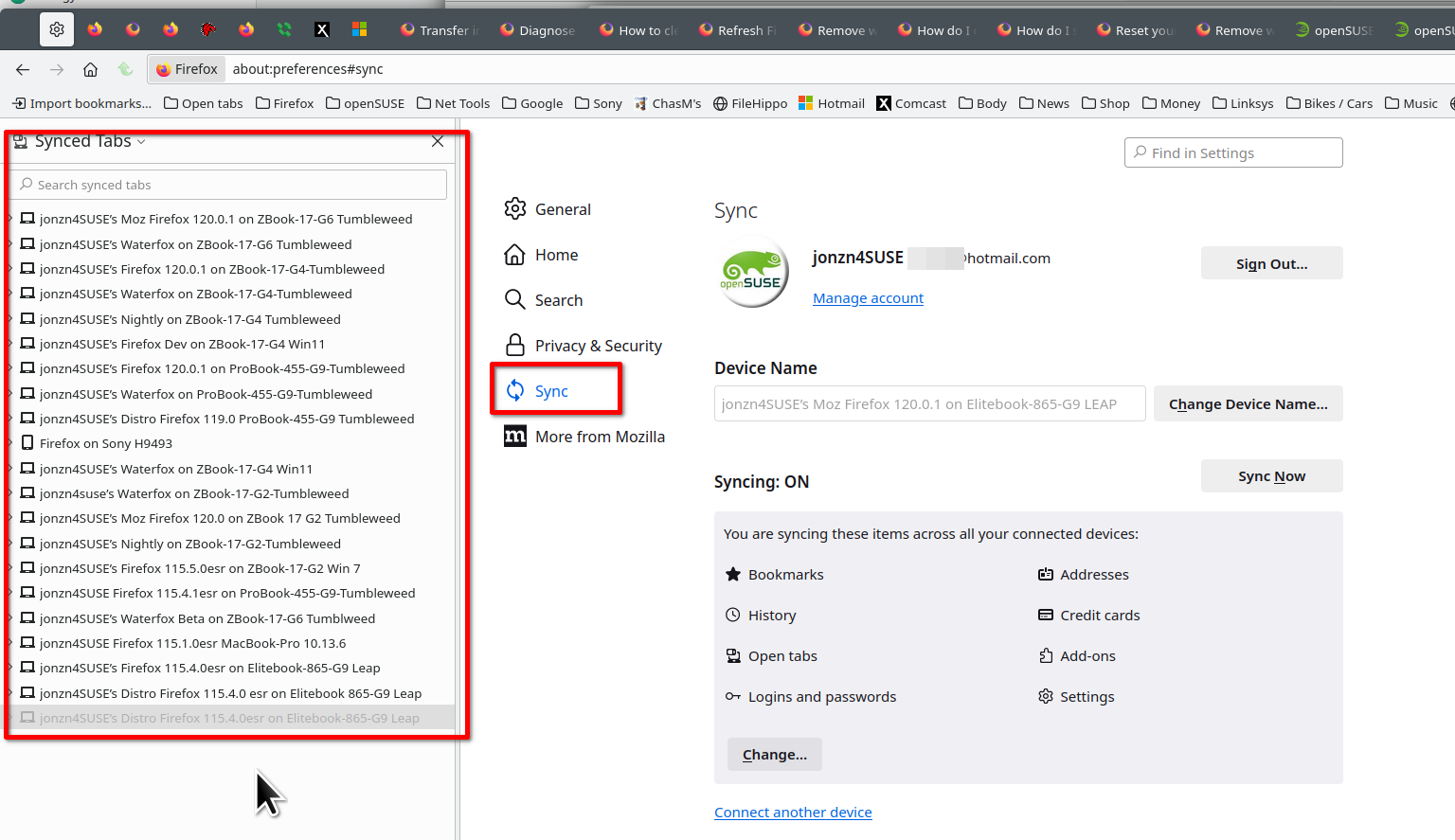
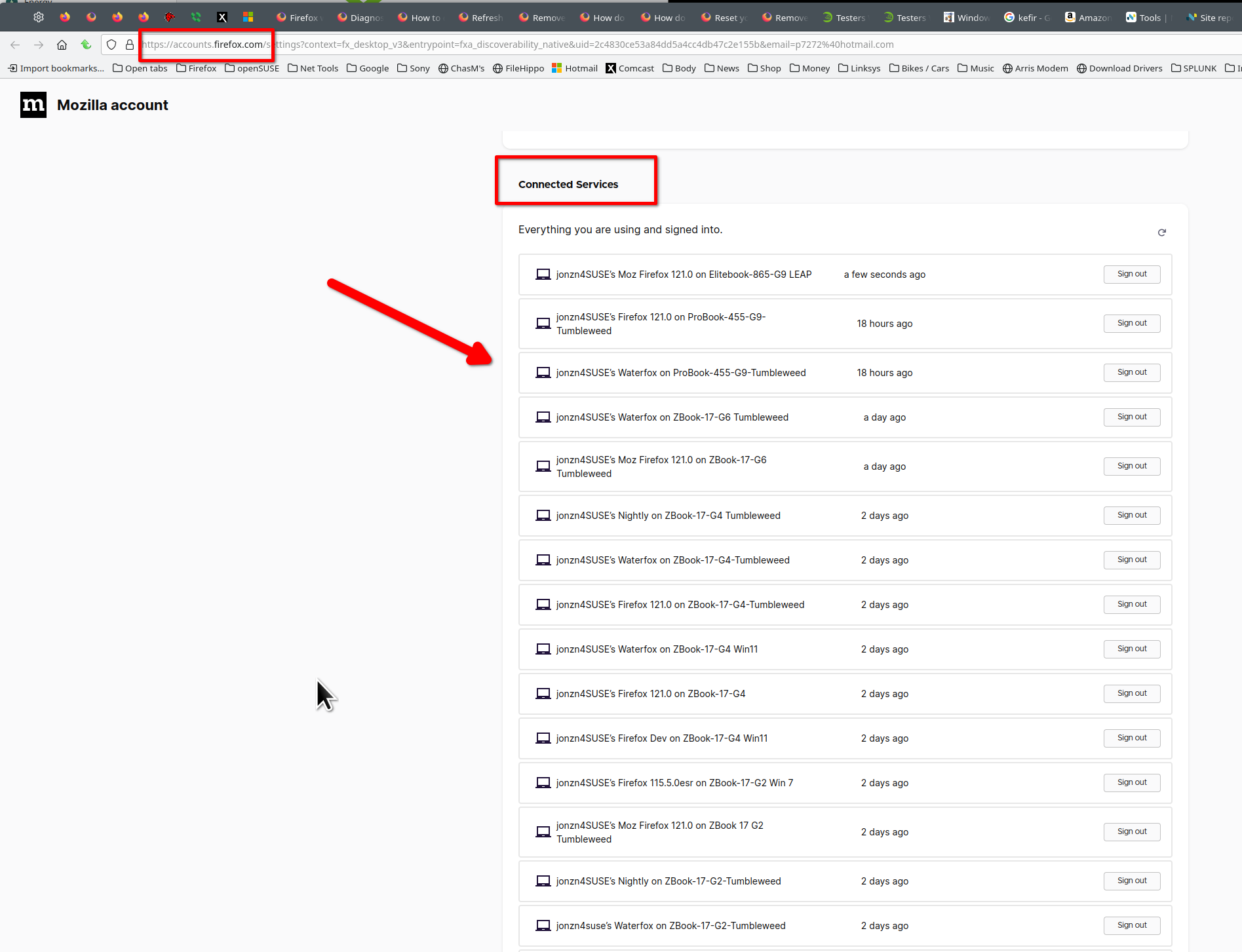
Can you show your sync settings and what your account has in the Connected Devices section. see screenshots
Upravil(a) jonzn4SUSE dňa
On the desktop... Download a different version Beta, Dev, or Nightly and install in a different directory than your current install. Sign into your Mozilla account and see if your data populates.
chughes2 said
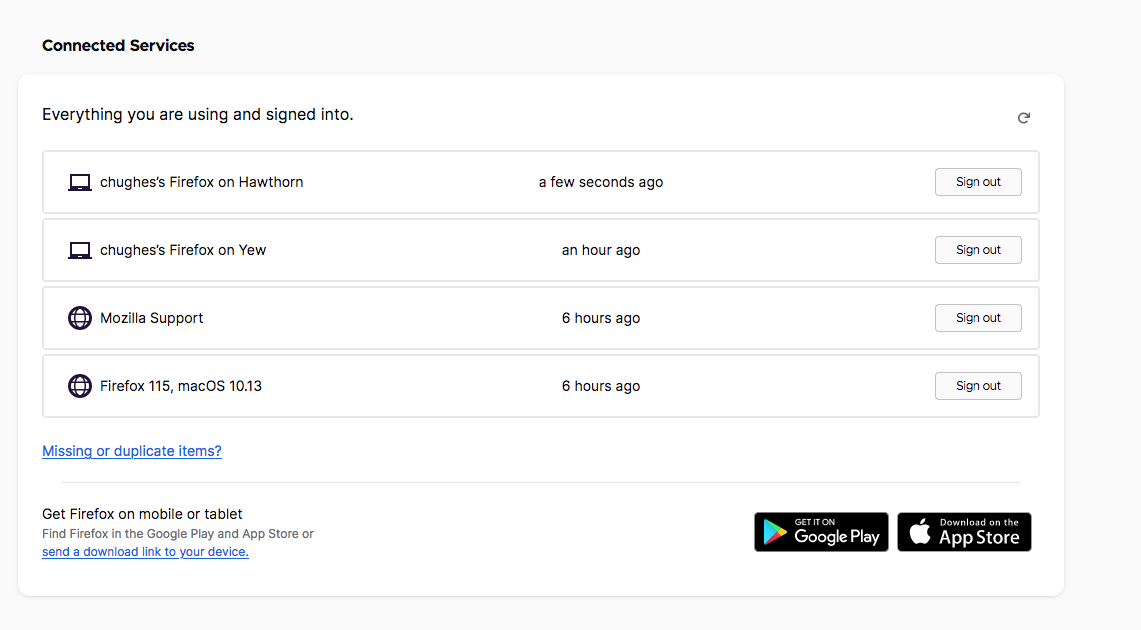
Hey - it has both the devices connected as below in screengrab.
How about the sync settings on the Desktop?
Also, I would advise not adding any IOS device to your account. There seems to be an issue with IOS devices and Mozilla account data. https://bugzilla.mozilla.org/show_bug.cgi?id=1872730
I've had an issue with sync taking a long time to sync in past, but after logging into your desktop you can then go back to your laptop and bookmark a site and see how long it takes to sync on your desktop.
You can open about:sync-log via the location bar to see if recent Sync logs are available. You can upload the file to a website like Pastesite if you can't post the content of the file in a reply.
Status? Can you record your desktop and post it online for use to see?