


IPv6 Not working in Firefox!!!
Hi Everyone, IPv6 not working in Firefox, but in Google Chrome, Windows CMD, Microsoft Edge, and Opera is working fine, I'm using Cisco Secure Client as a VPN Client, and connect to the VPN IPv6 will enable and you can use IPv6 easily, but in Firefox only IPv4 working, and the problem only in Firefox
Все ответы (20)
What is giving you the impression that IPv6 is not working? Show the issue. Are you trying to access a site(s) and it not working?
This forum site is a good example. I changed my network to IPv6 and couldn't access this site. see screenshot https://sitereport.netcraft.com/?url=http://support.mozilla.org
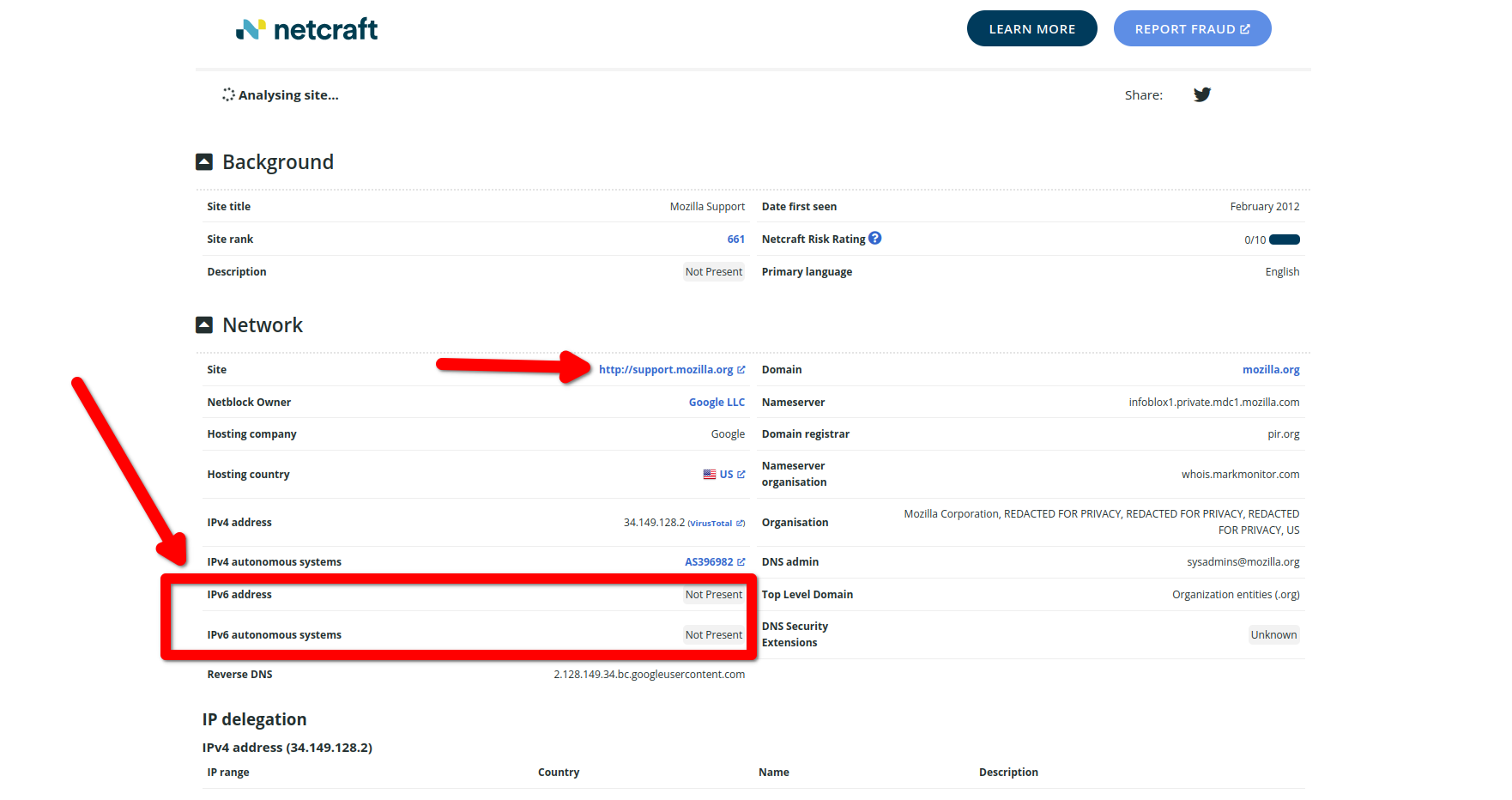
Изменено jonzn4SUSE
it's so easy, when Using Cisco Secure client just open https://ipv6test.google.com/ in Google Chrome, Opera, Microsoft Edge and any Chromium browser you will see you have IPv6, but when open the same website in Firefox you will you don't have IPv6 there is no need for screenshot, it's obvious
Изменено AHMNco
Does it still happen in a new profile? An easy way to test a new profile is to install Developer Edition and see if it happens there or refresh your existing profile. Make sure you stay signed out of your sync account when testing.
I installed fresh version of Firefox Developer, still only IPv4 surprisingly with this behavior of Firefox I'm thinking to move to Chrome, however I do like Firefox but without IPv6 is too hard to use it, Firefox getting slower day by day and IPv6 is missing here
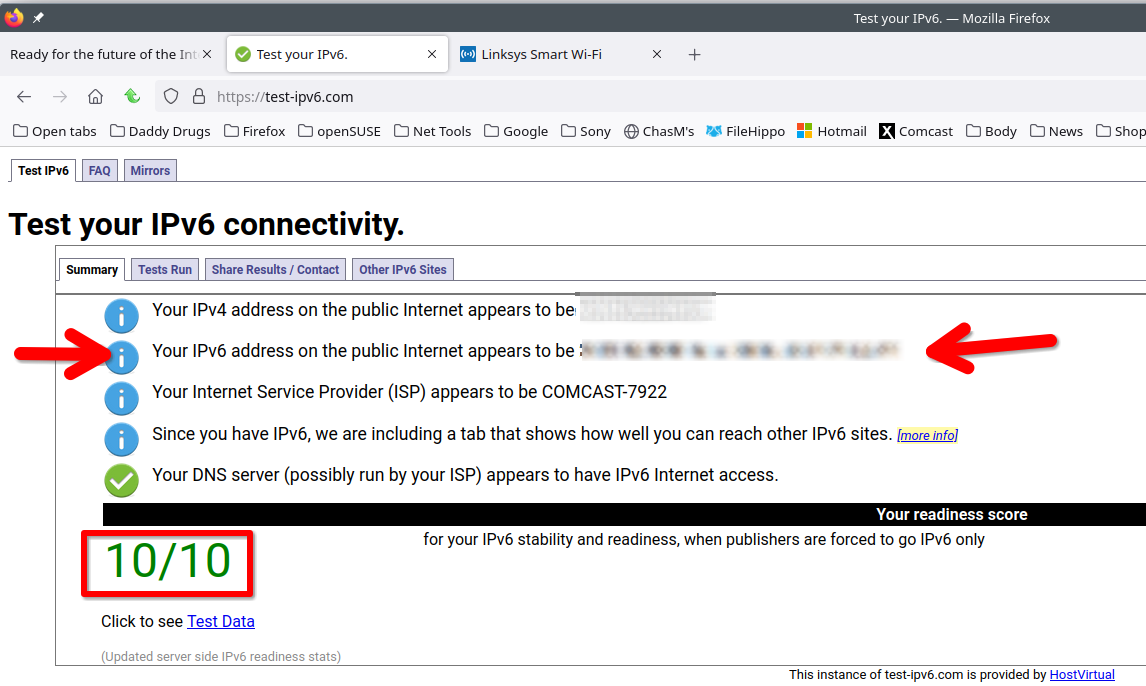
This is a better test. https://test-ipv6.com/ What is your network setup? I have a router and then modem. I can make changes to my router and then only be on IPv6. I'll do that and post the results.
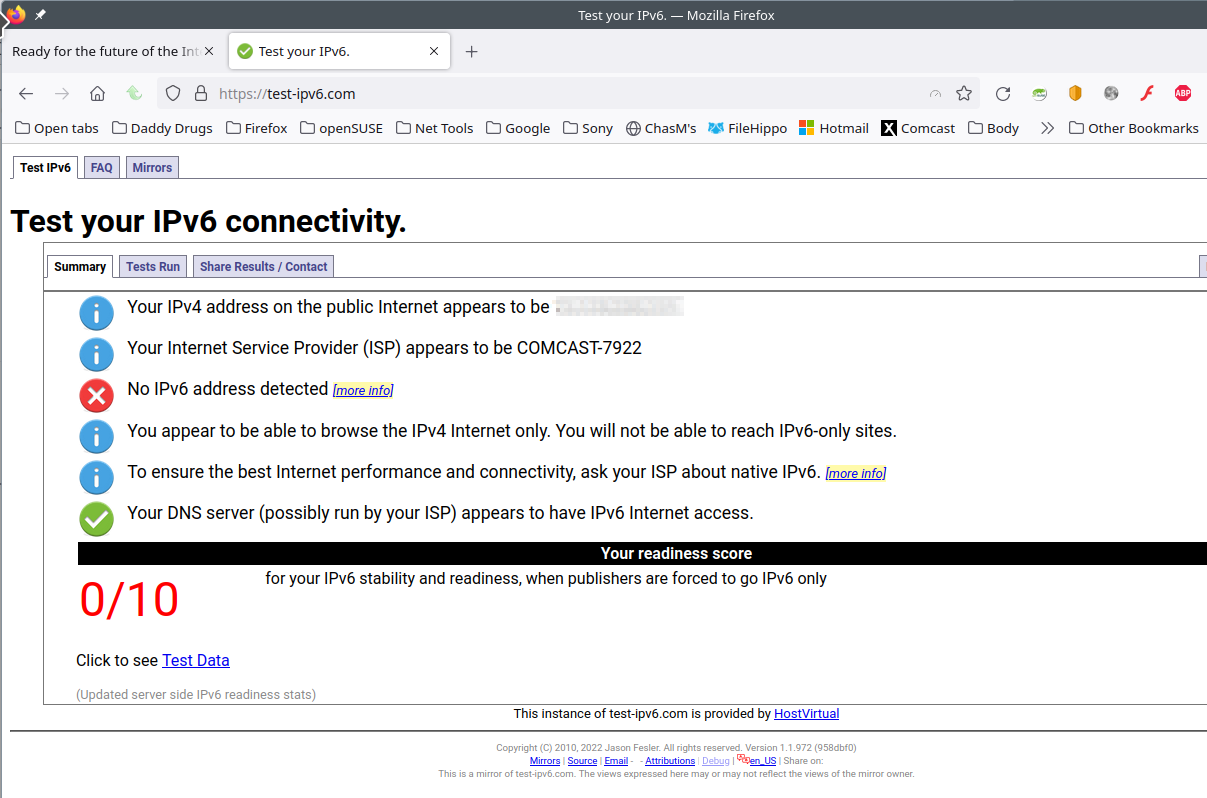
I checked it seems Firefox blocking IPv6 Your browser has real working IPv6 address - but is avoiding using it. We're concerned about this. screenshot added Firefox with alert and Chrome is normal
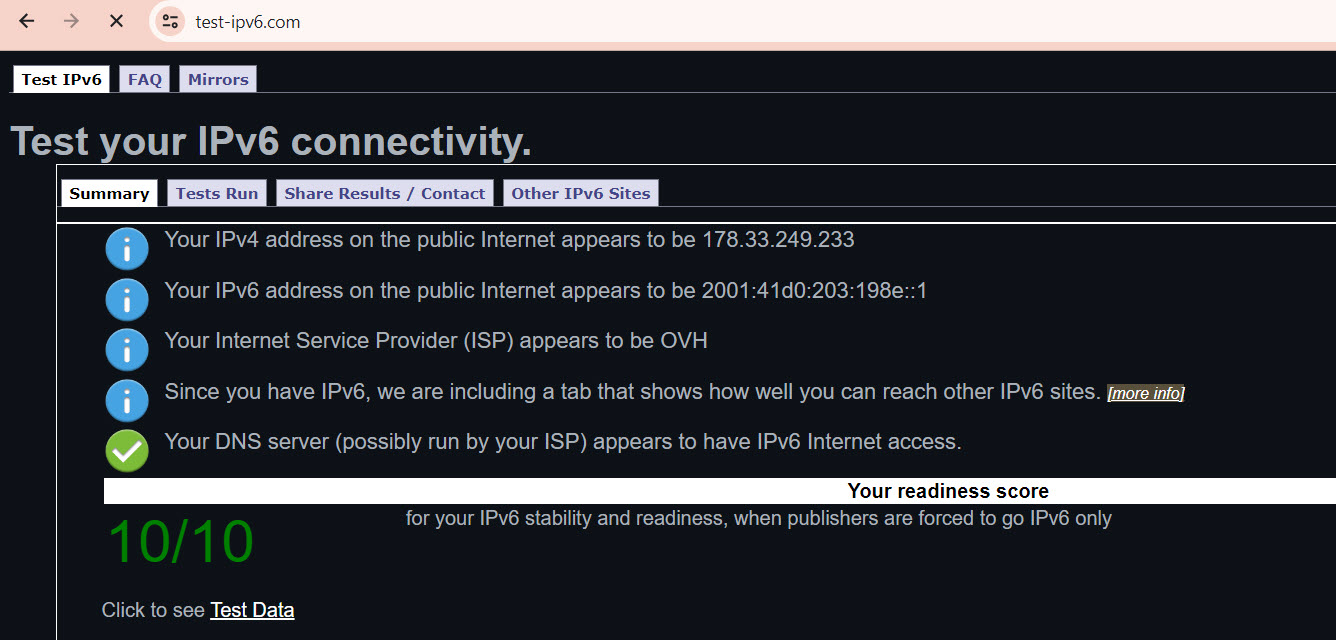
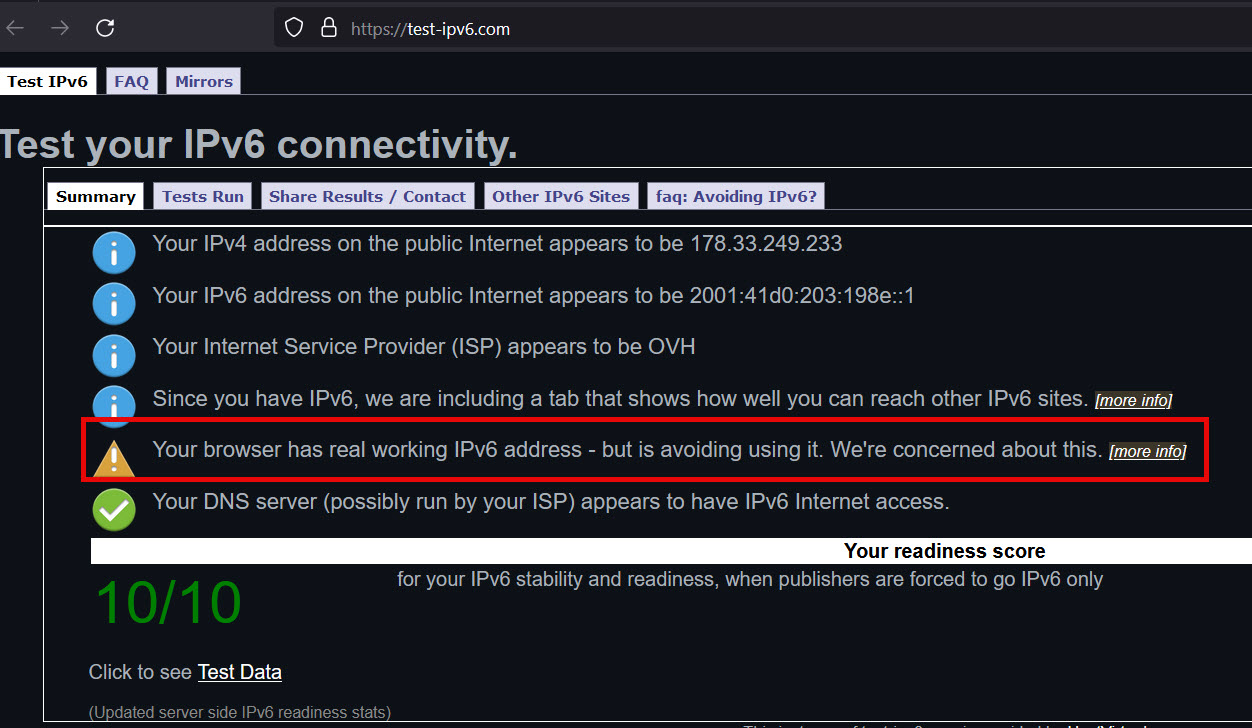
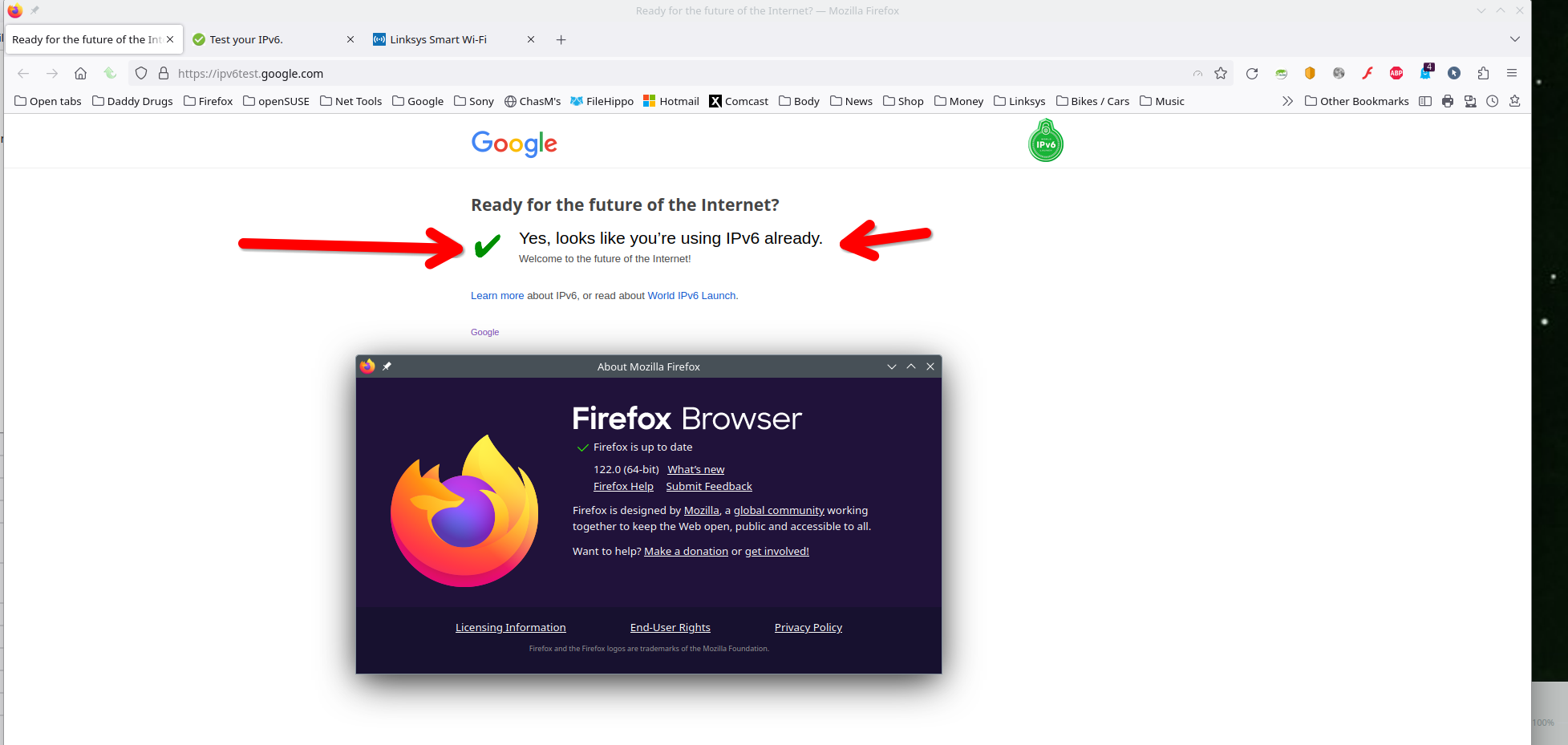
After making changes to my router and enabling IPv6 on it and my OS, my DHCP in now handing out IPv6 address and here is the test. see screenshots Your issue is not the browser, but network.
AHMN48 said
I'm using Cisco Secure Client as a VPN Client, and connect to the VPN IPv6 will enable and you can use IPv6 easily, but in Firefox only IPv4 working, and the problem only in Firefox
you can see I mentioned at first
Test off VPN. VPN issues are not my concern because we have no control over your VPN unless your using what provided by Mozilla.
That may be a bug, something Dev will have to look into when it comes to Cisco Anyconnect VPN.
This isn't VPN issue, If you check you will see Firefox blocking IPv6, but the same VPN working fine for Chrome, Edge, Opera, Windows and everything else, when Only Firefox has this issue so this isn't VPN problem, this is Firefox problem
Again, nothing to be fixed here. Go open a bug and Dev will have to speak with Cisco to see where the issue is. It works off VPN, but your issue is while on VPN. Clearly a compatibility issue between the two vendors.
I found the issue, Firefox blocking Virtual IPv6, Firefox only accepts real IPv6, since using VPN IPv6 is virtual then IPv6 block by Firefox by default, so in about:config is there any way to fix this issue? I want to use IPv6 and there is way for sure, but I don't know how Again this is not related to VPN
Someone closer to Dev will chime in if there's a switch to flip in about:config. That's why I said open a bug and Dev will check.