


language problem

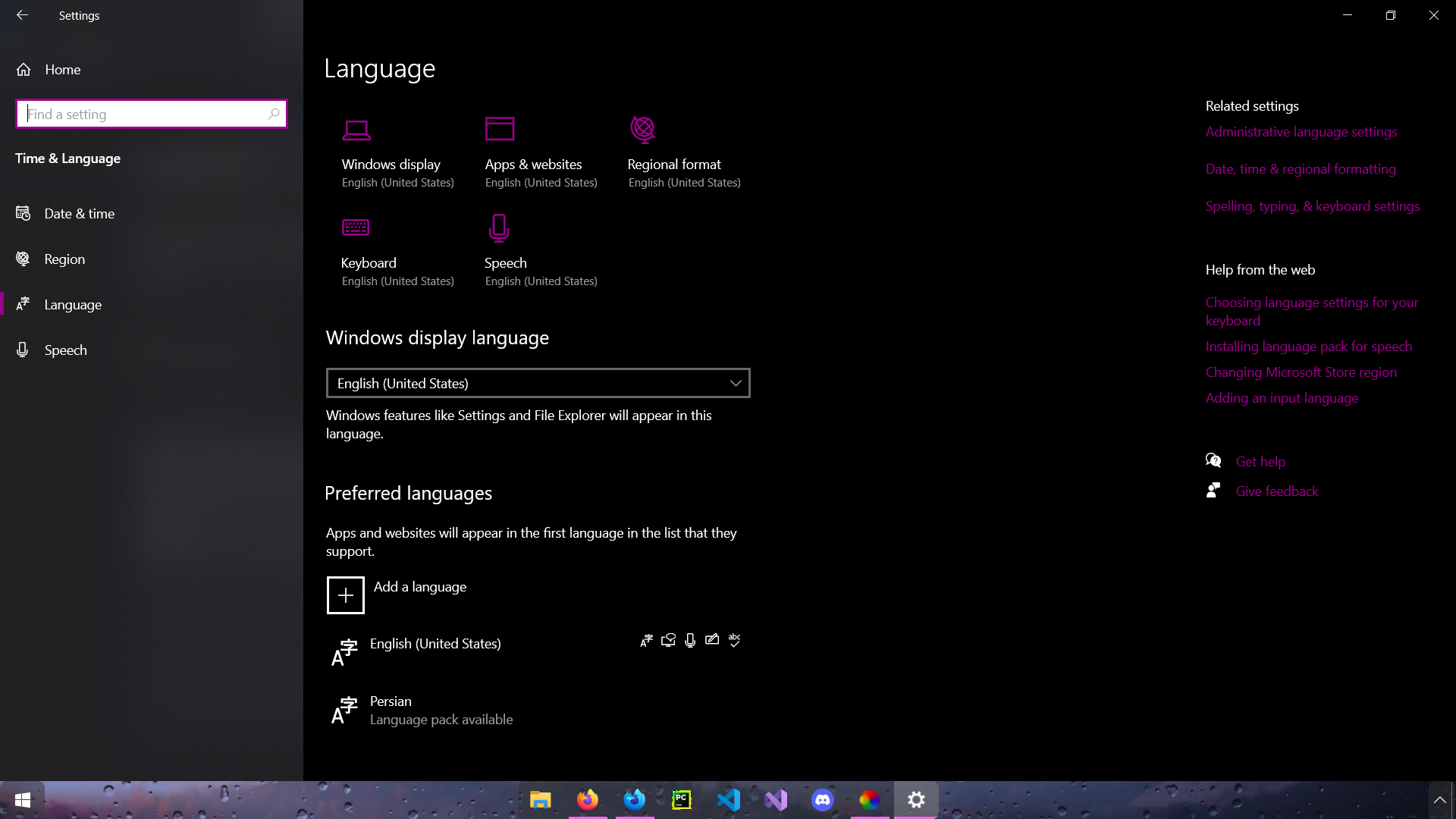
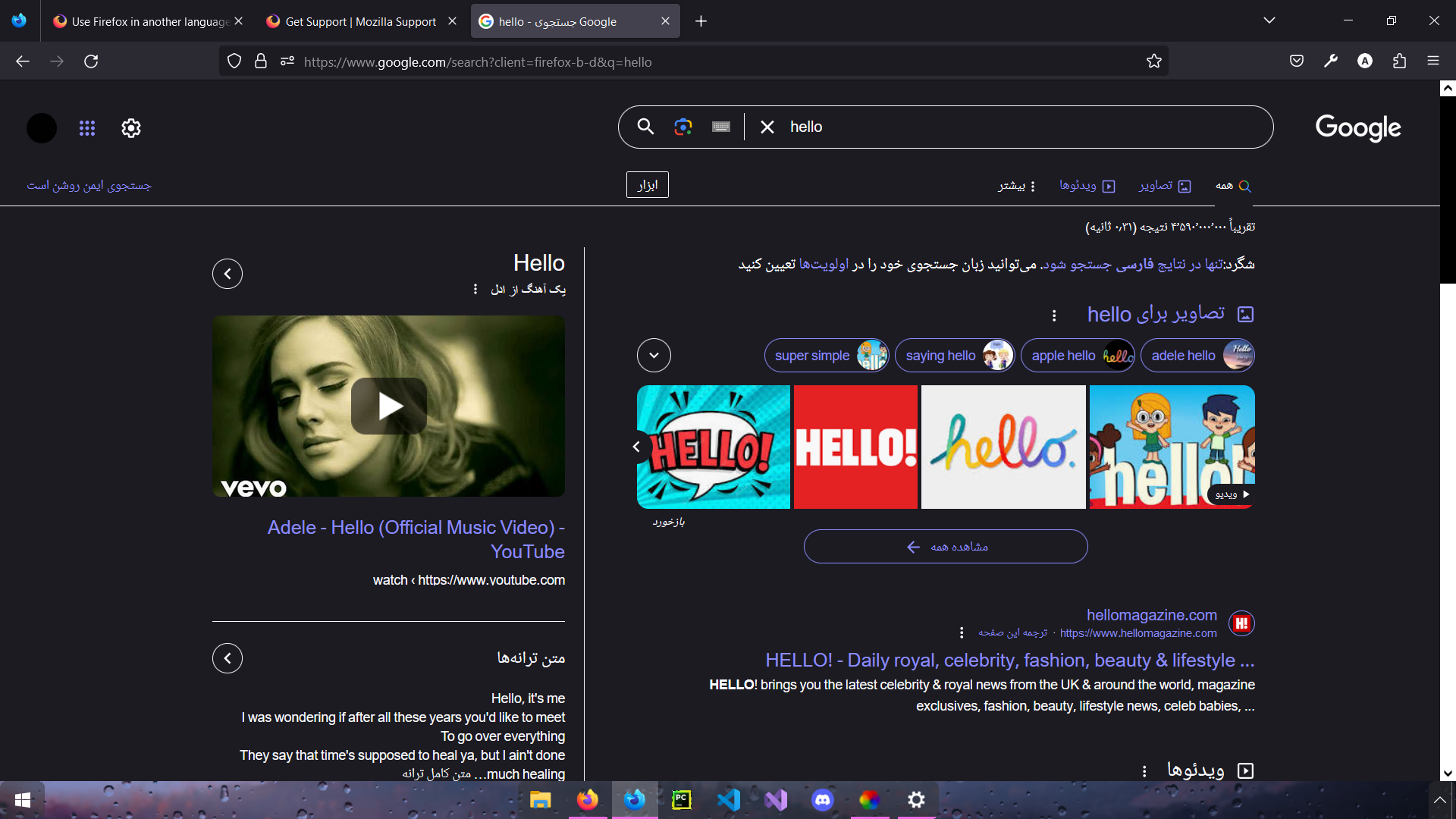
Hello, I use both Firefox and Firefox developer edition and in both (different accounts, not synced) in my Firefox I set Persian as an alternative language about a year ago now I can't remove it. The developer edition is just in English but the buttons and some of the text is in Persian (it's the same with Firefox) My laptops default language is English with only Persian keyboard. how can I fix this?
Hello,
I use both Firefox and Firefox developer edition and in both (different accounts, not synced)
in my Firefox I set Persian as an alternative language about a year ago now I can't remove it.
The developer edition is just in English but the buttons and some of the text is in Persian (it's the same with Firefox)
My laptops default language is English with only Persian keyboard.
how can I fix this?
Toate răspunsurile (1)
Do you have language packs installed in Firefox (i.e. do you have "Settings -> Languages") ?
You can try "Clear the startup cache..." via the "Help -> More Troubleshooting Information" (about:support) page.