


No pages load - white screen
No websites load on my Xiaomi Redmi Note 3 Pro (Android version 5.1.1 LMY47V - please don't ask to update android. Android versions only update starting with Android 6)
Steps to reproduce:
- Numbered list item Open a new tab in the newest Firefox (84.1.1) or Firefox Beta (85.0.0-beta.2) for Android in normal or private mode.
- Numbered list item Navigate to www.facebook.com or any other website.
Expected behavior: Page content loads.
Actual behavior: The page loading indication bar goes to the end and disappears, but no page content loads at all - the screen is white. No error message.
選ばれた解決策
Hi
There is an update to 84.1.2 that will fix this issue. Please check for updates from the Google Play store.
この回答をすべて読む 👍 1すべての返信 (8)
I tried:
- Clearing cache
- Switching "Enhanced Tracking Protection" from Strict to Standard (default)
- Reinstalling Firefox
Nothing worked =(
この投稿は robert.peetsalu により に変更されました
Is this a version that you have installed from the Google Play store?
Yes. All of them.
Hi
Please can you update your copy of Firefox for Android from the Google Play store. An update has gone out today that should fix this issue.
Hi,
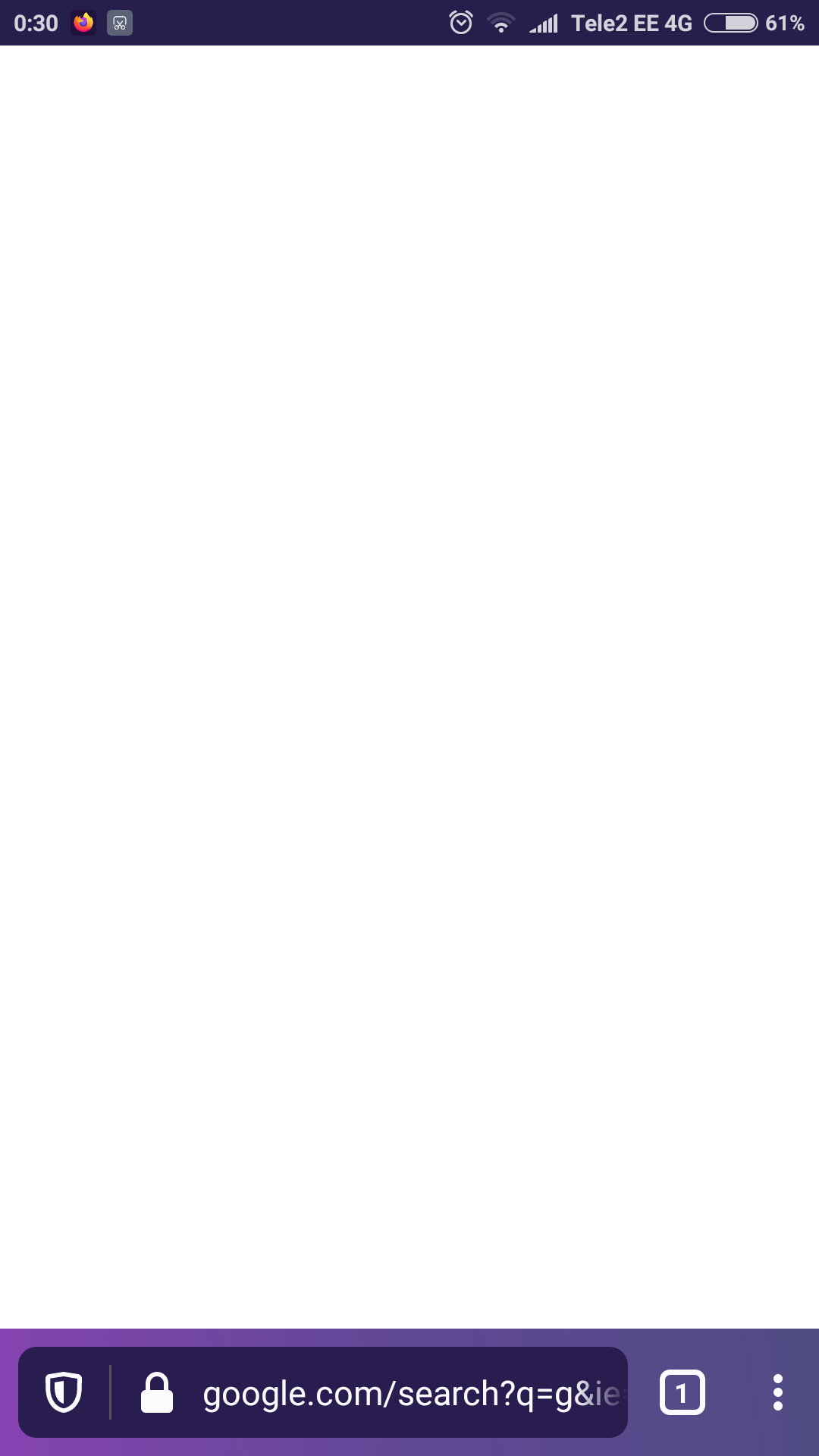
The issue remains. Here are some screenshots of normal and incognito mode. I tried turning off enhanced tracking protection in both modes.
Firefox version in Google Play: 84.1.1 (Build #2015781795)
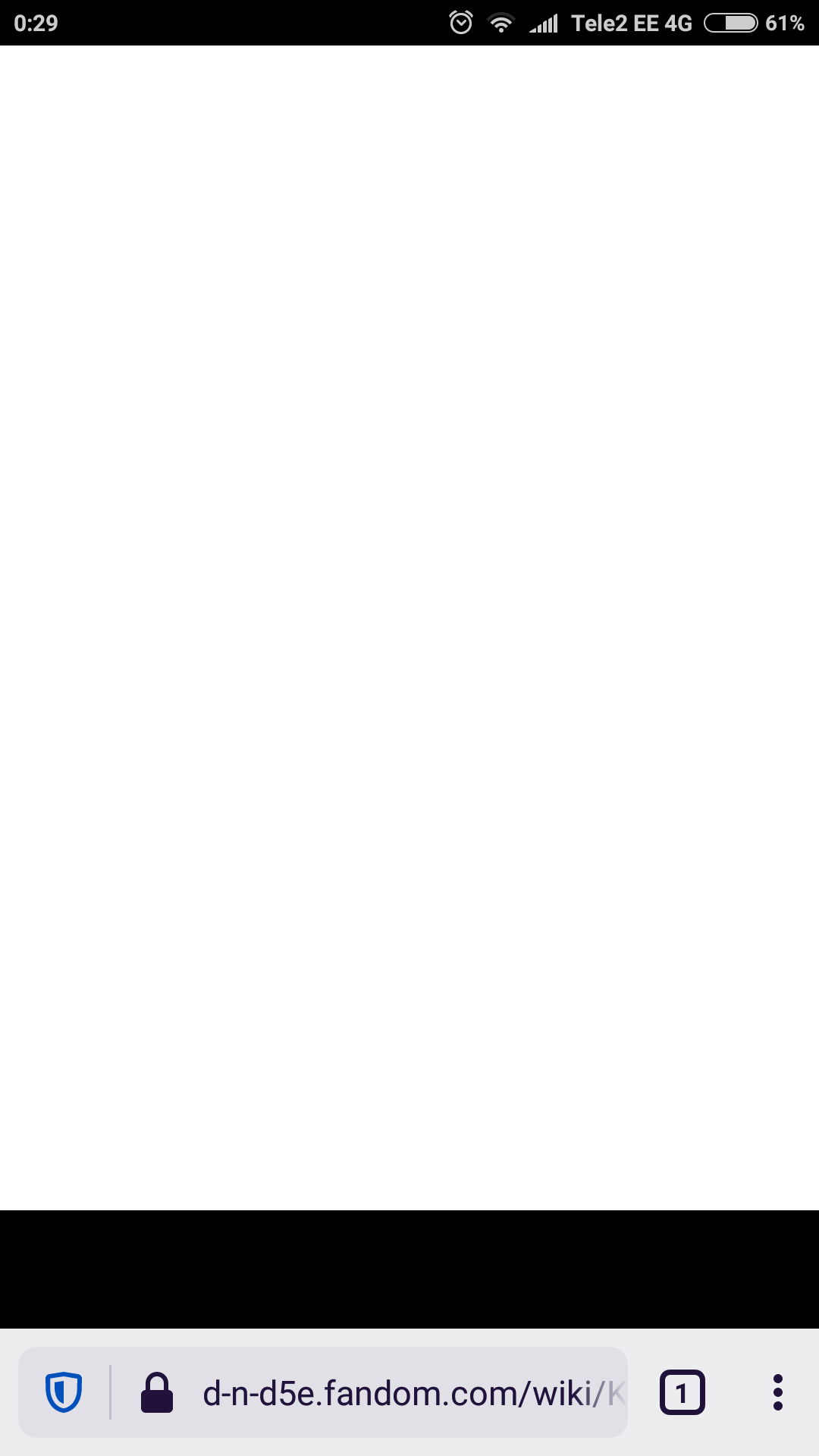

この投稿は robert.peetsalu により に変更されました
And here are the screenshots.
The version in Google Play is 84.1.1 (Build #2015781795)

選ばれた解決策
Hi
There is an update to 84.1.2 that will fix this issue. Please check for updates from the Google Play store.
Thank you! With this version sites load as expected in both normal and incognito mode.