


How do I import bookmarks from Safari? Using Firefox 8 Beta

Using OS X Lion 10.7.2 and Safari 5.1.1 Firefox 8 Beta
Kiválasztott megoldás
Exporting bookmarks from Safari
Go to File->Export Bookmarks. Safari saves your bookmarks in an HTML file. Save the HTML file to the Desktop or any other location of your choice.
Importing bookmarks to Firefox
Go to Bookmarks->Show all bookmarks. This will open up the Bookmarks Library.
Click Import and Backup...
Select Import Bookmarks from HTML.. from drop down menu.
Locate your HTML file exported from Safari.
Válasz olvasása eredeti szövegkörnyezetben 👍 9Összes válasz (6)
I get no menu item labelled 'Import Bookmarks.'
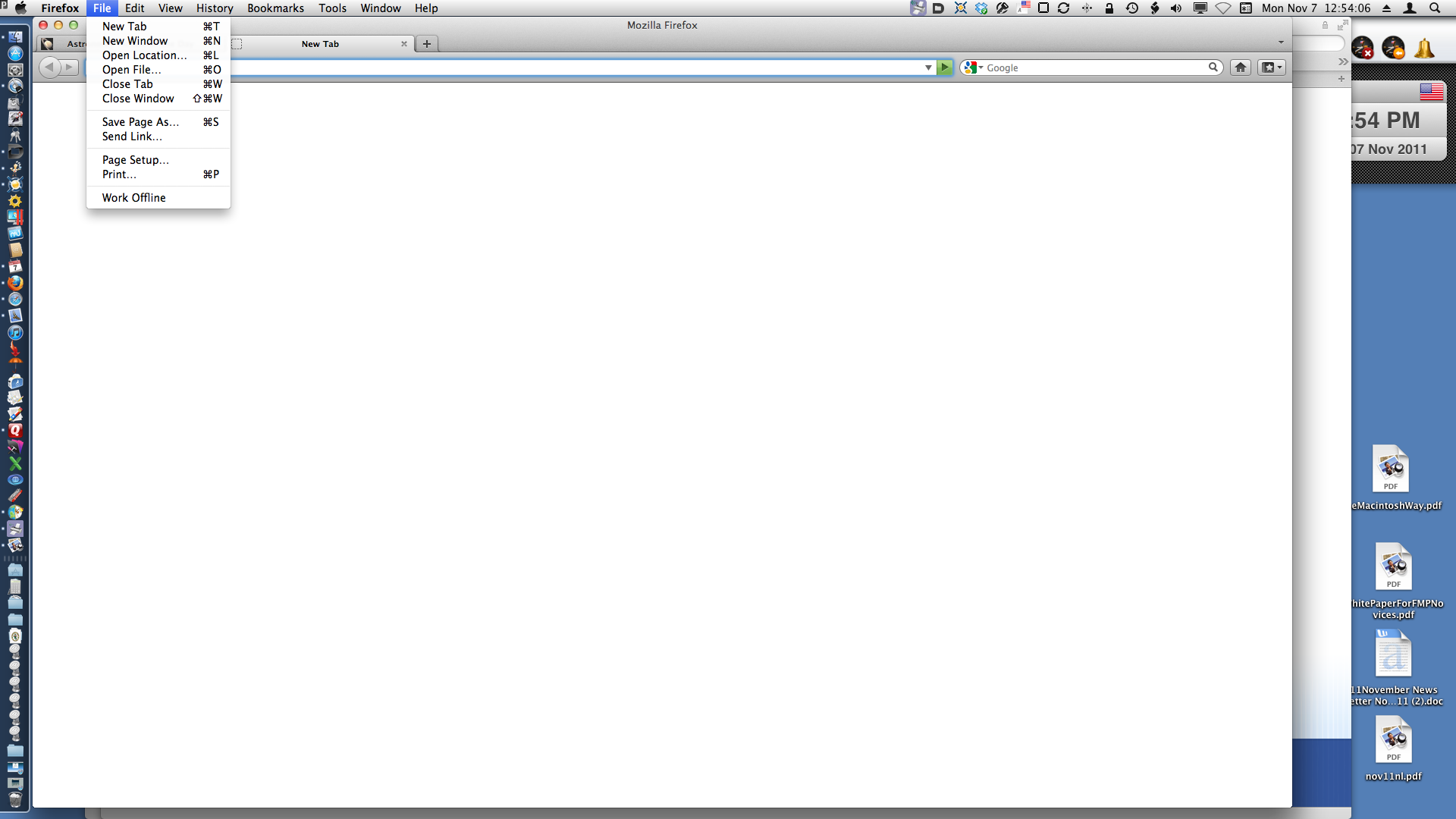
As I said, in Firefox 8 there is NO drop down menu item for importing bookmarks under the File menu.
Kiválasztott megoldás
Exporting bookmarks from Safari
Go to File->Export Bookmarks. Safari saves your bookmarks in an HTML file. Save the HTML file to the Desktop or any other location of your choice.
Importing bookmarks to Firefox
Go to Bookmarks->Show all bookmarks. This will open up the Bookmarks Library.
Click Import and Backup...
Select Import Bookmarks from HTML.. from drop down menu.
Locate your HTML file exported from Safari.
You can use Safari Bookmark Exporter to export bookmarks to an HTML file,if exporting to the HTML file is not supported by Safari.
Download Link http://homepage.mac.com/simx/public/products/SBE1.1.dmg
Módosította: xr417,