Saved passwords
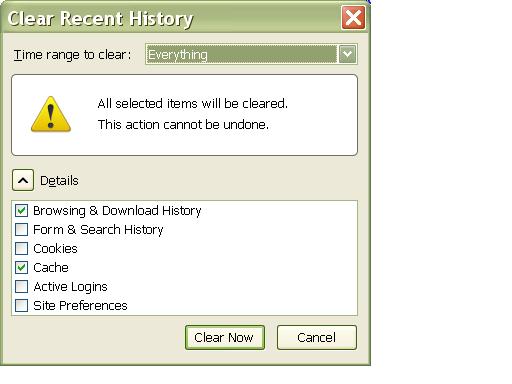
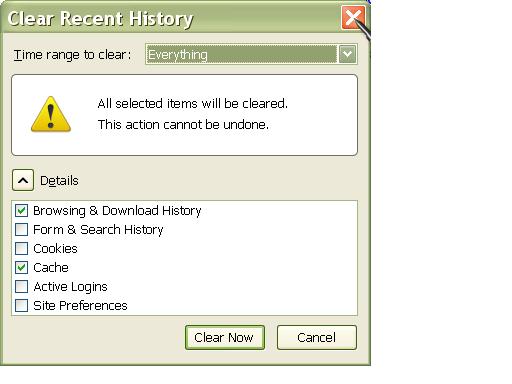
Why, when i click on "clear recent history" and then clear now, does it clear my usernames and passwords for websites i have in my bookmarks? When i clear, all of my usernames and passwords have to be re logged in.
Összes válasz (7)

It depends on what you have selected to clear. "Remember me" details for staying logged into sites are stored in cookies, so if you clear the cookies you will have to log into the sites again.
Thank You, does it matter if i uncheck cookies?
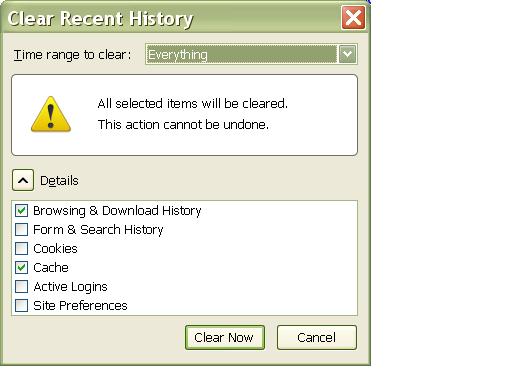
If you want it to remember login details you will need to make sure that the cookies for the sites are not deleted.
Thank You. If cookies is unchecked what does that do other than remembering login details?
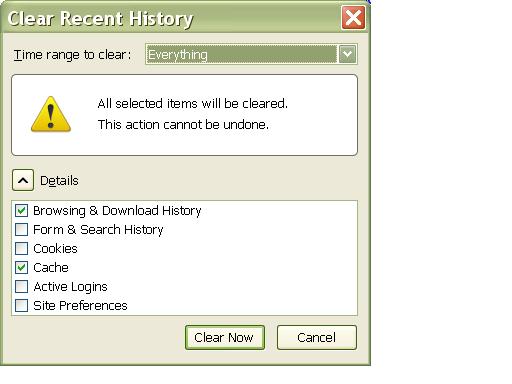
Cookies have a multitude of uses, for details see http://en.wikipedia.org/wiki/HTTP_cookie
Also be sure not to remove the Site Preferences.
Clearing "Site Preferences" in "Clear Recent History" will remove exceptions that are stored in content-prefs.sqlite (site specific settings for zoom) and permissions.sqlite (exceptions for images, cookies, pop-ups, software; Tools > Page Info > Permissions) in the Profile Folder. The password exceptions (Tools > Options > Security: Passwords: Show Passwords) are also removed from signons.sqlite.
Thank You.