


changing imap protocol to pop3 default protocol to download mail does not use pop3
I want to change the default download protocol accessing the mail server from imap to pop3. I went into the account settings & changed the default selection from imap to pop3. But the change does not take effect. Tbird still accesses the server using the imap protocol.
Összes válasz (5)

Kiválasztott megoldás
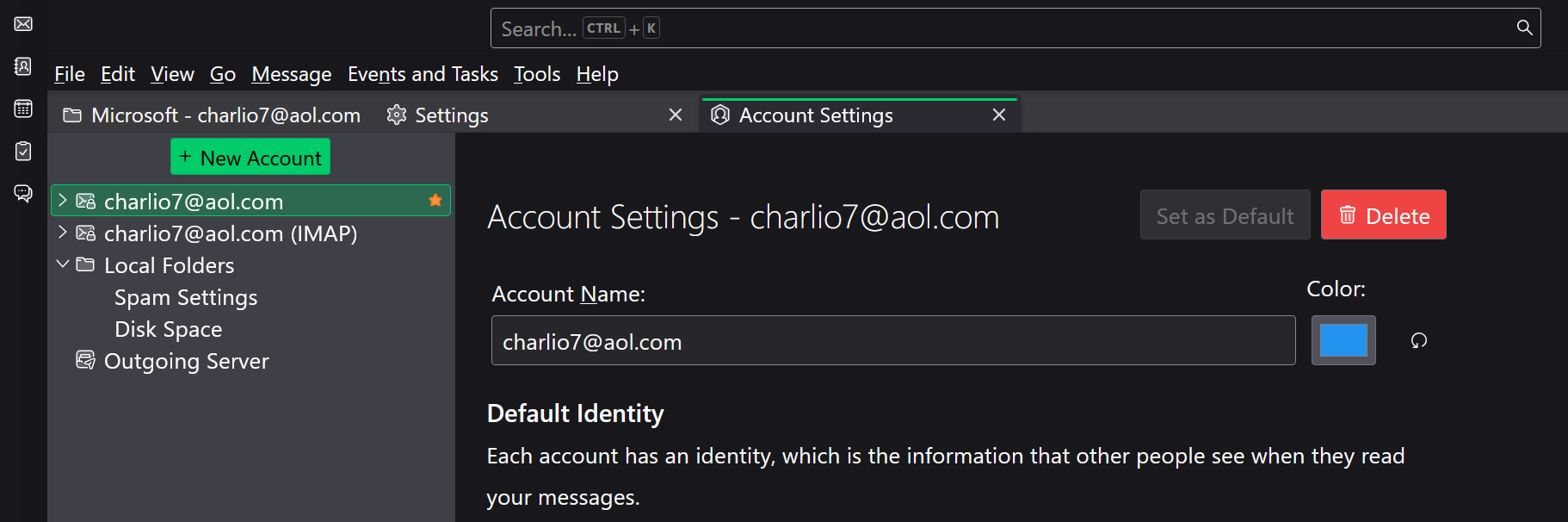
You can't change from IMAP to POP that way; you have to create a new account as POP. Before doing that, go to TB menu > Account Settings > Server Settings and disable these options:
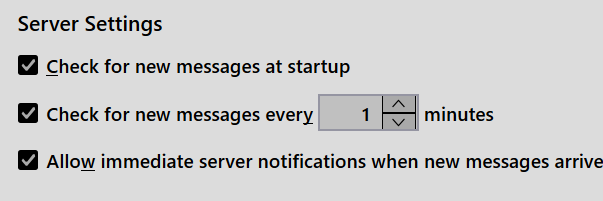
Ed, Thanks for the info. I forgot about those settings. Tbird already had the pop3 profile. like you said, just uncheck the boxes. All is well. Thanks again. olegreyghost
olegreyghost said
Tbird already had the pop3 profile. like you said, just uncheck the boxes.
So it got created when you simply changed the setting from imap to pop3? If so, then TB must have made the server changes too.
No. It was already created when first setup. It was just when I went into the page I was at the top of the listings. The server & settings page was closed. Your graphic in a previous post woke up some little grey cells. I opened the server & setting & the rest is history. Problem solved. Everything is downloading in the pop3 profile now. Thanks again.
olegreyghost said
No. It was already created when first setup. It was just when I went into the page I was at the top of the listings. The server & settings page was closed. Your graphic in a previous post woke up some little grey cells. I opened the server & setting & the rest is history. Problem solved. Everything is downloading in the pop3 profile now. Thanks again.
OK, you're welcome :-)