Highlighting emails in drafts folder

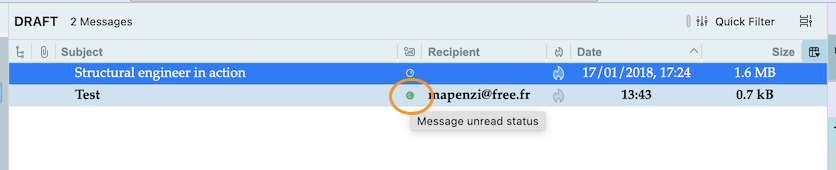
When I save an email as a Draft, it appears in bold in that folder, so I am aware it is there. If I edit it and save it again, without sending it, the bold disappears, so I forget it is still unsent (unless I happen to click on that folder). Other email software allows you to click a button to highlight a particular email, but there seems no way to do this in Thunderbird.
When I save an email as a Draft, it appears in bold in that folder, so I am aware it is there.
If I edit it and save it again, without sending it, the bold disappears, so I forget it is still unsent (unless I happen to click on that folder).
Other email software allows you to click a button to highlight a particular email, but there seems no way to do this in Thunderbird.