

A témacsoportot lezárták és archiválták.
Tegyen fel új kérdést, ha segítségre van szüksége.

Archivált
Trying to import takeout zip files (I have mbox files) into a new email account.

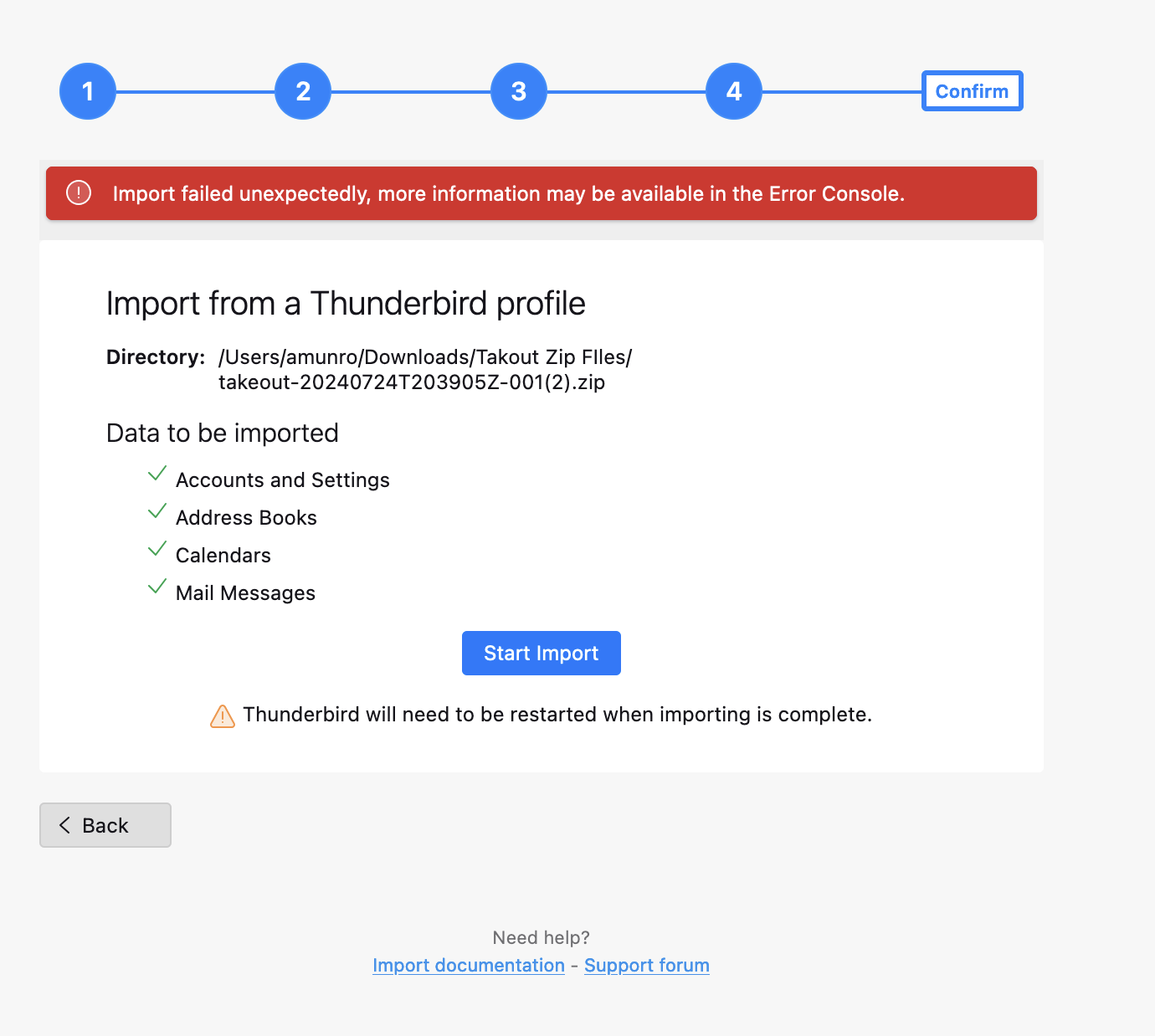
I am trying to import mbox mail files already downloaded from one gmail account into a new gmail account. I am getting this message from Thunderbird: "import failed unexpectedly, more information may be available in the Error Console". I opened the Error Console but cannot understand the gibberish (code!) that shows up! HELP???
I am trying to import mbox mail files already downloaded from one gmail account into a new gmail account. I am getting this message from Thunderbird: "import failed unexpectedly, more information may be available in the Error Console". I opened the Error Console but cannot understand the gibberish (code!) that shows up! HELP???
Összes válasz (1)
Help/Troubleshooting Info, Profile Folder, Show in Finder, close TB, copy mbox files into the Mail/Local Folders, restart TB, find the folders under Local Folders.
If you try to upload from Local Folders to a gmail IMAP folder, that is more difficult unless you copy in small batches (at most a few hundred at a time).