


Local Folders (Copy emails from Inbox & Subfolders)

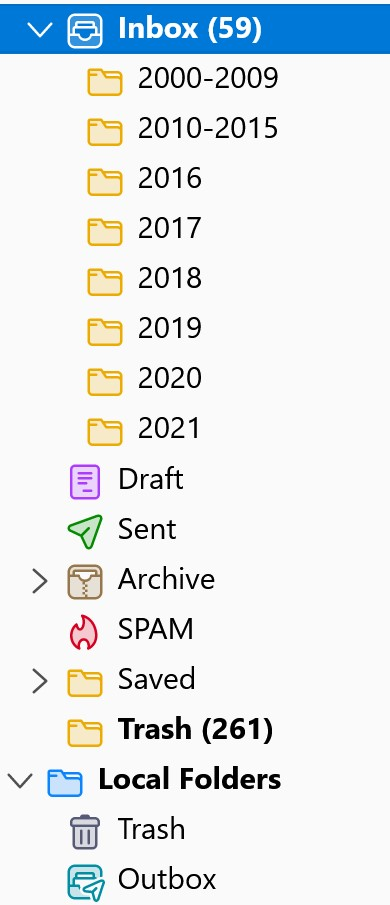
Due to a large number of emails in my inbox, I had to create subfolders (did that by year ending).
Everything is now synched between IMAP server and TB client. I want all the folders to be stored for offline viewing, so I also created Local Folders that match the online subfolders. I thought it would be easy to drag/drop or copy/paste...but not all the emails are transferring. So, I keep highlighting all the messages in the Inbox subfolders and copying again, and again...each time it grabs a few more...but not all and occasionally there are duplicates.
Thoughts?
Összes válasz (6)

Mail servers are not designed for mass transactions, so you'll have to do this in smaller batches.
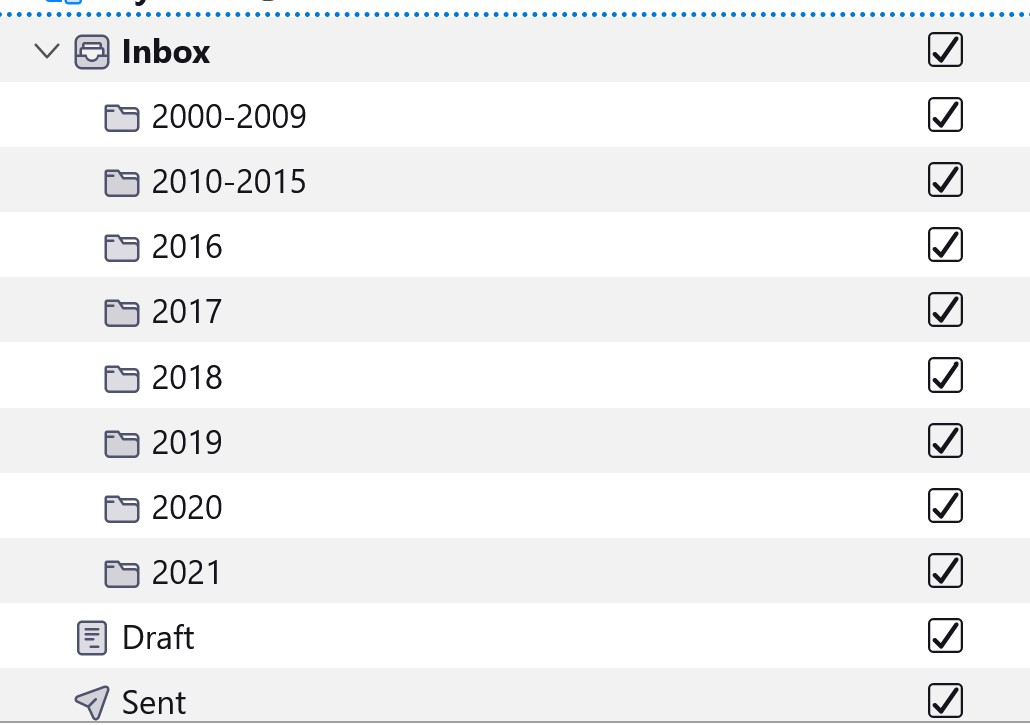
Instead of copying everything to Local Folders you could just have Thunderbird to download an offline copy of all your messages from the server. In Thunderbird speak this is called 'synchronization'. https://support.mozilla.org/kb/imap-synchronization
I totally get it and it's supposed to work.
I did all of this, see screen shots. In fact, have done this prior too. When I turn off my internet... only headers are available...no emails.
Also, each time it runs through "downloading messages", once I open up TB the next time, it starts again at downloading 1 or xxxxx
Any ideas?

What is your anti-virus software?
windows 10 defender. already set the folder as exclusion:
C:\Users\heyho\AppData\Roaming\Thunderbird\Profiles\7neblmp6.default-release\ImapMail\imap.aol.com
Módosította: HY,
win 10 defender. already set exclusion as follows:
C:\Users\heyho\AppData\Roaming\Thunderbird\Profiles\7neblmp6.default-release\ImapMail\
I'd rather exclude the entire Thunderbird profile folder: C:\Users\heyho\AppData\Roaming\Thunderbird\Profiles\7neblmp6.default-release
Whether that helps with your problem I don't know. You could also turn on synchronization for one folder at a time, not for all at once.