


Firefox won't load at all

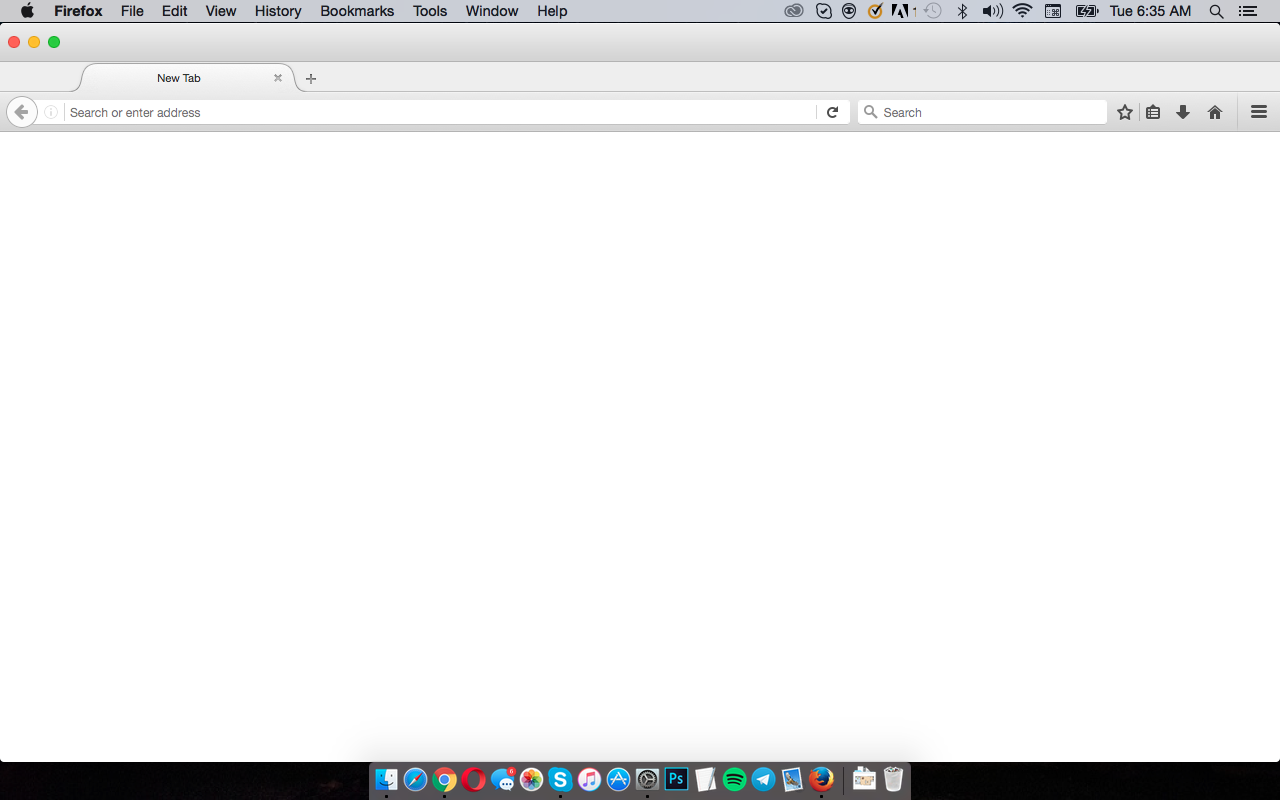
Firefox won't load at all. I open the browser and I get a new, empty tab which won't load anything at all. It won't even let me open the preferences. I've deleted and reinstalled and gotten exactly the same problem.
Összes válasz (4)

What is your computer system and Firefox?
Let’s do a full clean re-install; Download Firefox For All languages And Systems {web link} Save the file. Then;
Using your file browser, open the Programs Folder on your computer.
Windows: C:\Program Files C:\Program Files (x86) Mac: Open the "Applications" folder. Linux: Check your user manual.
Do Not remove the profiles folder.
Look for, and rename any Mozilla or Firefox program folders by adding .old to them. Do not rename the Mozilla Thunderbird folder.
After rebooting the computer, run a registry scanner. Then run the installer. If all goes well, remove the OLD folders when you are done.
If there is a problem, start your Computer in safe mode and try again.
It a Mac laptop running OS X 10.10.5
I reinstalled, cleaned everything out, 3 times. And still nothing.
Did you try to start your Computer in safe mode?
Some problems occur when your Internet security program was set to trust the previous version of Firefox, but no longer recognizes your updated version as trusted. Now how to fix the problem: To allow Firefox to connect to the Internet again;
- Make sure your Internet security software is up-to-date (i.e. you are running the latest version).
- Remove Firefox from your program's list of trusted or recognized programs. For detailed instructions, see
Configure firewalls so that Firefox can access the Internet. {web link}
My firewall is off, actually. Nothing should be preventing it from working re: security.