


Join us to show up for other Firefox users 🦊. Earn fun badges and Mozilla swag vouchers! Find out more: https://mzl.la/askafox150

Windows 10 reached EOS (end of support) on October 14, 2025. If you are on Windows 10, see this article.

Search Support

Avoid support scams. We will never ask you to call or text a phone number or share personal information. Please report suspicious activity using the “Report Abuse” option.

Learn More

Websites not loading due to error message "This web site requires a secure connection."

  • Gan freagra
  • 0 leis an bhfadhb seo
  • 17 views
  • Open

Whenever i try to connect to any site, it fails to load and displays the following error message:

This web site requires a secure connection. - The page you are trying to view cannot be shown because this web site requires a secure connection. - The issue is most likely with the web site, and there is nothing you can do to resolve it. - You can notify the web site’s administrator about the problem.

When i press 'advanced' it says: [Site name] has a security policy called HTTP Strict Transport Security (HSTS), which means that Firefox can only connect to it securely. You can’t add an exception to visit this site.

This happens on every site i try to visit. I am on a samsung phone running android version 15. Other browsers do not have this problem (i am sending this from opera), and firefox works fine on my other devices.
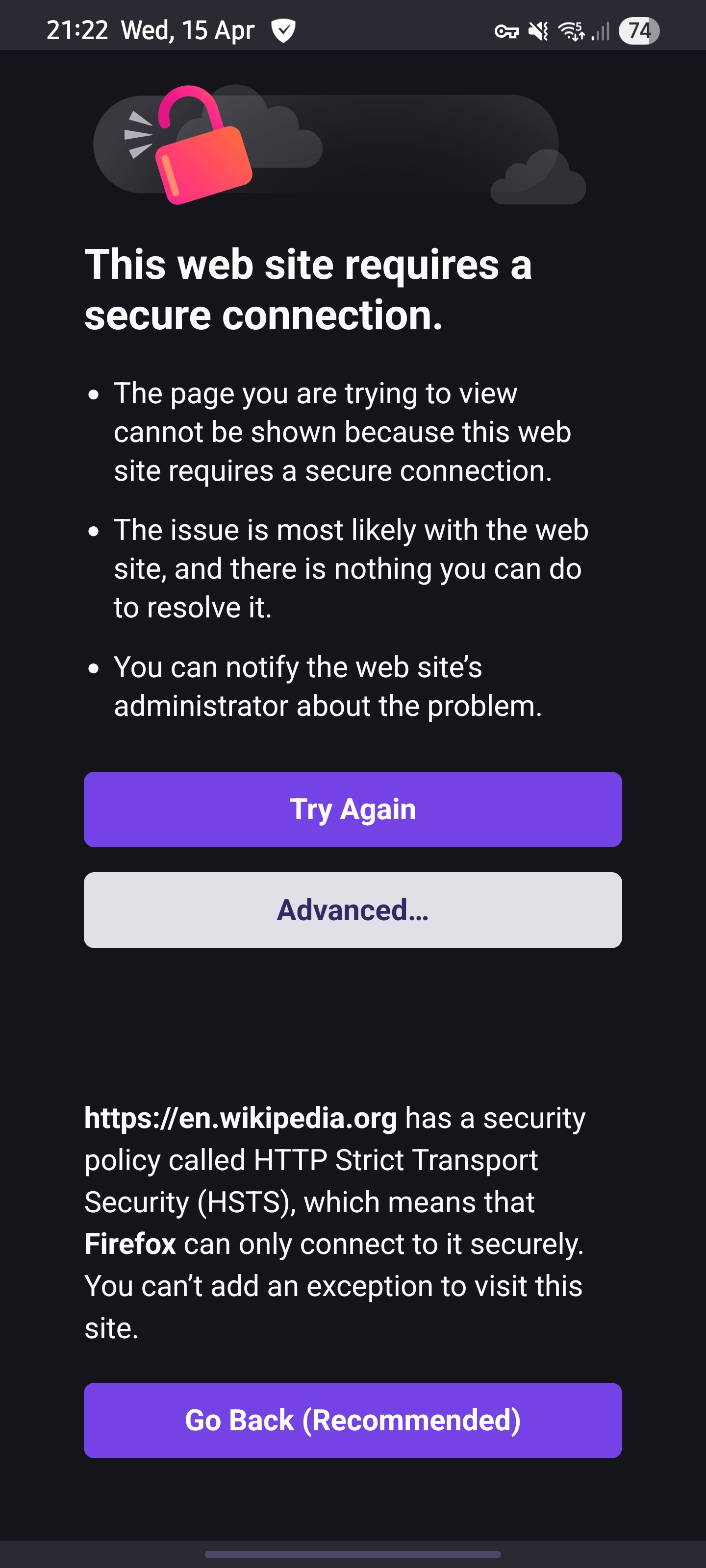
Whenever i try to connect to any site, it fails to load and displays the following error message: '''This web site requires a secure connection.''' - The page you are trying to view cannot be shown because this web site requires a secure connection. - The issue is most likely with the web site, and there is nothing you can do to resolve it. - You can notify the web site’s administrator about the problem. When i press 'advanced' it says: [Site name] has a security policy called HTTP Strict Transport Security (HSTS), which means that Firefox can only connect to it securely. You can’t add an exception to visit this site. This happens on every site i try to visit. I am on a samsung phone running android version 15. Other browsers do not have this problem (i am sending this from opera), and firefox works fine on my other devices.
Attached screenshots

You must log in to your account to reply to posts. Please start a new question, if you do not have an account yet.