


Can't download anything (including extensions). Wont work in safe mode, wont with extensions disabled

As I was downloading a video from Google Photos, it showed the yellow by the download arrow and said it failed. I tried multiple file types: mpeg, jpeg, mp4, exe. I googled what to do and my answer was: Disable extensions, start in safe mode, clear cookies, clear history, clear download history. I did all that and I can still not download. I restarted my computer and nothing changed. on FF version 136.0.2
All Replies (3)
What OS? If windows, home or pro and are you running any security software besides MS Defender? I have no issues downloading a video from google photo. see screenshot
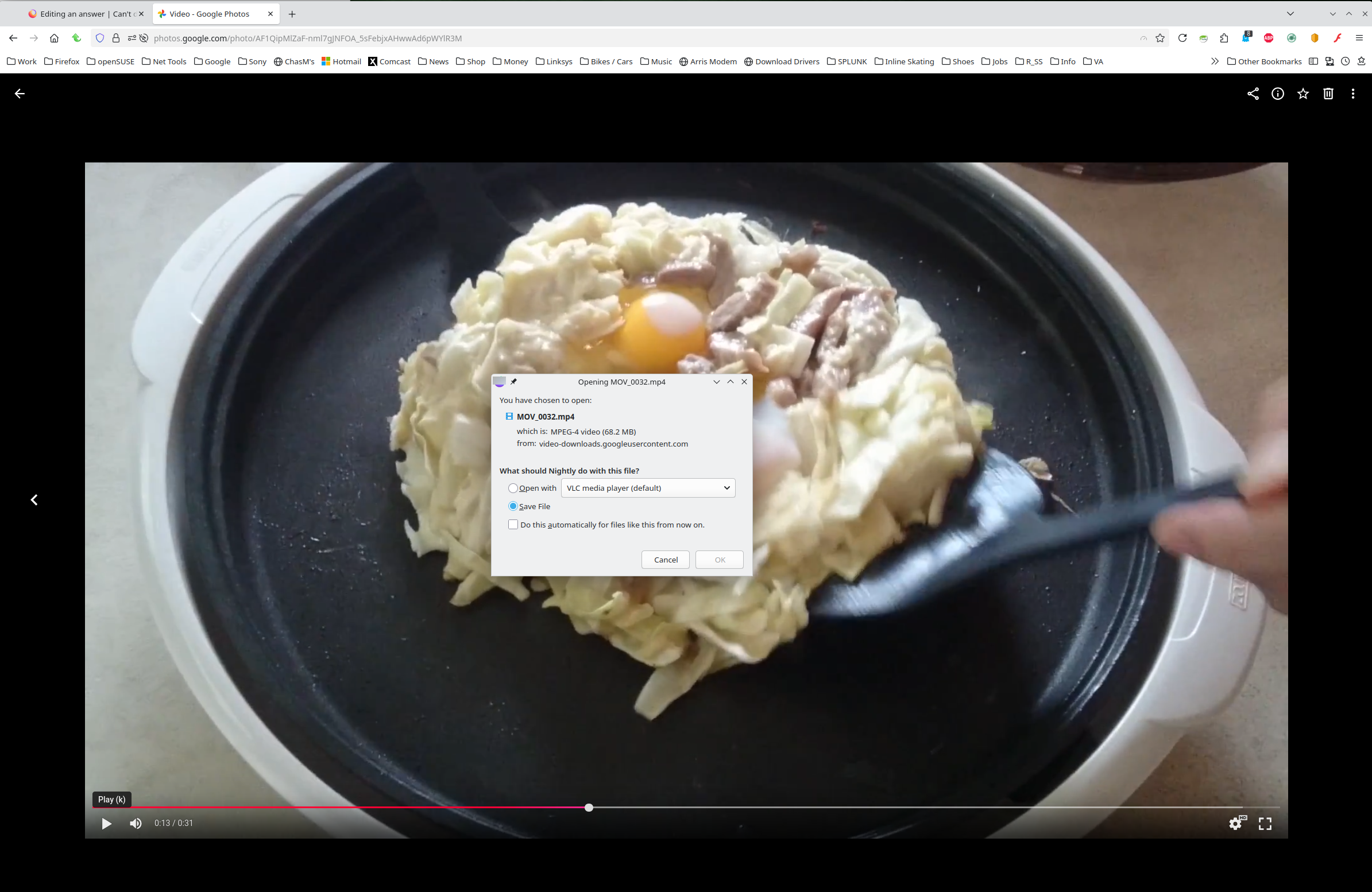
Athraithe ag jonzn4SUSE ar
If I change browsers, I can download just fine. MS defender is on and on Win 11 pro.
Can you post a similar screenshot showing the issue? Try Windows Sandbox, enable it and test. https://www.howtogeek.com/399290/how-to-use-windows-10s-new-sandbox-to-safely-test-apps/