


Change of Browser Configuration after last update
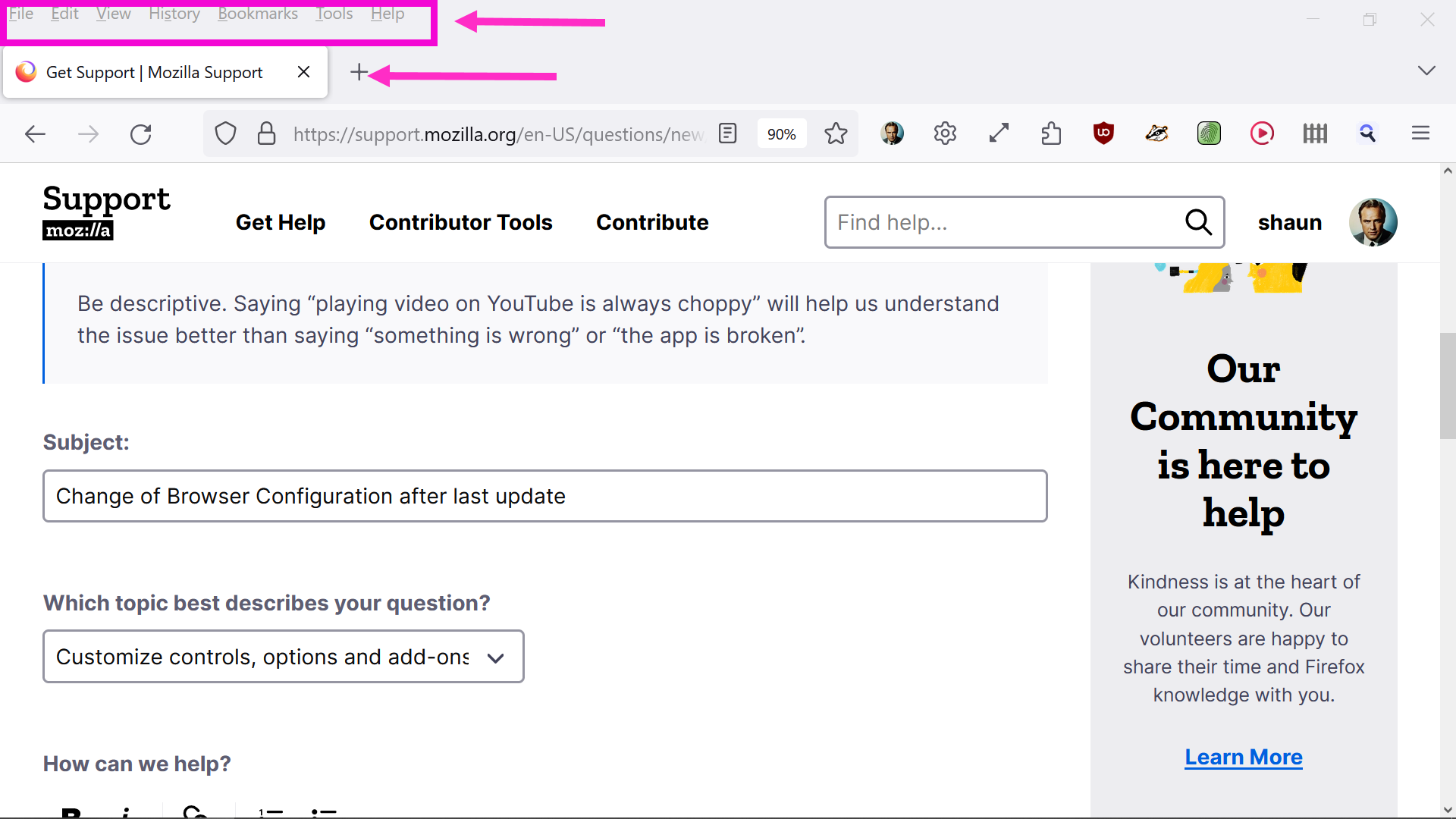
I prefer my previous Mozilla Browser configuration. I have attached a screenshot for information.
Solution choisie
Toutes les réponses (6)
Hi Shaun
What would you like to change? It is not very clear from the screenshot that you have attached, but we are keen to try and help.
Thanks for your quick reply Paul.
I should have been more specific.
I like to keep this Mozilla Browser clean. For example: "File Edit View History Bookmarks Tools Help and the new tabs up the top.
It's not a serious problem, but if there is a way to configure clean, please pass the information for me to view.
Thanks
Shaun

It seems that the screenshot shows your previous configuration. What has changed? Can you attach a screenshot of the present configuration?
Hello,
I am glad to hear that your problem has been resolved. If you haven't already, please select the answer that solves the problem. This will help other users with similar problems find the solution.
Thank you for contacting Mozilla Support.