

Ketju on arkistoitu.
Esitä kysymys, jos tarvitset apua.

Solved
Arkistoitu
Can't Find Import Passwords Button in Firefox

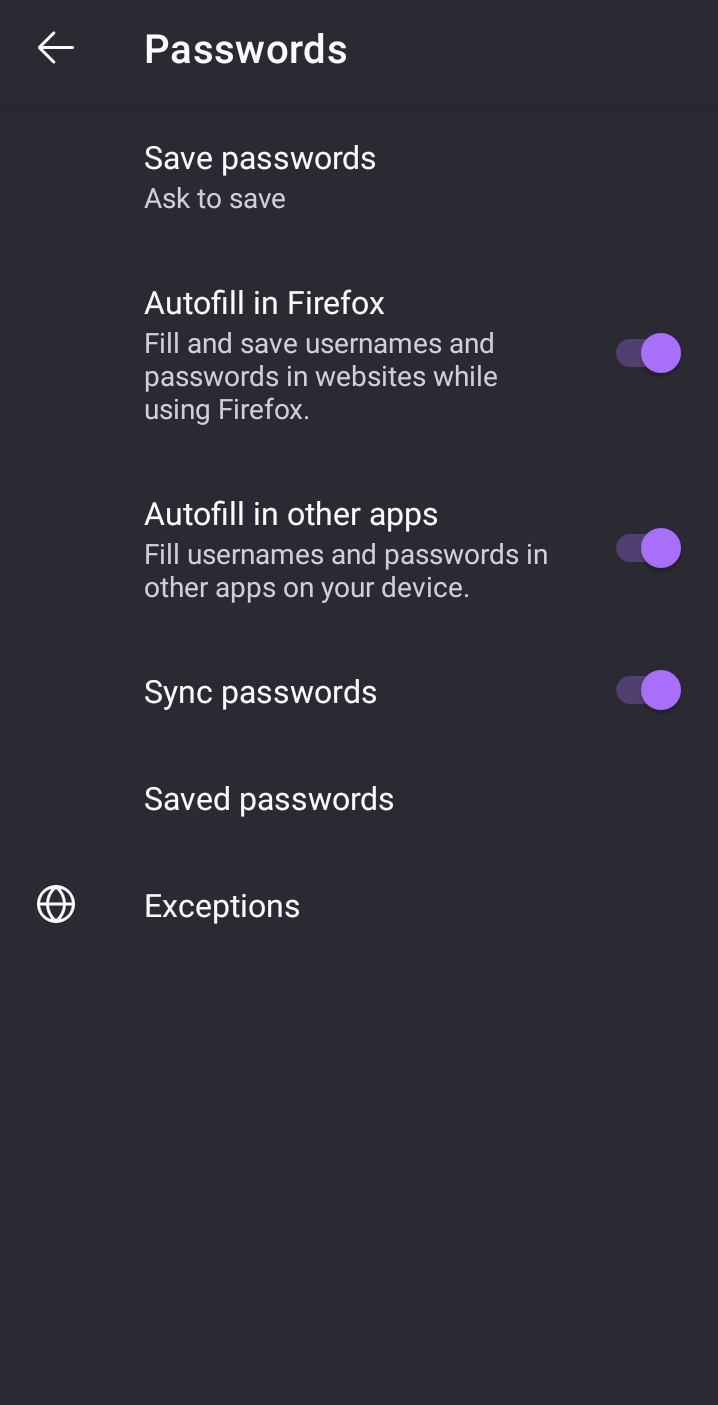
Hello, I recently switched from Chrome to Firefox because of privacy concerns. I exported all my saved passwords from Chrome and now I want to import them into Firefox in one click. However, I couldn't find the "Import Passwords" button or interface in Firefox.
Could you please guide me on how to import my passwords? Is there an option available, or do I need to enable a setting?
Thank you for your help!
Kaikki vastaukset (1)
Valittu ratkaisu
Hi
You will need to import them into a desktop copy of Firefox and then sync them to Firefox for Android. This guide might help: