


Stop messenger from prompting me to download app!

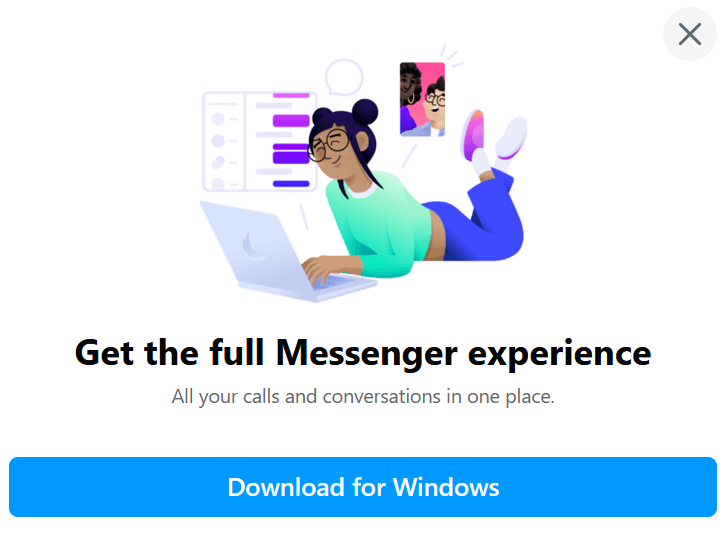
Hello! This is probably one of those intrusive facebook things I won't be able to stop, but when I open messenger in Firefox, it prompts me every! single! time! to download messenger for windows, which I very much don't want to do. It does it via a box over my messages that I have to physically click away. I already have pop-up windows disabled for every site. I went to permissions-- notifications but it wouldn't let me add messenger. Is there anything I can do?
Thank you!
Valittu ratkaisu
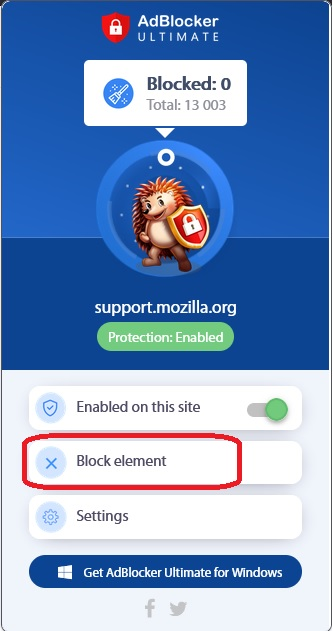
Hi emilyprice7, Adblocker Ultimate has a built-in tool called "Block Element" which works on many of these pop-ups.
Lue tämä vastaus kontekstissaan 👍 1Kaikki vastaukset (3)

Valittu ratkaisu
Hi emilyprice7, Adblocker Ultimate has a built-in tool called "Block Element" which works on many of these pop-ups.

Likewise uBlock Origin. https://addons.mozilla.org/en-US/firefox/addon/ublock-origin/
Thanks so much to both of you! I already had adblocker ultimate installed so I used that option, and it worked.
Thanks again!