


Firefox is too resource hungry! Slowing things down!

I have the latest FF. And this is my system configuration:
Processor : Intel(R) Core(TM) i3-4170T CPU @ 3.20GHz 3.20 GHz Installed RAM : 4.00 GB System type : 64-bit operating system, x64-based processor
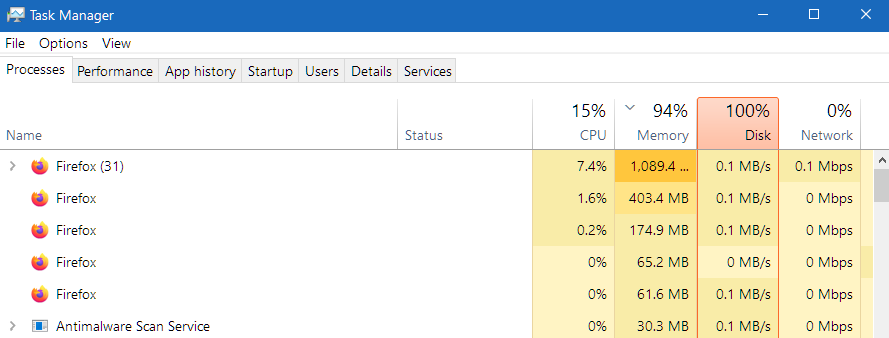
Lately I've observed that my FF is eating up lot of my system resources (see Image) and is slowing things down. In Task Manager I've observed it's running several Processes. Is that normal? It's actually more than 31, as many Processes not shown in the image exist down in the list . Sometimes it shows 43.
So what's wrong? Any solutions?
Kaikki vastaukset (10)
Oh, I forgot to mention that even after clearing the Cookies and Caches my system is still be slowed down by FF.
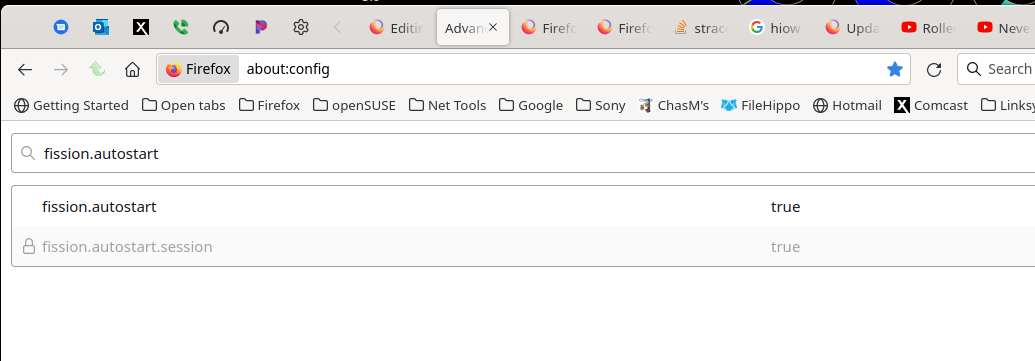
How about setting this to false?
Wow... 31 tabs on that system. Not a good idea. Looks like it's time to visit ebay and get a better used machine.

Multi-process architecture was implemented years ago and has proven to reduce the burden on resources and prevent crashes.
Take a look at Firefox's built-in Task Manager - Menu -> More Tools -> Task Manager for a better idea of what the processes are related to.
jonzn4SUSE said
Wow... 31 tabs on that system. Not a good idea. Looks like it's time to visit ebay and get a better used machine.
31 is NOT the no. of open Tabs! Sometimes that fig. goes up to 44, but it has nothing to do with the no. of open Tabs which is much lower than that.
The no. of open Tabs right now is 19.
It's only on 18th June, 2022 FF started slowing things down. Before that I'd work with more than 20 open Tabs but never had any problems at all.
RobertJ , FF Taskmanager is only showing 6 open Tabs (when I've 19 Tabs opened) and 3 Add-ons.
Ok, did you turn off Fission from my screenshot?
Looking at your Task Manager screenshot again -
Do you have another installation of Firefox? Maybe 32 & 64 bit and one of them is "hung" open in the background?
RobertJ , NO I don't have another installation of FF.
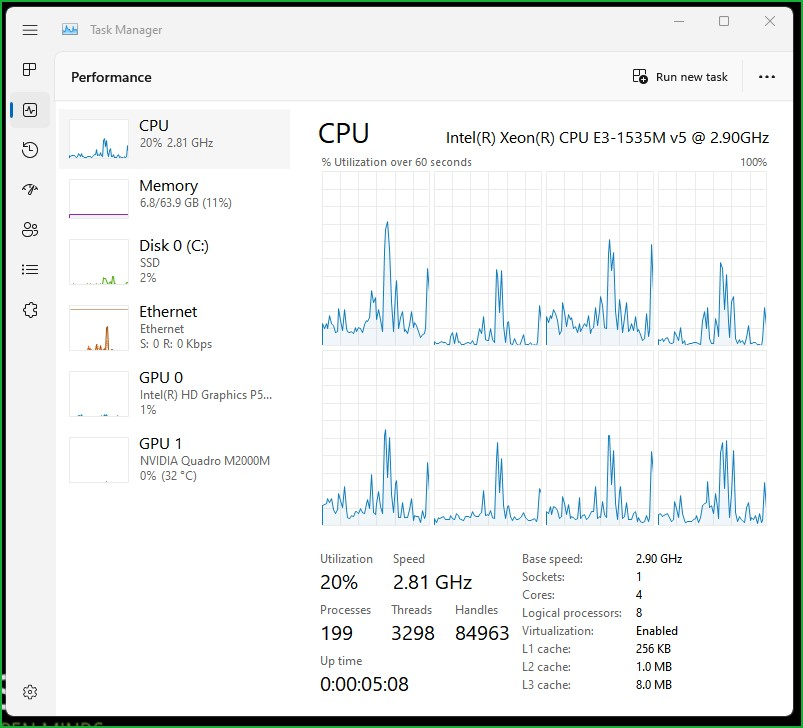
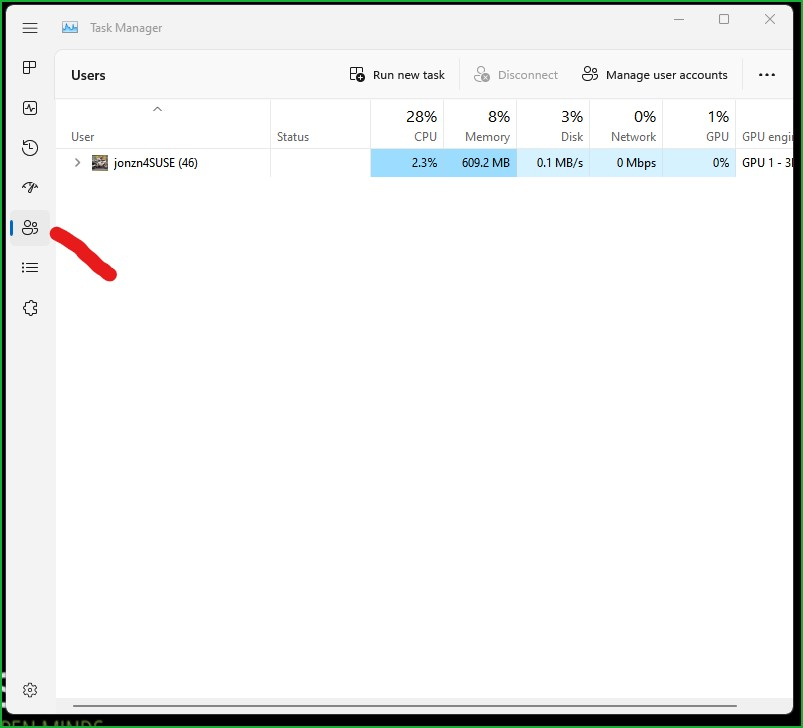
Can you reboot the computer, open only task manager, and post a similar screenshots?
Muokattu , muokkaaja jonzn4SUSE