

Ketju on arkistoitu.
Esitä kysymys, jos tarvitset apua.

Solved
Arkistoitu
Thunderbird (PC): How do I add another tab for my second email account?

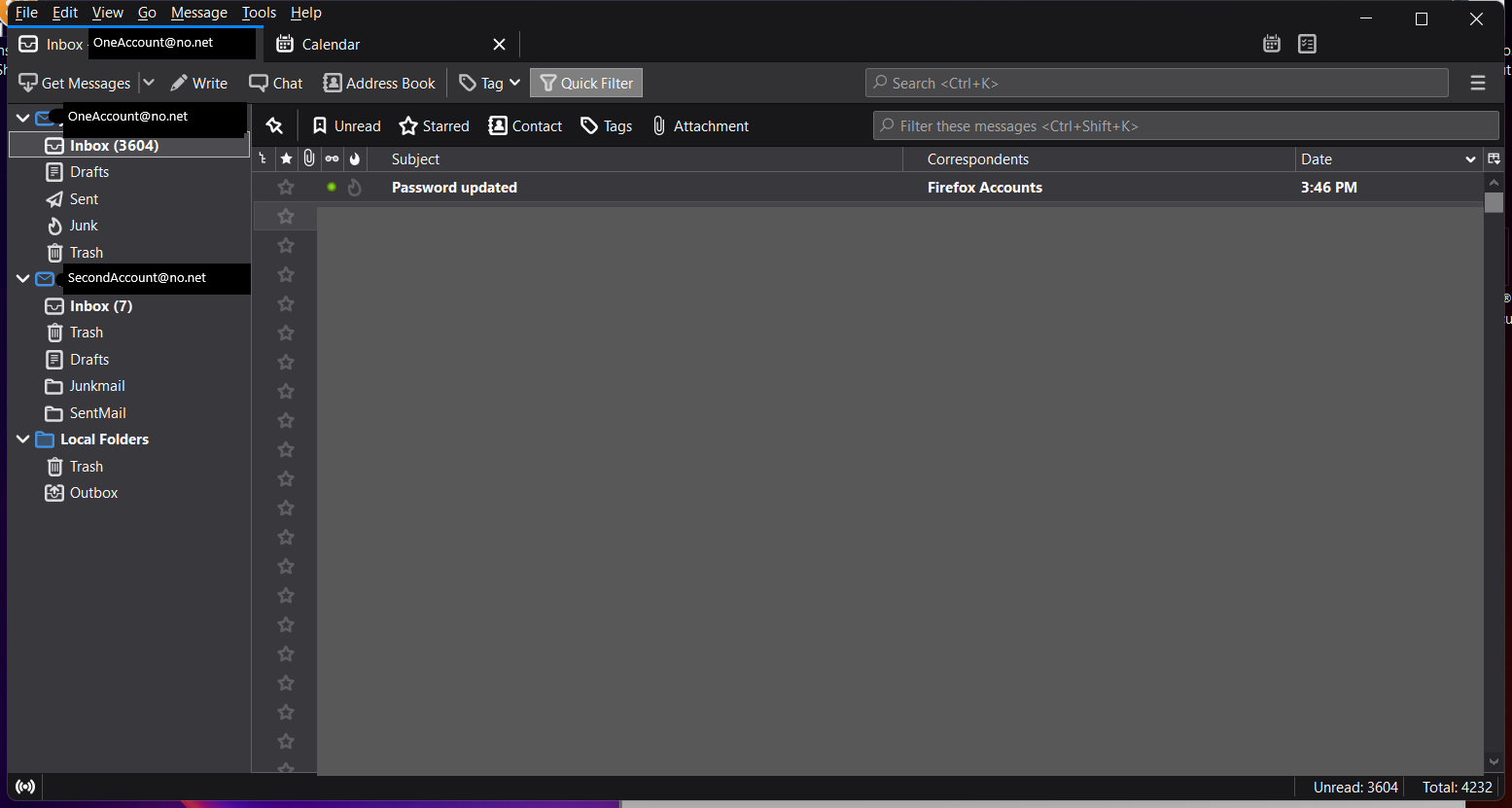
On my old computer I had three tabs, one for each email account and one for the calendar. Now I only have two - one for email (which changes depending on which inbox I click on) and a calendar tab. How do I add another tab for my second email account? I'm sure it's something simple; however, I can't figure it out. I tried dragging the inbox to the toolbar - but I get a "no can" icon (
On my old computer I had three tabs, one for each email account and one for the calendar. Now I only have two - one for email (which changes depending on which inbox I click on) and a calendar tab. How do I add another tab for my second email account?
I'm sure it's something simple; however, I can't figure it out. I tried dragging the inbox to the toolbar - but I get a "no can" icon (
Kaikki vastaukset (2)
Valittu ratkaisu
Right-click the account in the Folder Pane, Open in New Tab?
I knew it was something simple! Thanks!