


how do I get the add on for firefox called wot web of trust?

how do I get the add on for firefox called wot web of trust, I tried it before and it said basically firefox did not recommend it. I want to be able search safely.
Сви одговори (3)
Where did you read that Firefox doesn't recommend WOT?
- WOT (Web of Trust): https://addons.mozilla.org/firefox/addon/wot-safe-browsing-tool/
Hi, This is in response to the last post. I went back to the add-ons for Mozilla Firefox and I noticed that there were 2 WOT add-ons. I tried unsuccessfully to download both. I have attached the photos of what the response was. Any information would be helpful.
Thanks, Karen
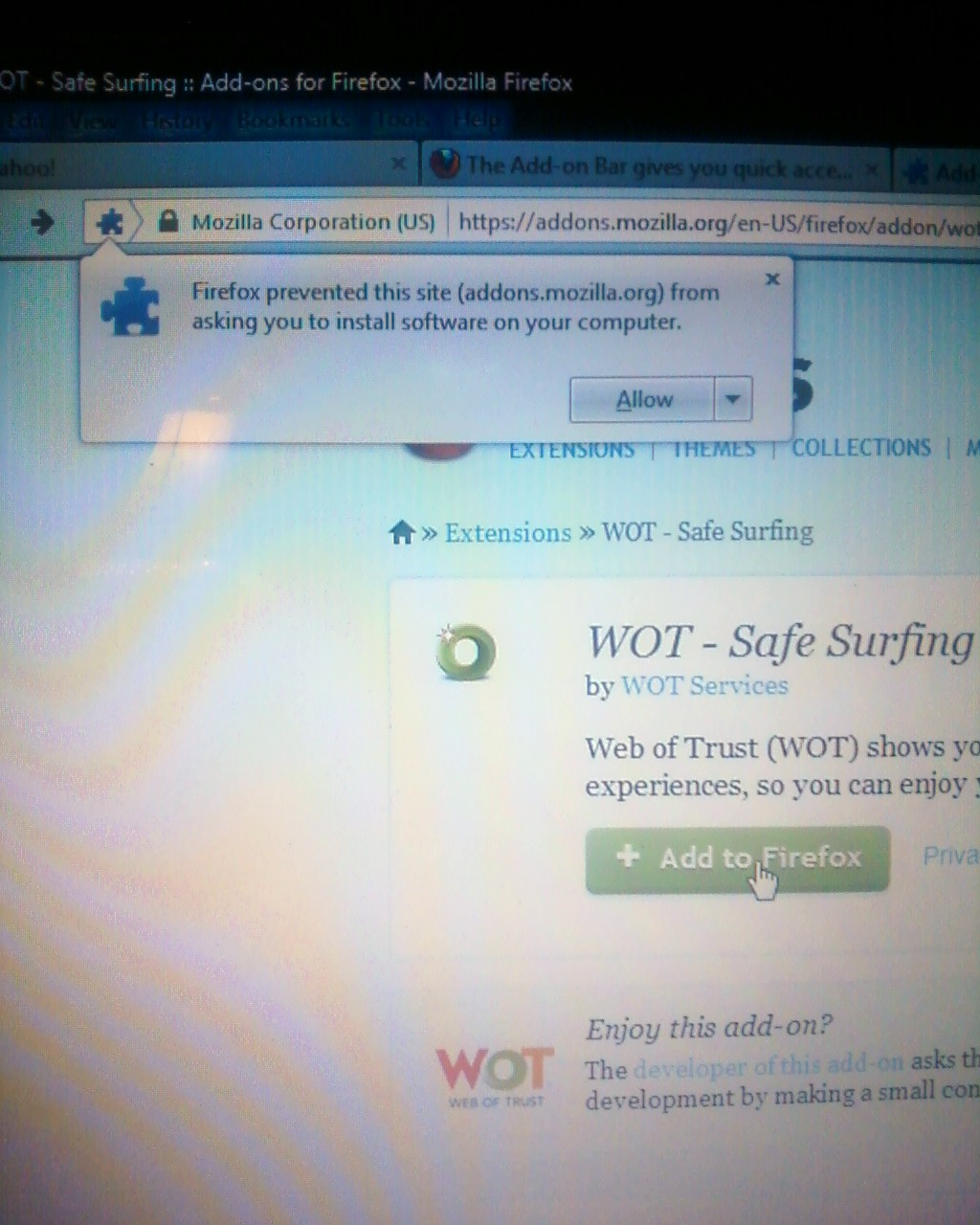



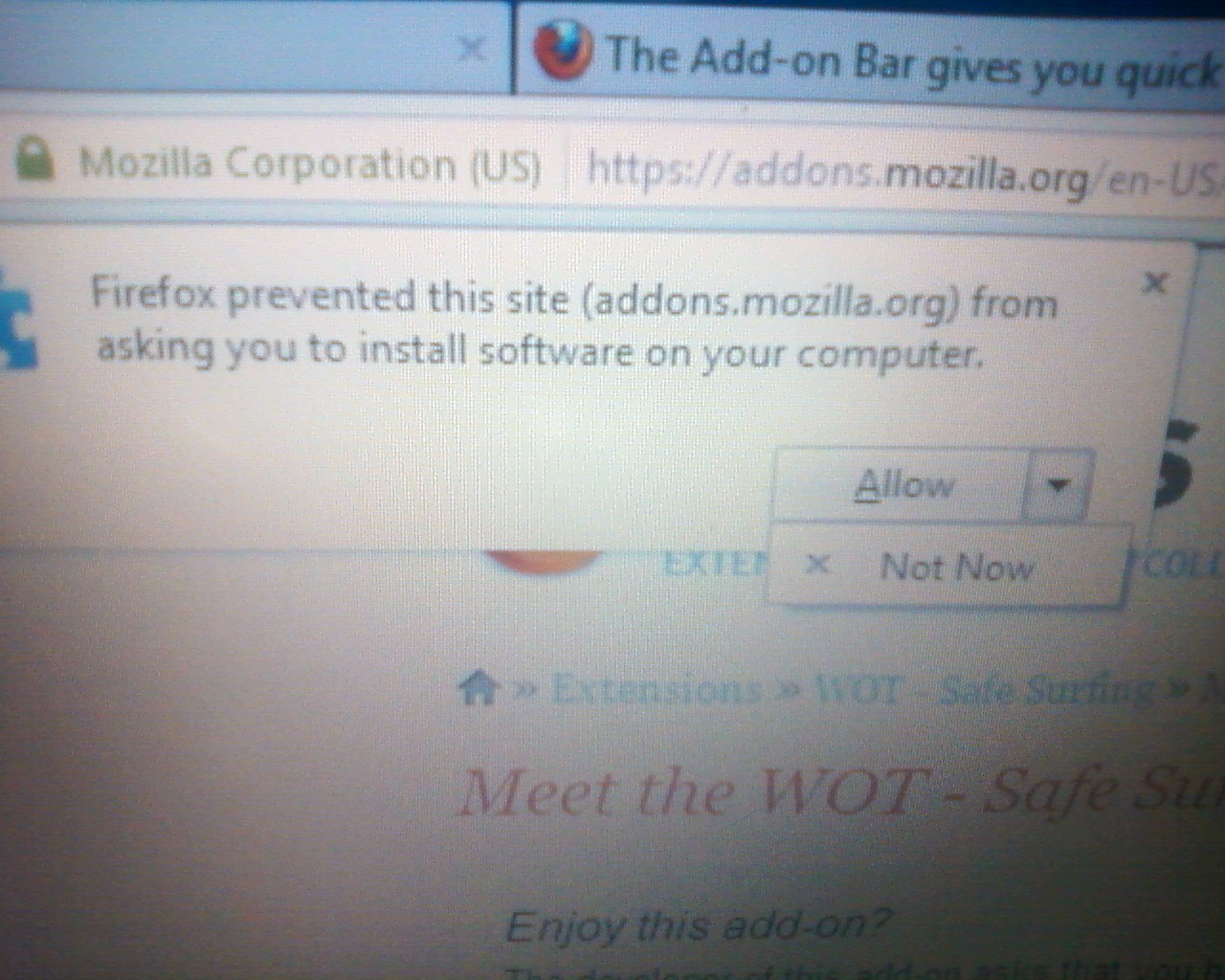
You need to accept that you want to install the extension.
There is usually no need to deny to install an extension from the addons.mozilla.org website and you have clicked the Add to Firefox button, but be cautious if you get this when clicking a link on a web page.
See also:
- Firefox > Options/Preferences > Advanced > General : Accessibility : [ ] "Warn me when web sites try to redirect or reload the page"
The setting in "Tools > Options > Advanced > General" is meant as an accessibility feature, as you can see by the label of that section, so that people with disabilities or people who use screen readers do not get confused and is not meant as a safety protection to stop redirecting.
See also: