


Solved
Firefox Vpn doesn't work

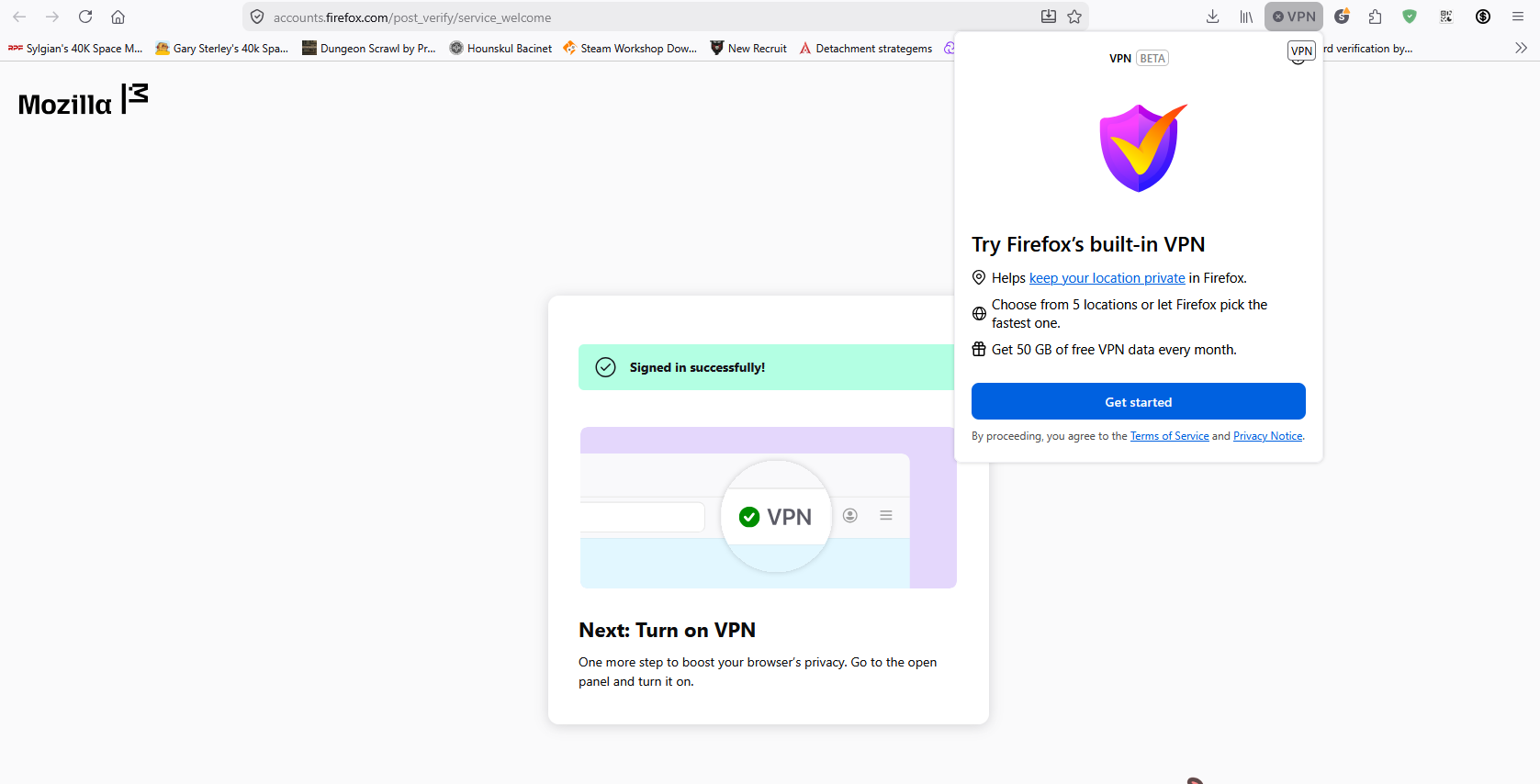
When I try to set up the new built-in VPN setting it gets stuck in a loop:
I click the "get started" which then opens another tab where it gets me to confirm my account
Once I do that it says it will automatically open the VPN
When it does so the VPN window is the same one as before with just the "get started" button and no other options.
If I click on that it then opens another new tab and does the exact same thing in an unending loop
Сви одговори (1)
Одабрано решење
Managed to get it working, had to manually sign out and back in again