


Messages on Server
Even though I have Thunderbird configured to leave messages on the server after downloading it still deletes them from the server. Is this a bug in v146? New user.
Изабрано решење
Yup, would have never looked there in a million years. Thanks for your help!
Прочитајте овај одговор са објашњењем 👍 0Сви одговори (10)
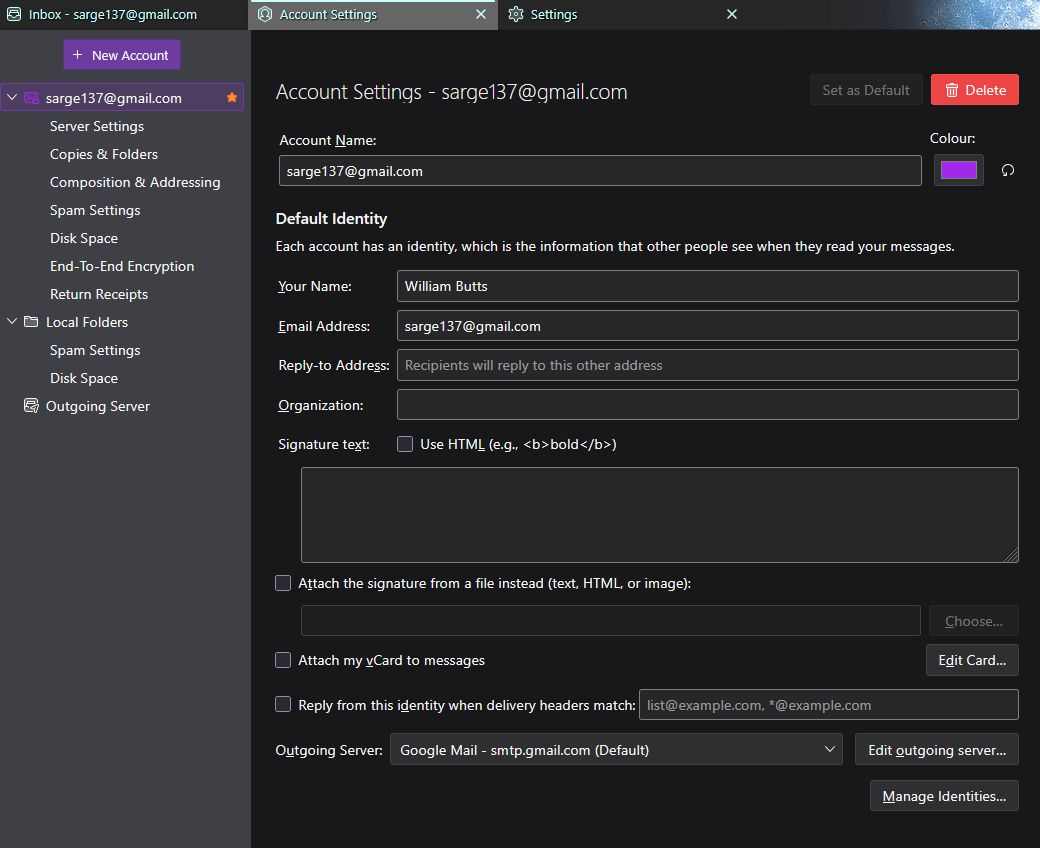
What are the settings in account settings on Thunderbird? A screen shot of the details would be quite useful
The details of distribution and build/install platform would also be most helpful. It is in the nature of Linux, nothing can be considered a stable point between distribution methods so dnf yum apt as well as flatpaks and snaps are not necessarily the same. That is, in my opinion, one of the reasons the year of Linux on the desktop has not happened. Linux is not a single entity it is many many similar, but not the same, operating systems.

server settings would make a good start.
BTW he forum reports you as posting from :
User Agent: Mozilla/5.0 (Linux; Android 10; K) AppleWebKit/537.36 (KHTML, like Gecko) Chrome/143.0.0.0 Safari/537.36
I dont have a Sync & Storage option anyway in Account settings. Im using a pop account if that matters
William Butts said
I dont have a Sync & Storage option anyway in Account settings. Im using a pop account if that matters
I knew that, then forgot it. :(
William Butts said
Heres a pic
And that is not the server settings. But we now know this is a gmail account. I suggest you have a look at your settings in Gmail and see exactly what you have set gmail to do. Here https://mail.google.com/mail/u/0/#settings/fwdandpop
It sounds like you have chosen the "delete gmails copy" option.
Одабрано решење
Yup, would have never looked there in a million years. Thanks for your help!