


After upgrading to "Eclipse", TB stopped showing a notification badge on taskbar icon

There was a forced upgrade to "Eclipse" a couple of months ago, and TB stopped showing a notification for new/unread emails on the taskbar icon. This was on Win10.
I hoped that a clean install of Win11 would maybe fix the issue, but nothing changed.
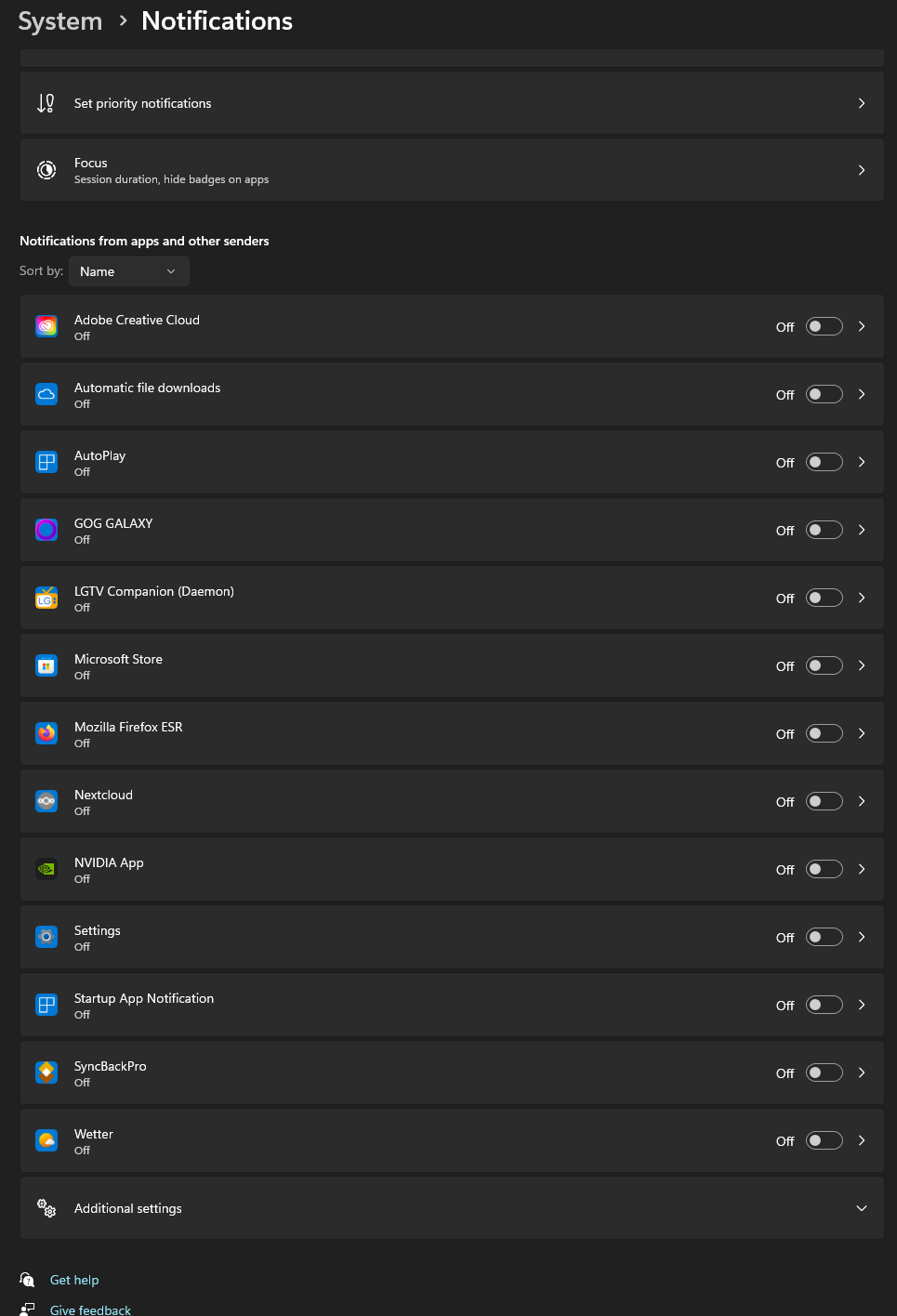
The weird thing is that TB is not listed under System>Notifications in Win11 settings (see image). I guess the issue lies within TB, not Win11.
Is this a new bug, or have i missed some setting? I'm on v142 currently.
Сви одговори (3)
I should add that the normal pop-up notifications (bottom right corner) work, but they're only visible for 5 seconds or so.

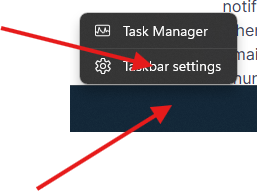
Right click on the bottom and then click on Task Bar Setting.
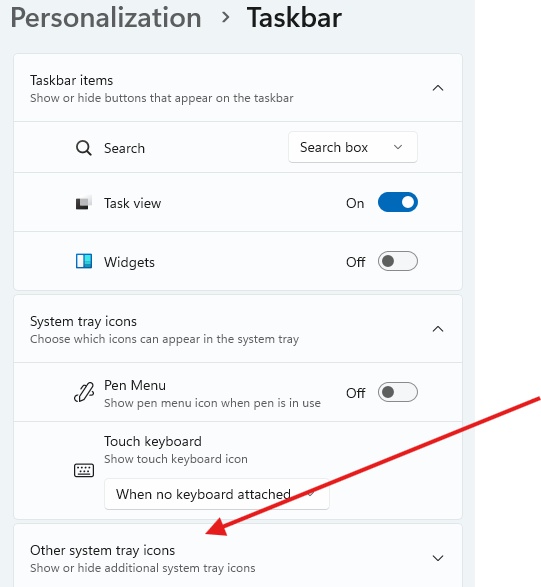
Scroll down to "Other system trays icon"
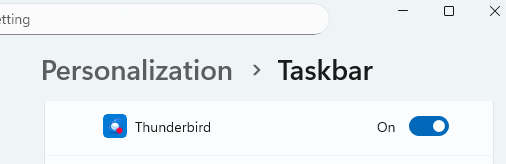
Enable Thunderbird by switch to On.
Измењено од стране Michel T
Thanks, but this is already enabled on my system. And it's only for the system tray, not for the taskbar icons.