

Ова тема је архивирана.
Питајте друго питање ако вам је потребна помоћ.

Архивирано
Seached and found e-mails cannot be opened and don't appear when clicked upon

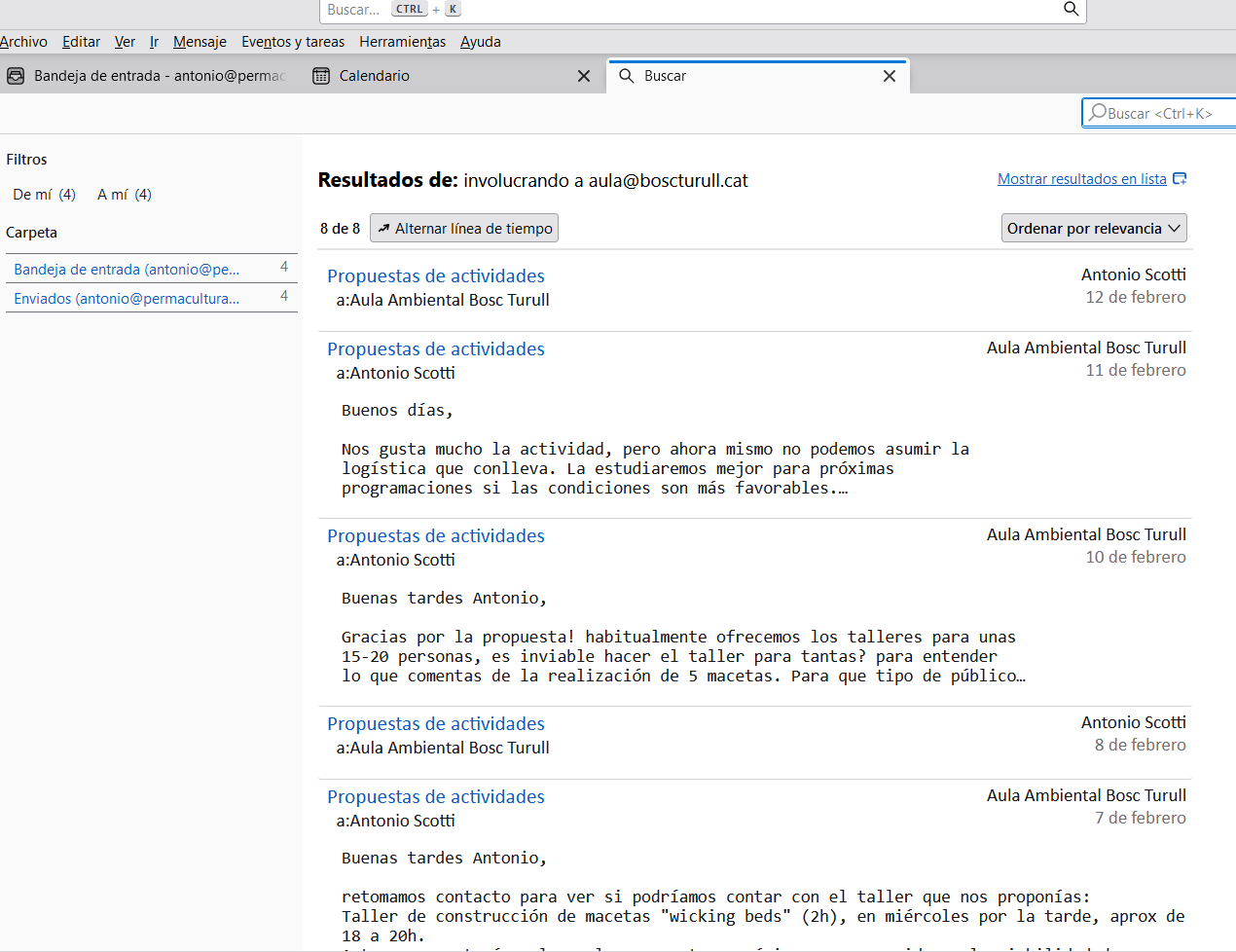
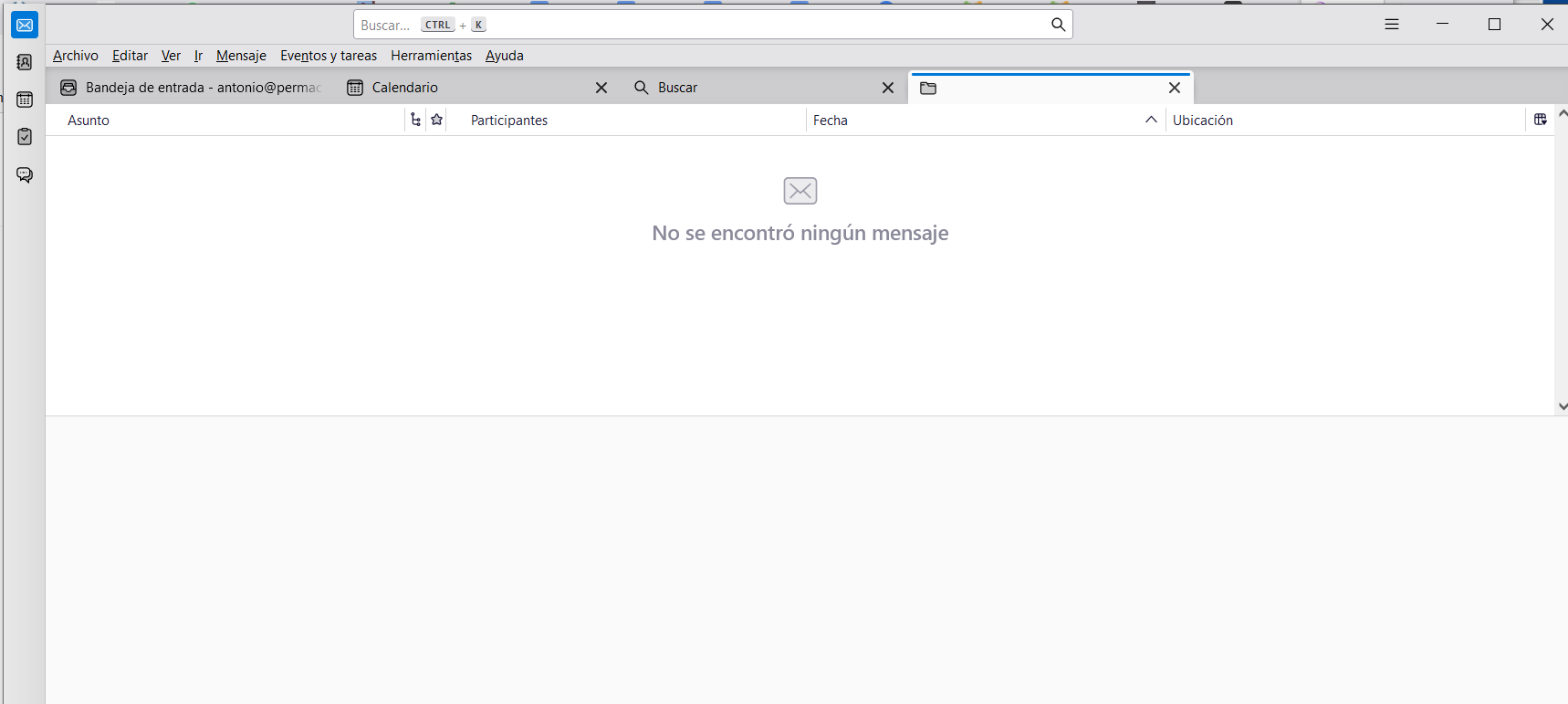
Hi, I am using the search functionality to look for previously received messages. The search produces a result such as in the provided image. As you can see a number of e-mail heading are produced as a result of the search. However when I click on any of these messages, nothing is shown (see image 2), and I wonder why. Does anyone have any clues and how to bring the messages back? Regards.
Hi,
I am using the search functionality to look for previously received messages. The search produces a result such as in the provided image. As you can see a number of e-mail heading are produced as a result of the search. However when I click on any of these messages, nothing is shown (see image 2), and I wonder why. Does anyone have any clues and how to bring the messages back?
Regards.
Измењено од стране sinergy
Сви одговори (1)
Hola, Ha logrado solucionar el problema? en todo caso pruebe el Thunderbird en el modo de resolución de problemas desde el menú Ayuda. Saludos