


translate button

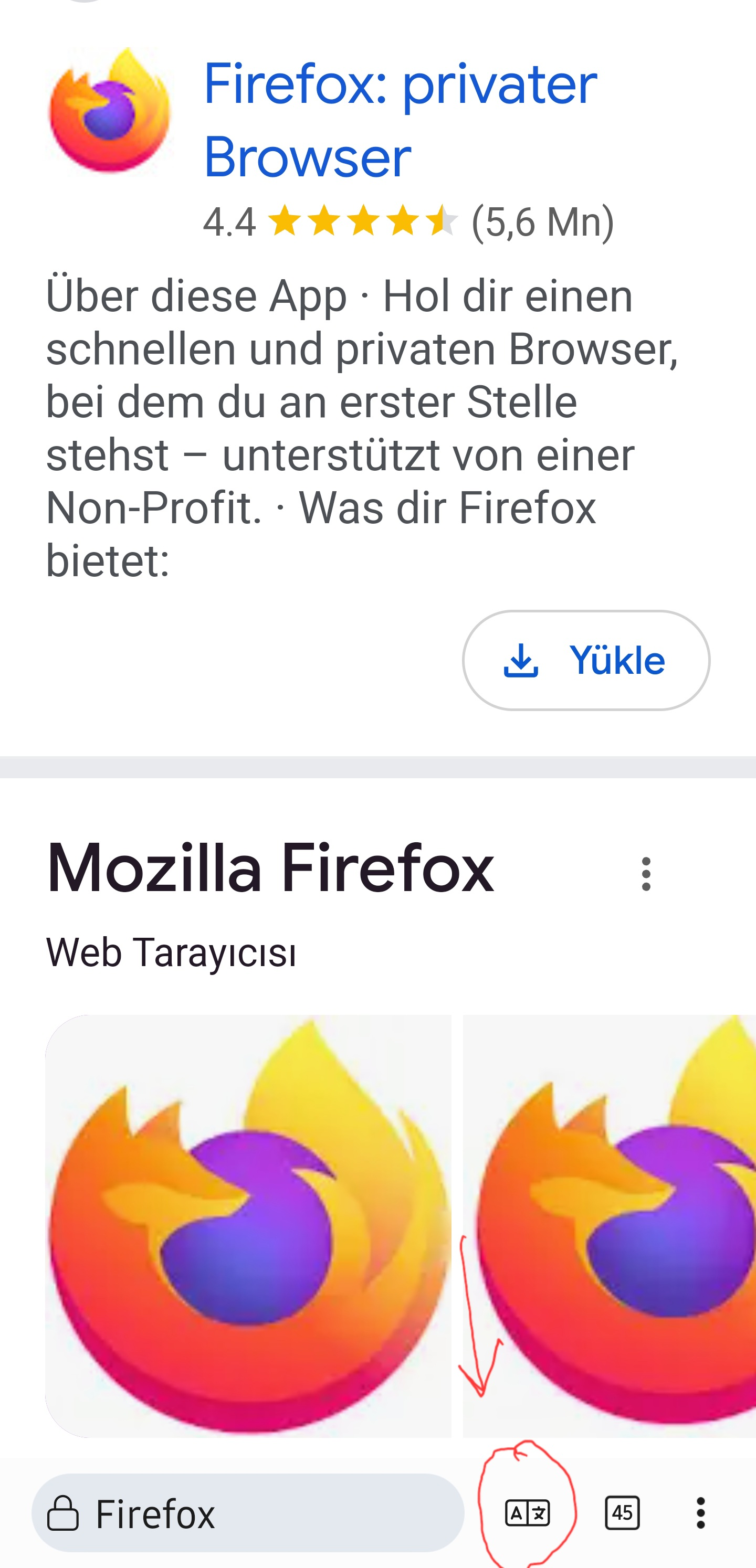
Hello, In the next update, can you allow us to put the translation button next to the tabs button in the search bar? And if I press it, it will translate directly? It would be great if there was a translation button like the screenshot in Kiwi browser.
Сви одговори (5)
Yes, it should show up for available languages.
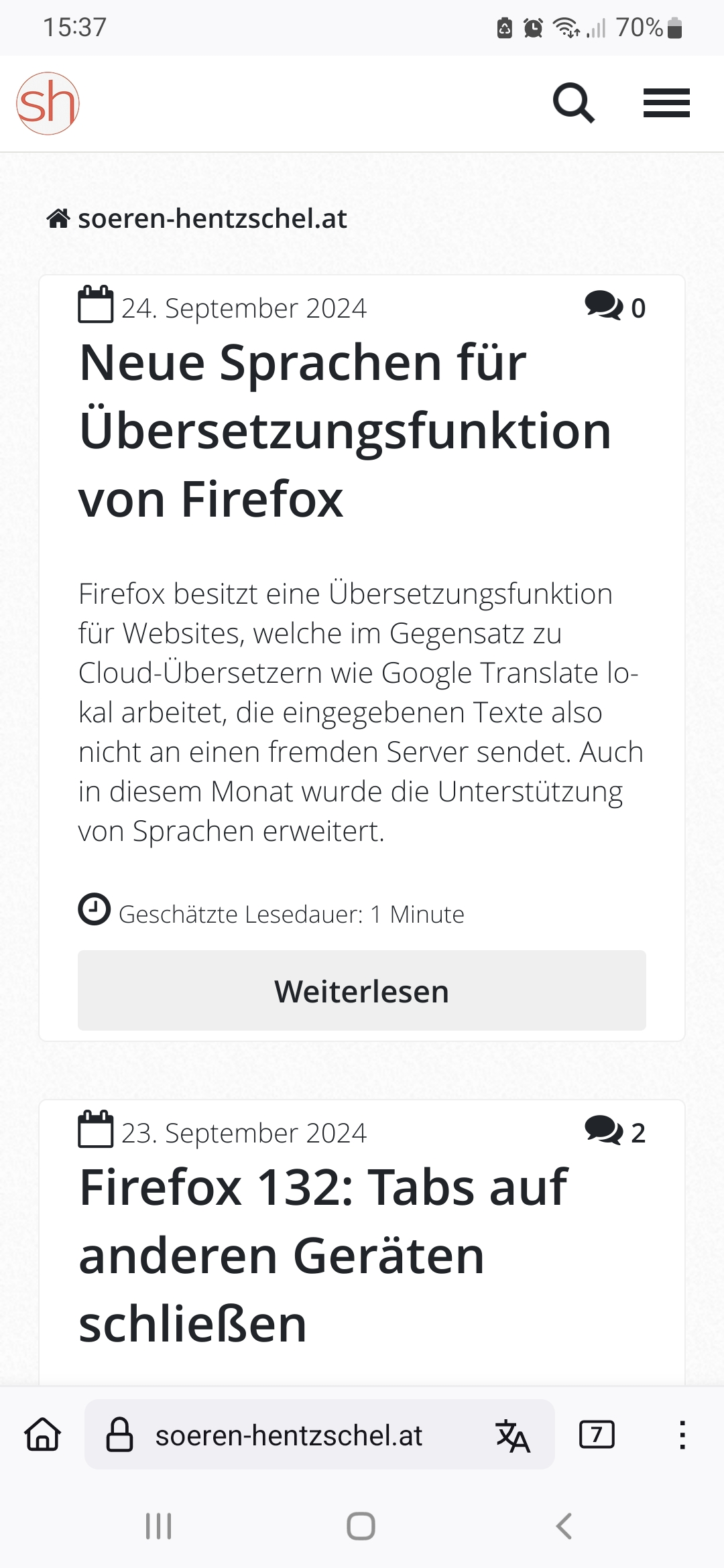
No, it's not. In your screenshot, it's active after you've translated it. But in the Kiwi browser, it's always there. It's next to the tabs box. That's what I mean. In the current screenshot it is not active because I did not translate it. However, after I translate it, it will appear there.

Really? No, it's german website, I didn't translate it.
German or another language is not important. When you go to a website that has a language other than the Always Confirm option in the settings, that button is not activated. So in short, what I mean is to simply add the translate button or any other shortcut near to the tabs button like in Kiwi browser....
Submit it as a new idea at connect.mozilla.org