


Problem with printing in Firefox web browser

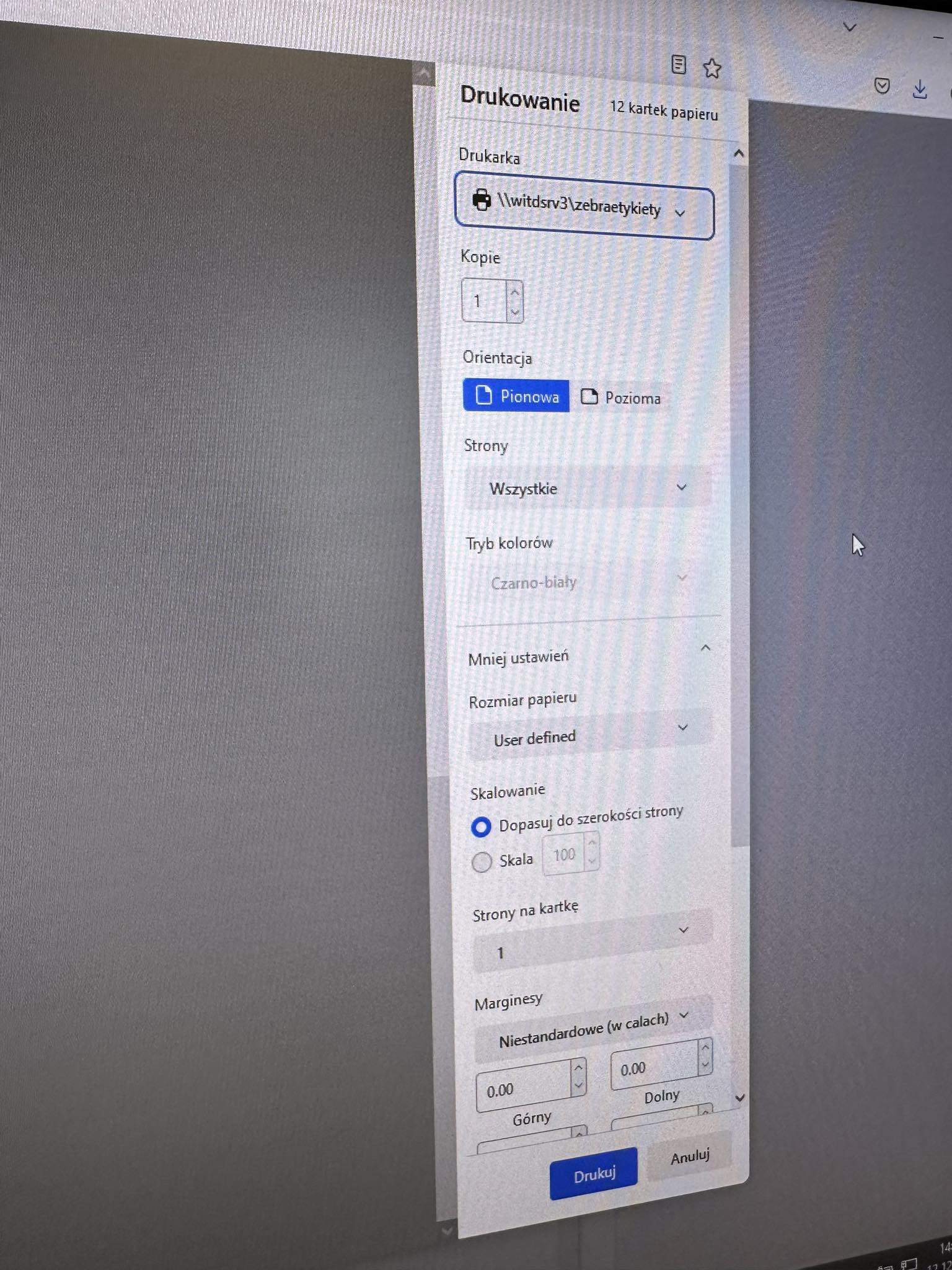
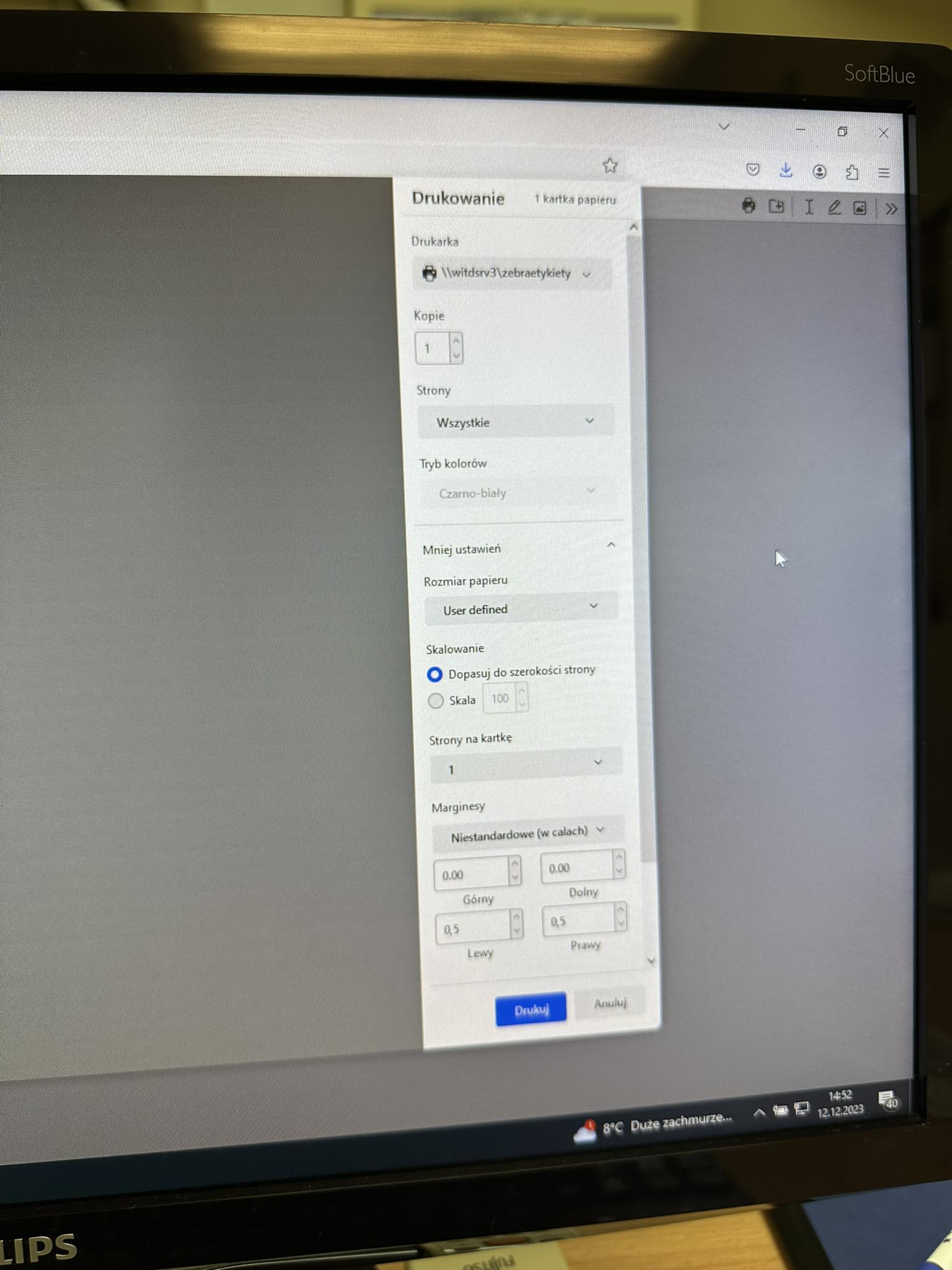
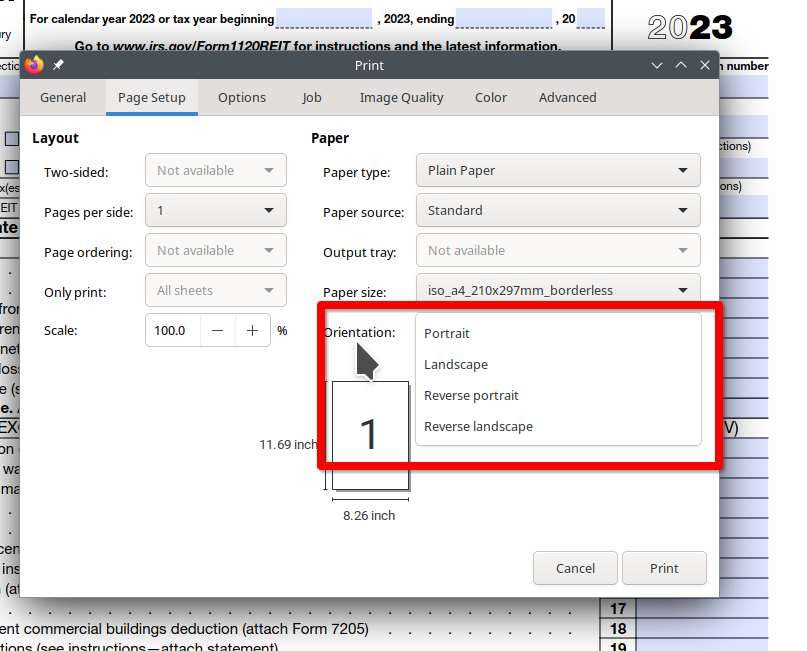
Hi, i have a problem with printing pdf in firefox. I have no option with orientation (rotation) only on pdf opened in web browser. On another site i can change rotation normal. In microsoft edge for example there is option with orientation on pdfs
Сви одговори (7)
Try changing print.save_as_pdf.use_page_rule_size_as_paper_size.enabled to false in about:config then restart the browser.
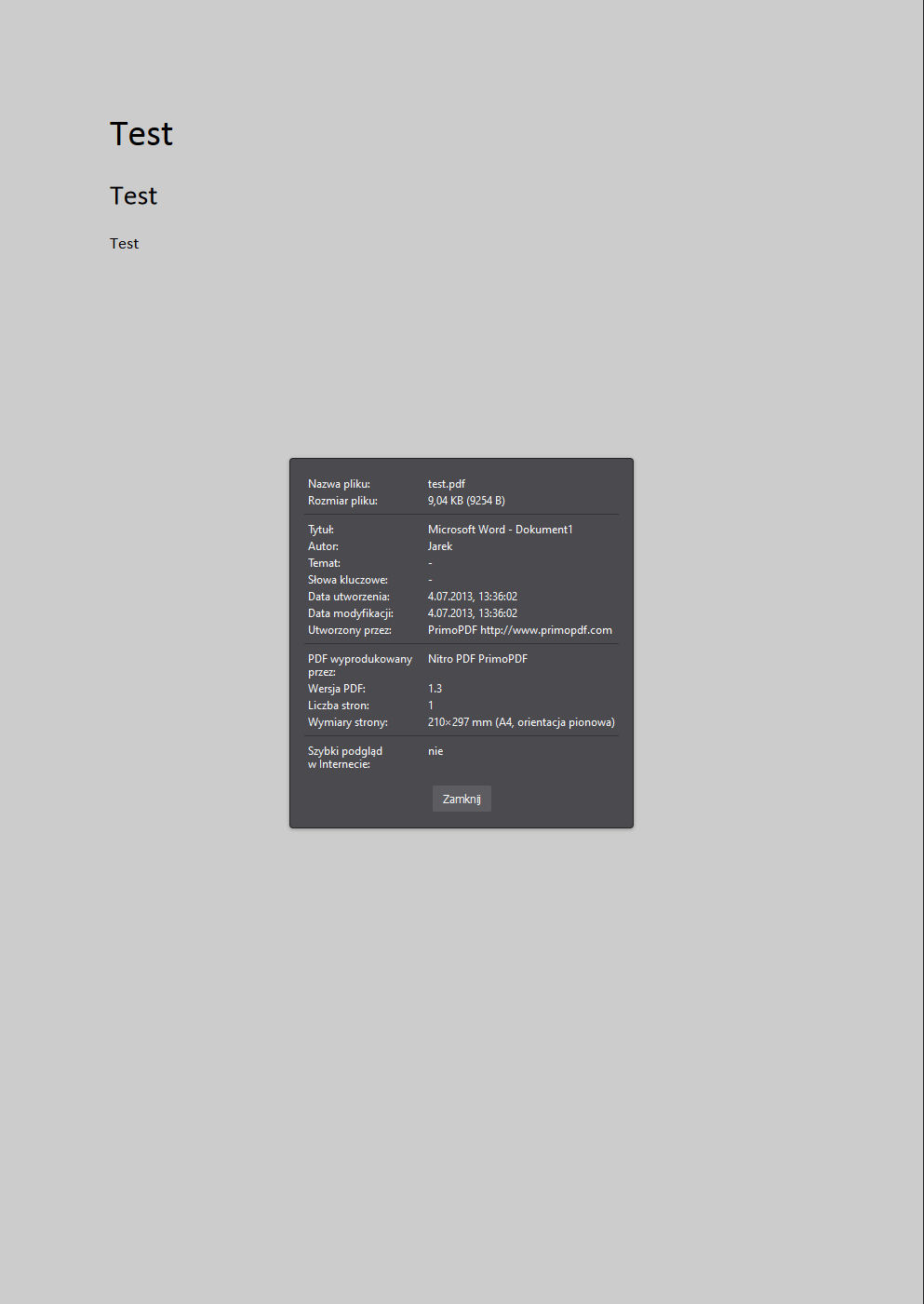
It still not working. The problem is only on my page. The default option with orientation is vertical on every pdf but on my site when the pdf is generated the orientation is horizontal
Do you have the option to print from system dialog? see screenshots Provide a link to your page so we can try to replicate.
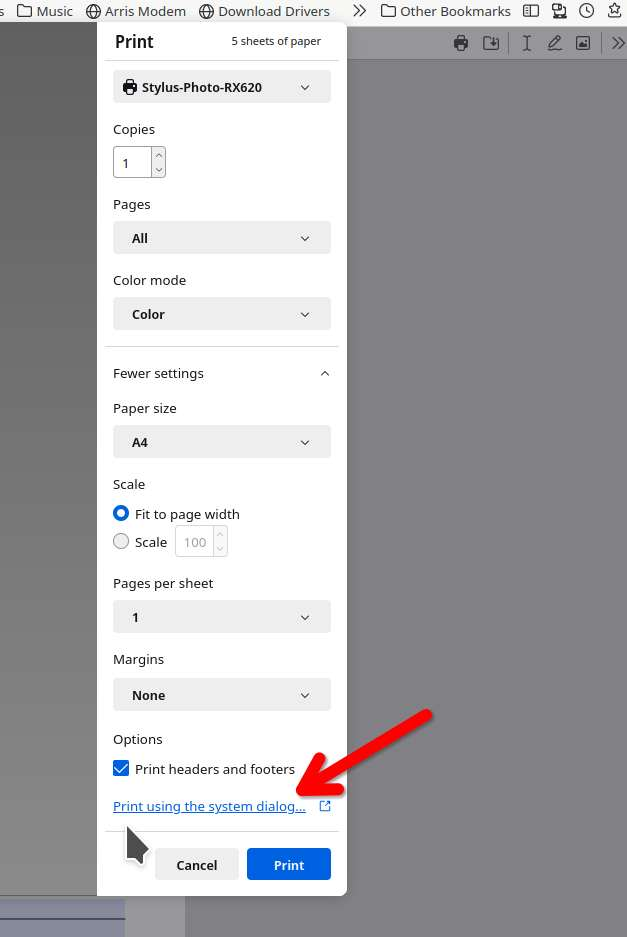
i have only these options after clicking system dialog :/
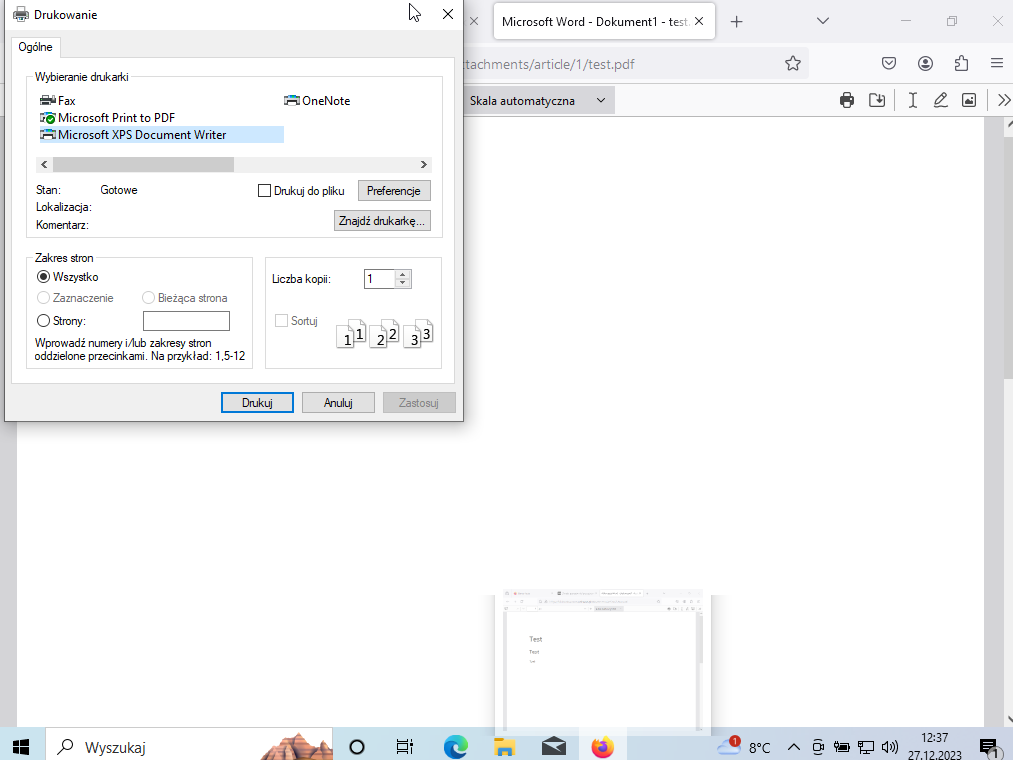
I don't see your printer. Click your printer and then maybe Preferences. I'm currently not in Windows.
thats the point. When i want to change somethink in preferences the value of atribute will change but only in this session. After restarting window from browser these all settings change to default