


How do I change search bar autocomplete region?

I am using Google as my search bar engine but they are giving me autocomplete that is relevant to the current country I am in, is there any way to do that?
In other browsers such as Chrome I was able to change Google's search region by going directly to Google search settings in google.com (Search results -> Region settings), this also affects the search bar autocomplete region. However this does not work with Firefox.
Is there any way to change the region?
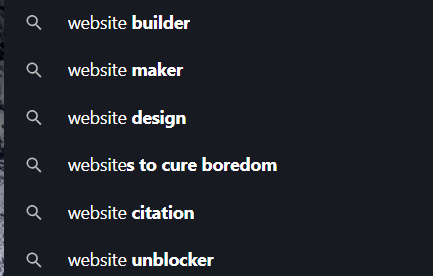
Attached two screenshots comparing the two search results.

Сви одговори (2)

Log into Google. Then go to its settings.
I don't think so. The search engine suggestions retrieved by Firefox's search/address bars do not use your regular browsing cookies -- to keep the requests separate from search sites' normal tracking of your visits to their site. I think you would need to search directly on Google to work around IP address-based localization of search suggestions.