


Why do I have to ALWAYS manually clear Cached Web Content?
Firefox 86.0.1 on macOS 11.2.3
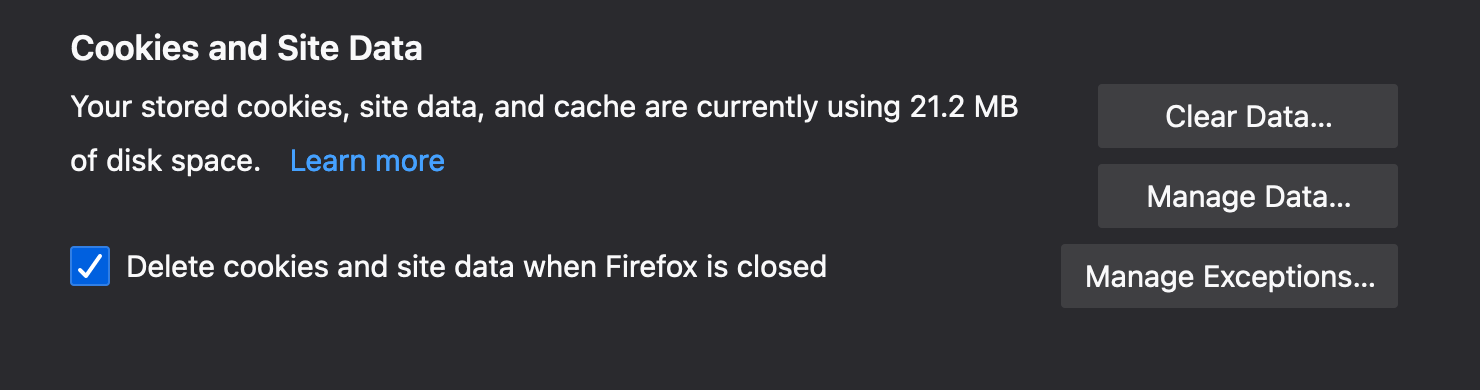
I always use Private Browsing Mode so.....Why do I have to ALWAYS manually clear Cached Web Content?
I have tried all >Preferences Options
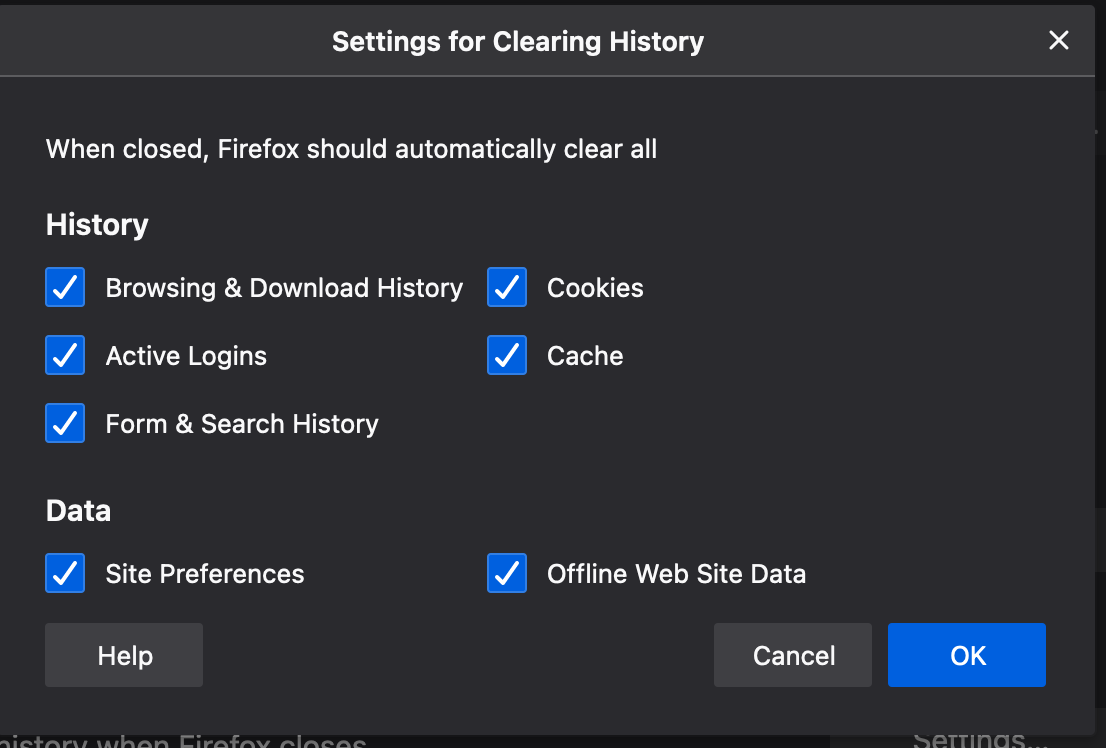
I have tried >"Never Remember History" setting.. Cached Web Content does not automatically clear on Firefox Quit
I have tried> "Use custom settings for history" with all options selected.. Cached Web Content does not automatically clear on Firefox Quit
Help would be appreciated
Сви одговори (1)
In Private Browsing Mode all session data is kept in memory, so no need to clear this data manually or when you close Firefox and "Clear Recent History" probably doesn't work. What Firefox shows in the first screenshot is probably data from a previous regular session that is still stored in the profile folder. Try to start Firefox once in regular mode and see if that allows to clear this data.