


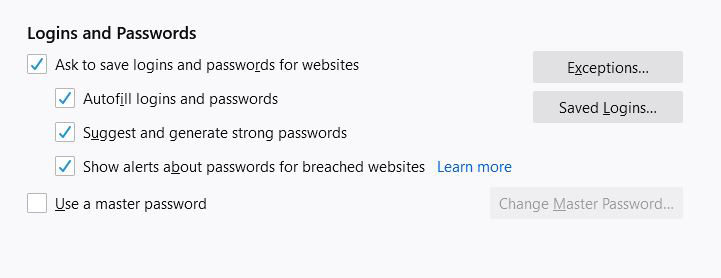
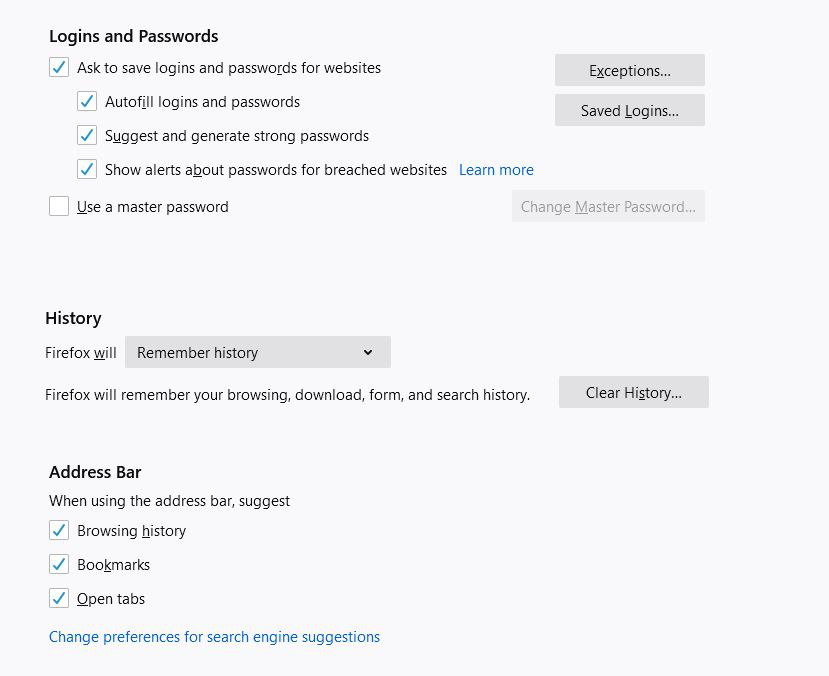
There is no option to autofill addresses
I can't even turn this on under my privacy settings, there is no option. Literally the only mention of autofill is for passwords. I would like firefox to save my address so I can autofill that on firms, why is this not an option?
Сви одговори (6)
You should see the more autofill choices in "Forms and Autofill" just below "Logins and Passwords" when form auto-fill is enabled (available).
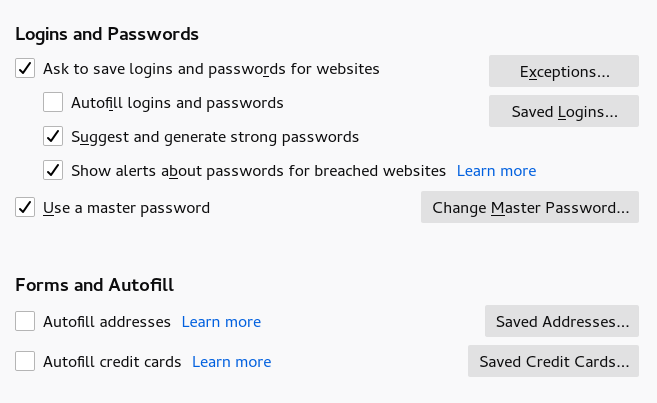
there is no logins and passwords section. how do i enable form auto-fill? I do not even see an option to turn this on.
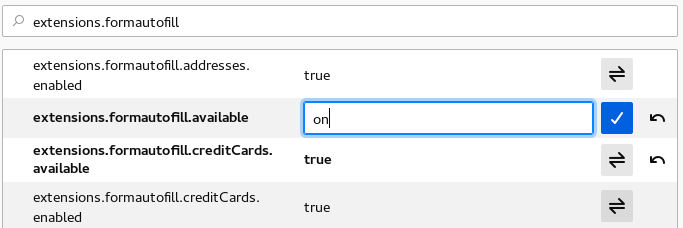
You can look at some "extensions.formautofill" prefs on the about:config page and set this pref to "on" (without quotes).
- extensions.formautofill.available = "on"
You can open the about:config page via the location/address bar. You can accept the warning and click "I accept the risk!" to continue.
ok, i did that. but, I still am unable to see any settings to save autofill for addresses?

Did you click the blue OK button to confirm the change ?
Yes I did, that’s why it is greyed out now after I clicked the blue to save it.