How can I get rid of Google SafeSearch

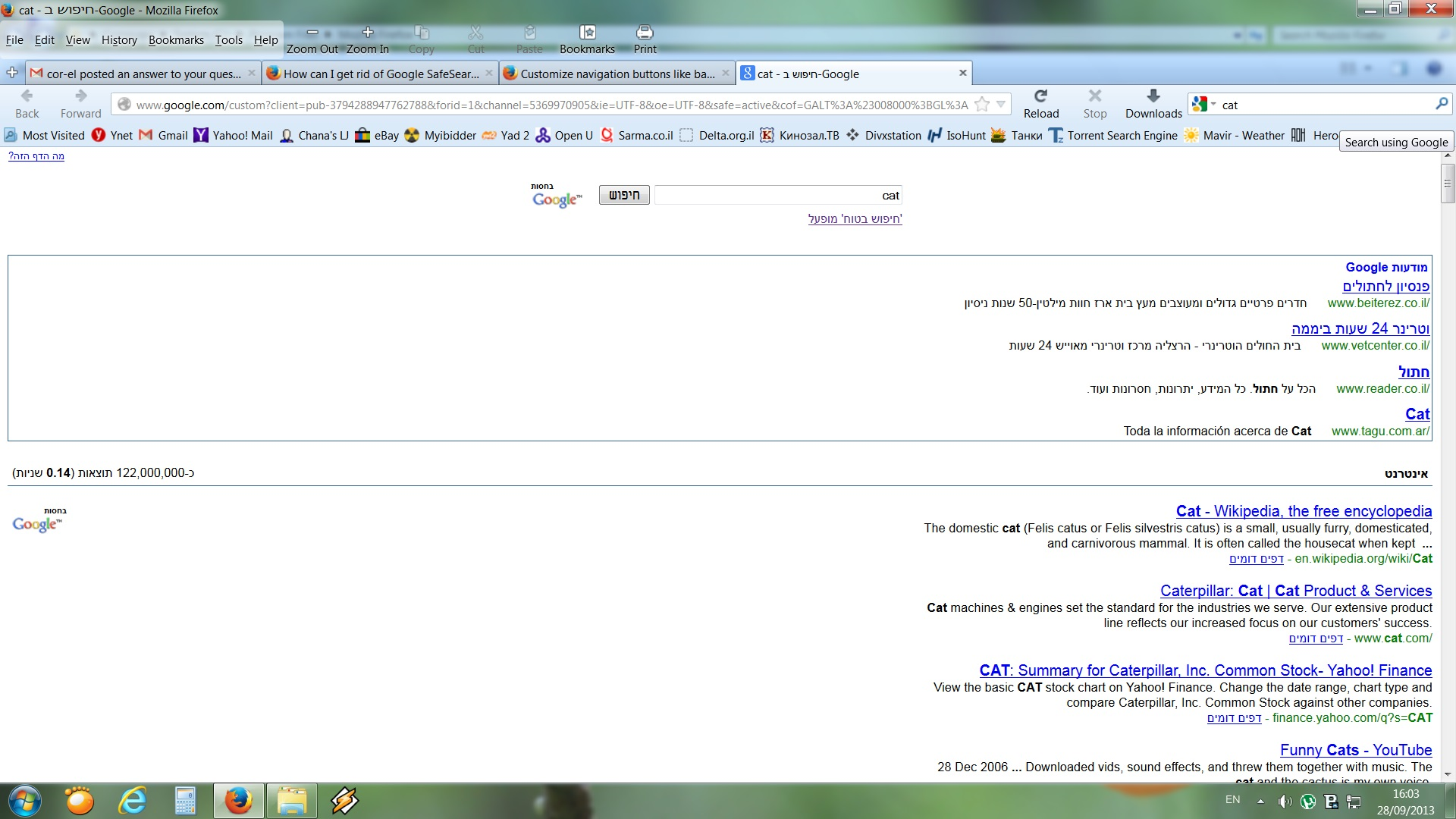
Hello. I have my Google SafeSearch off in my account. But every time I search something in searchbox I receive SafeSearch active and in Hebrew language. When I go to SafeSearch preferences and change it to OFF and English it helps only for this specific tab. Next search in new tab will look exactly the same: SafeSearch on and Hebrew. How can I rid of it. This SafeSearch driving me crazy! Thanks a lot. Alexander
Vsi odgovori (4)

Are you talking about the search bar on the Navigation Toolbar?
I don't know if the SafeSEarch setting is applied to searches via that bar.
Such settings are stored in a cookie on your computer, so make sure to allow cookies and that you aren't in Private Browsing mode.
Thanks. But this way works only for specific tab. In a new tab will be the same story.
Yes I'm speaking about search bar on the Navigation Toolbar. May be there is a prob with google.xml? What it must contain? In the picture I just tried to search word cat. Thanks.