


Can not remove email account no longer using.

So I have gone through many of the suggested actions in removing an email account from Thunderbird. It keeps asking for a password for an email account I no longer use. It was a gmail account. I have removed calendar reminders. I have gone to the profiles. It is not listed. I have uninstalled and reinstalled Thunderbird. But Every time I open the program and several times while using. It asks me for the password. How do I remove this?
Vsi odgovori (3)
If you want to remove an email account you'll have to do it in Account Settings
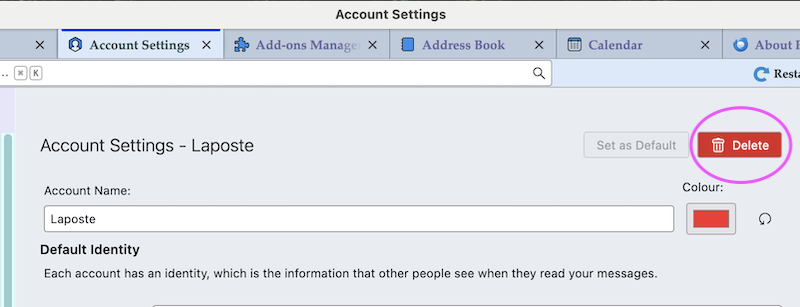
The account was removed that way but I am still getting a request for a password.

- see if your address book(s) or calendar(s) are trying to make connections
- check TB menu > Help > Troubleshooting Information to see what accounts and calendars are listed there
This question has been locked because the original author has deleted their account. While you can no longer post new replies, the existing content remains available for reference.