


After upgrading to "Eclipse", TB stopped showing a notification badge on taskbar icon

There was a forced upgrade to "Eclipse" a couple of months ago, and TB stopped showing a notification for new/unread emails on the taskbar icon. This was on Win10.
I hoped that a clean install of Win11 would maybe fix the issue, but nothing changed.
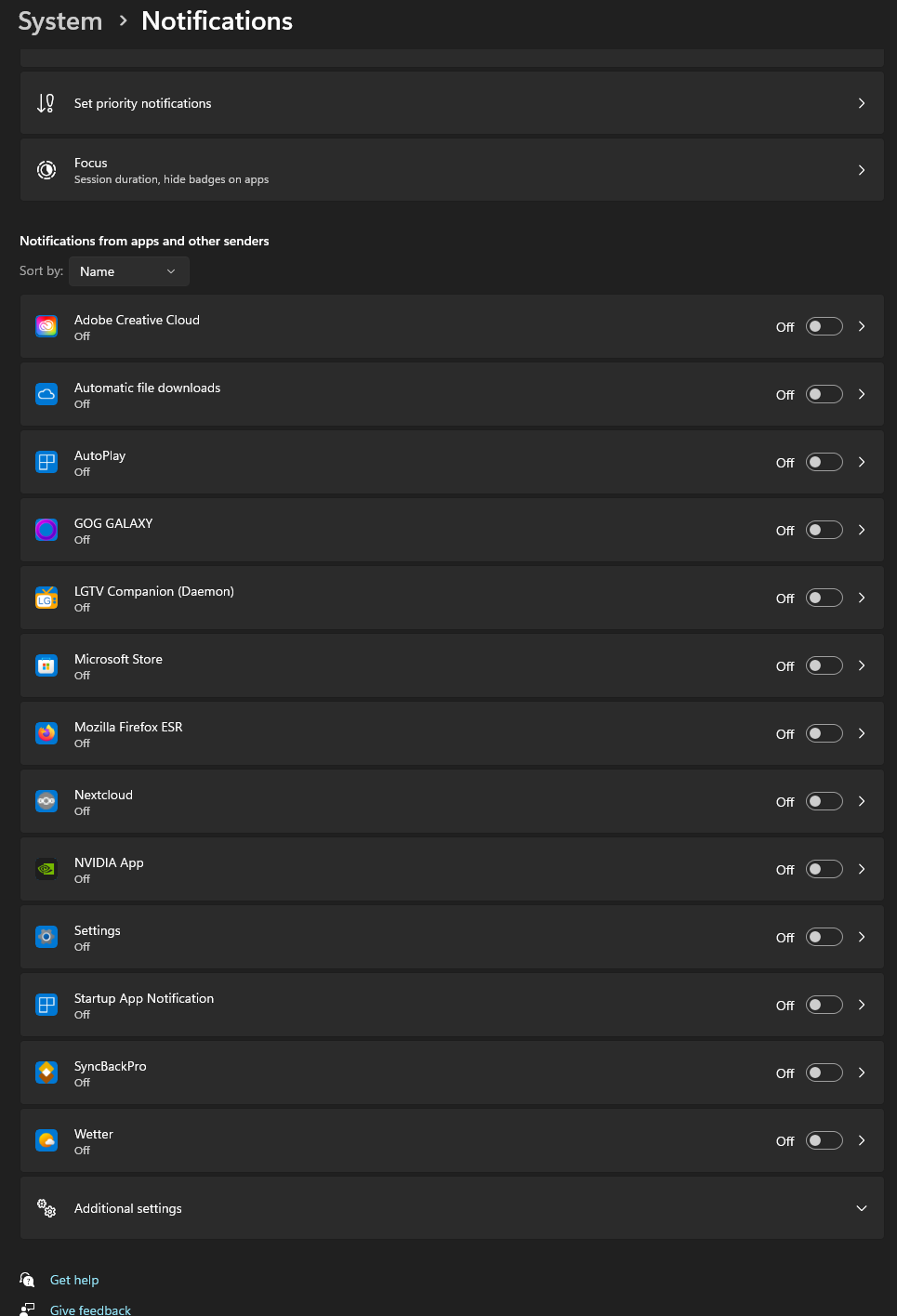
The weird thing is that TB is not listed under System>Notifications in Win11 settings (see image). I guess the issue lies within TB, not Win11.
Is this a new bug, or have i missed some setting? I'm on v142 currently.
Vsi odgovori (3)
I should add that the normal pop-up notifications (bottom right corner) work, but they're only visible for 5 seconds or so.

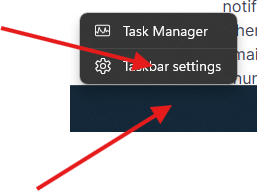
Right click on the bottom and then click on Task Bar Setting.
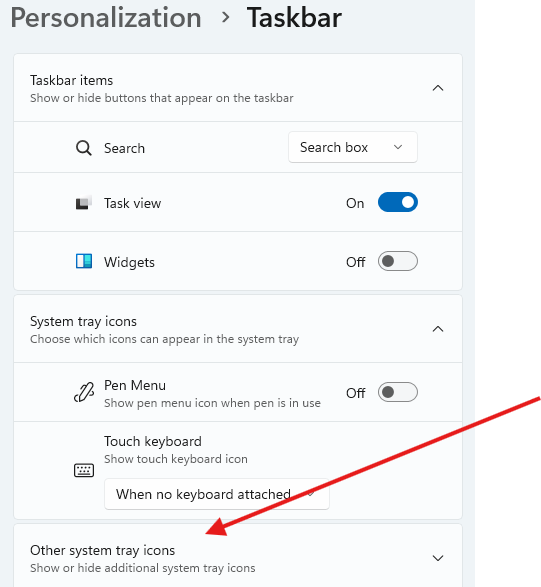
Scroll down to "Other system trays icon"
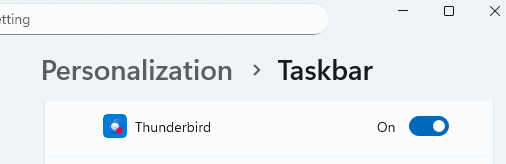
Enable Thunderbird by switch to On.
Spremenil Michel T
Thanks, but this is already enabled on my system. And it's only for the system tray, not for the taskbar icons.