


Viewing the Filter Log

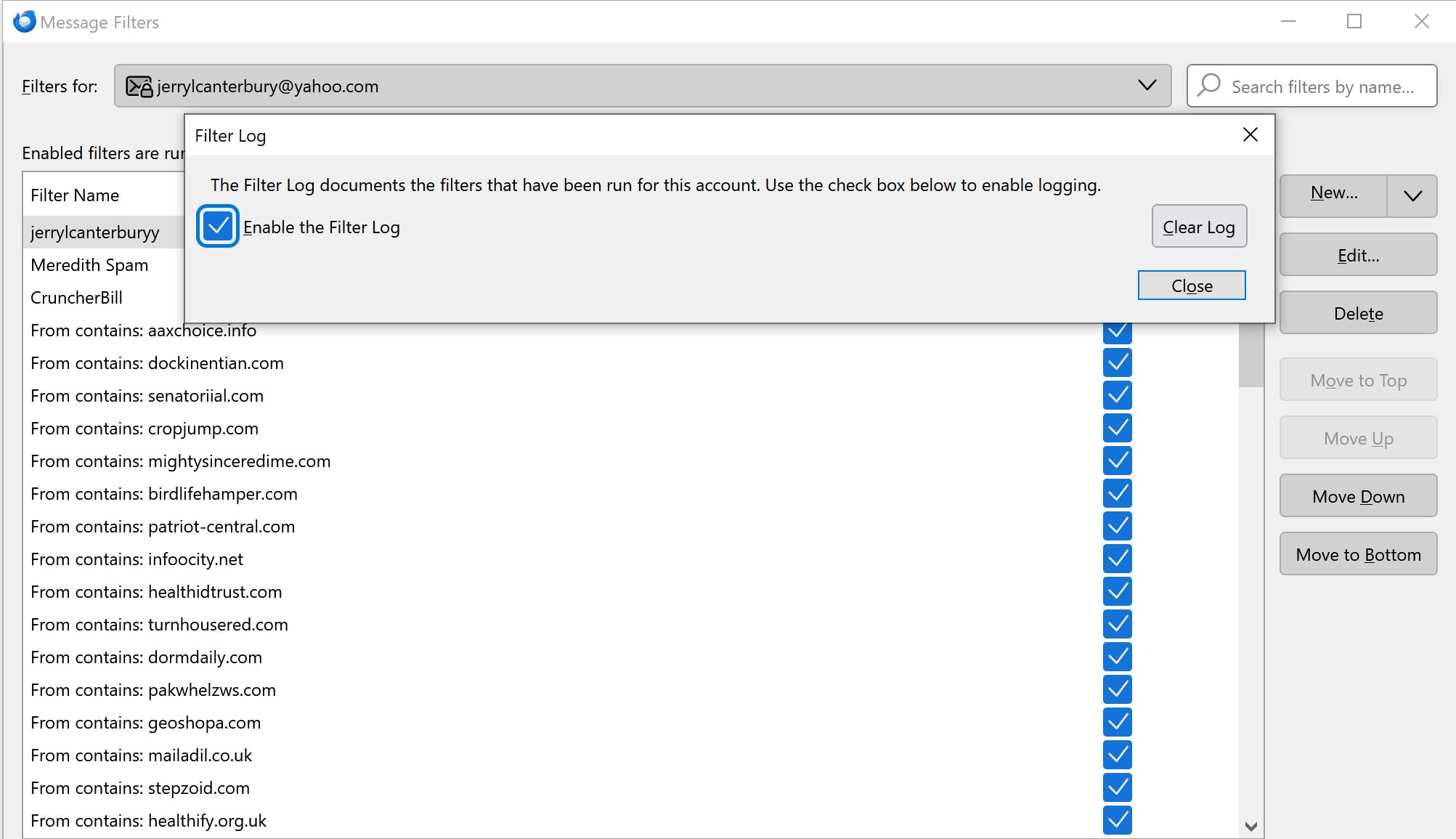
When I click Message Filters and then Filter Log, I do not actually see the filter log, only a check box to enable it, which is already checked (see attached screenshot).
How do I view the log from this point?
I am running 115.7.0 (64-bit) on Windows.
Thanks in advance for assistance.
Izbrana rešitev
You need to look underneath the Mail or ImapMail folders for each account.
Preberite ta odgovor v kontekstu 👍 1Vsi odgovori (6)
The filter log is known to have a performance issue. It has probably gotten large enough that the display fails.
You will want to start fresh - use your OS file browser to find the underlying file for that account and delete it. filterlog.html
Thanks Wayne. I was unable to find filterlog.html either through searching in Windows Explorer or manually looking through the Thunderbird folder in Program Files.

You need to look in your Thunderbird profile folder. https://support.mozilla.org/en-US/kb/profiles-where-thunderbird-stores-user-data#w_how-do-i-find-my-profile
christ1, thanks for that.
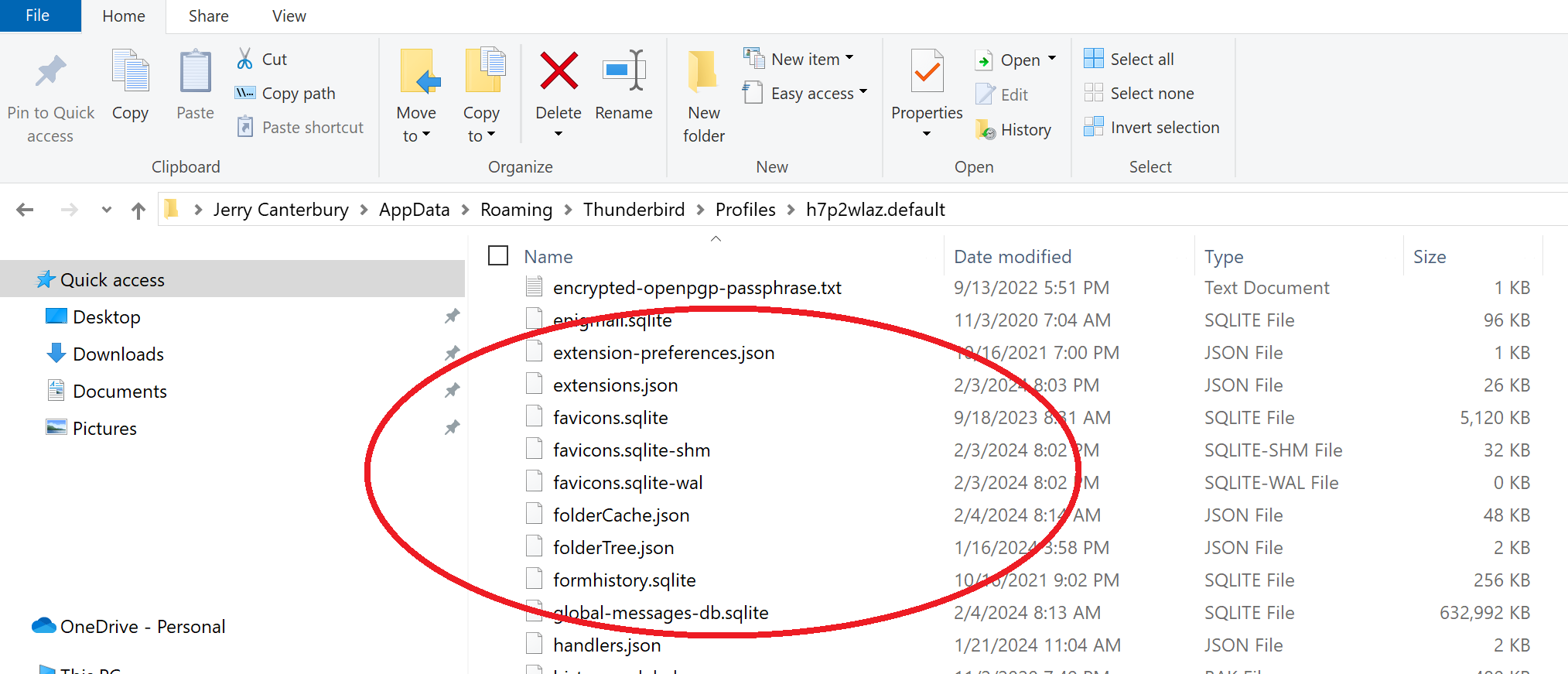
I found the profile folder. There is no filter log in it (see attached screenshot).
Izbrana rešitev
You need to look underneath the Mail or ImapMail folders for each account.
Found it! Now I can see why a particular message is being sent to the spam folder when it shouldn't be. Thanks.