

Ta tema je arhivirana.
Postavite prosim novo vprašanje, če potrebujete pomoč.

Rešeno
Arhivirano
Firefox display does not show background fill and has bold table borders

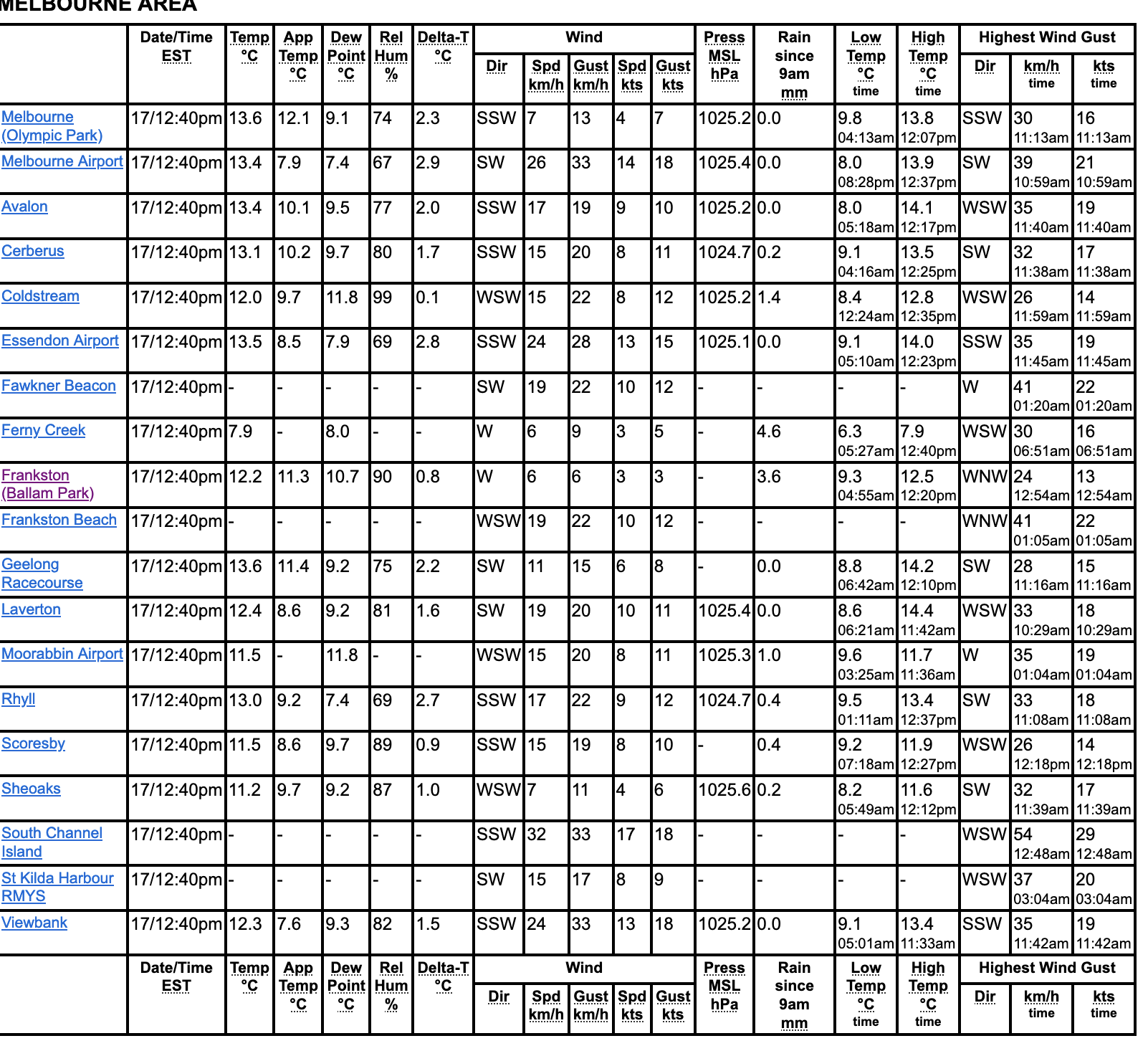
I run Firefox on my Mac. Recently, the display of internet pages has changed by not showing background fill colors and showing bold borders of table cells. Images show what I see currently versus what displays on other devices (and on Firefox until recently). I cannot find a way to return the display to its previous settings. Thanks for any advice and assistance.
I run Firefox on my Mac. Recently, the display of internet pages has changed by not showing background fill colors and showing bold borders of table cells. Images show what I see currently versus what displays on other devices (and on Firefox until recently). I cannot find a way to return the display to its previous settings. Thanks for any advice and assistance.



Vsi odgovori (1)
Izbrana rešitev
Problem resolved with reference to post below from rdawson19 and reply from cor-el. Changing colors override option to "never" has restored the display.