


new thunderbird theme not applying
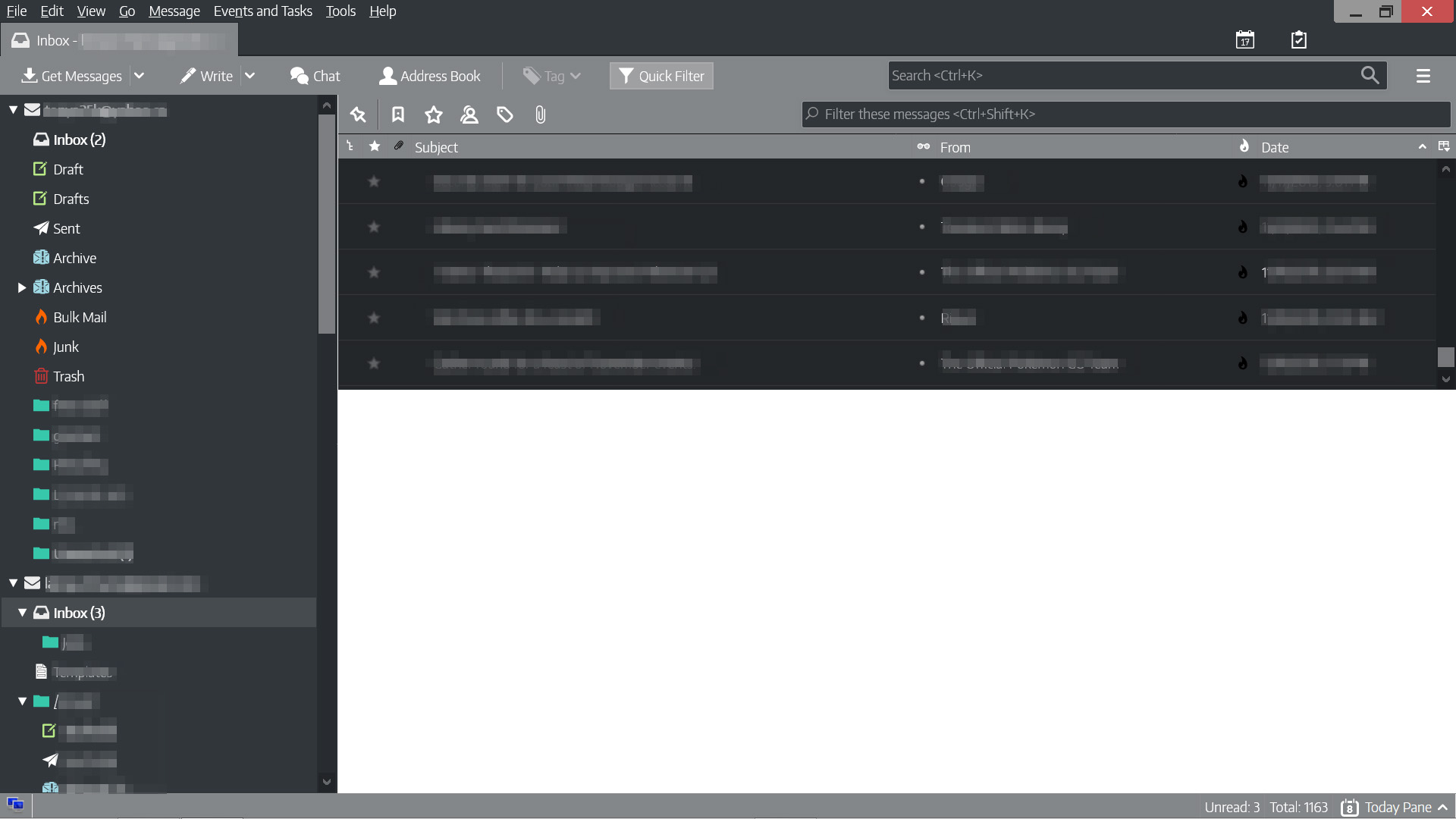
I keep trying to enable a new theme that's available for the latest version but Thunderbird always reverts to this uglyness. Like, the new theme would be applied and then a few minutes later, it'll switch to this. Even if I try to use the default theme or the other included ones, it's the same result.
Vsi odgovori (6)
have you tried changing it to the default and then closing Thunderbird.
I have. Same result.
Your picture looks like Monterail Dark 2. If you want to disable or remove it, it's under Tools/Add-ons/Extensions, not Themes. As you can see in the add-on FAQ, you may have to remove it manually if problems continue.
I dont have that theme installed though.
If you open the profile folder (Help/Troubleshooting, click Open Folder) and then the extensions subfolder, is there an xpi file beginning with MonterailDark2 or MonterailFullDark2?
I did! I don't remember installing that but I deleted it and that fixed the issue. Thank you!