


Another YouTube won't playback on Firefox problem [my solution]

Recently (since about FF 28) I've been getting the "An error occurred, please try again later" message when trying to view YouTube videos, i.e. the video will play for a few seconds before stopping and displaying the error message.
I went through all the motions of searching for solutions like clearing cookies and running Firefox in safe-mode etc. etc., but with no luck. Then I accidentally stumbled on my solution - the problem disappeared when I had headphones plugged in to my PC (in fact, it doesn't have to be headphones - even a headphone extension cable will do, just as long as something is physically plugged into the headphone jack).
OK, so I found a solution, but I don't understand why it's a problem for Firefox in the first place (it doesn't happen with IE11), any words of advice?
Thanks.
Spremenil fade2gray
Vsi odgovori (2)
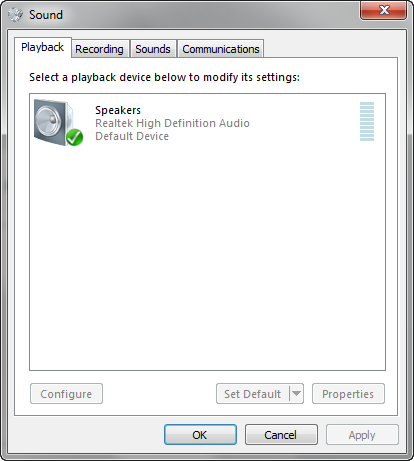
What is the default audio device if you check that in the volume mixer via its icon on the Windows Taskbar?
Default Device: Realtek High Definition Audio
Spremenil fade2gray