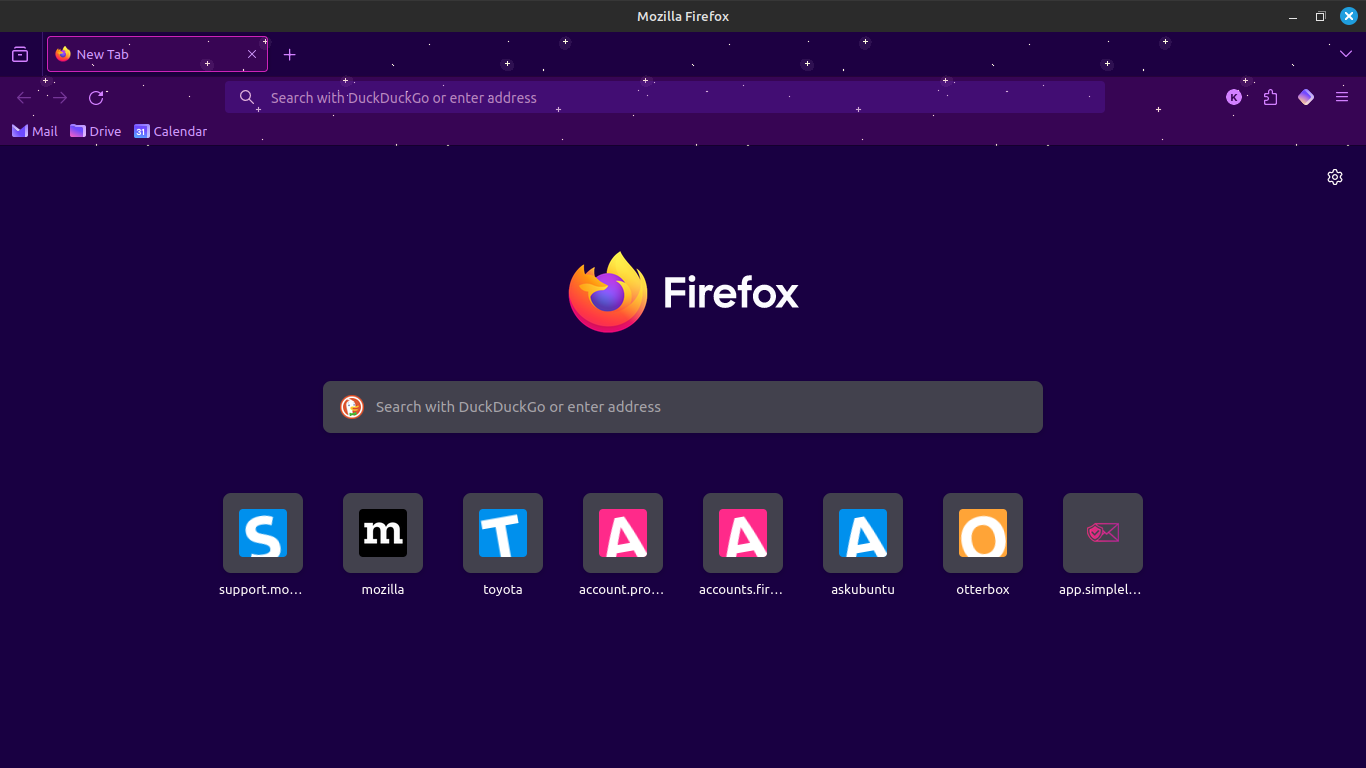
Add shortcut button disappeared

I added my own shortcuts and deleted all the preset ones (Wikipedia, Twitter, Amazon etc). On deleting the last one of the default ones, the 'Add a shortcut' button has completely disappeared. Is there another way to create a shortcut?
Všetky odpovede (5)
I have tried resetting Firefox to its default settings to try again, the same thing happened, so it's not just a once-off glitch.
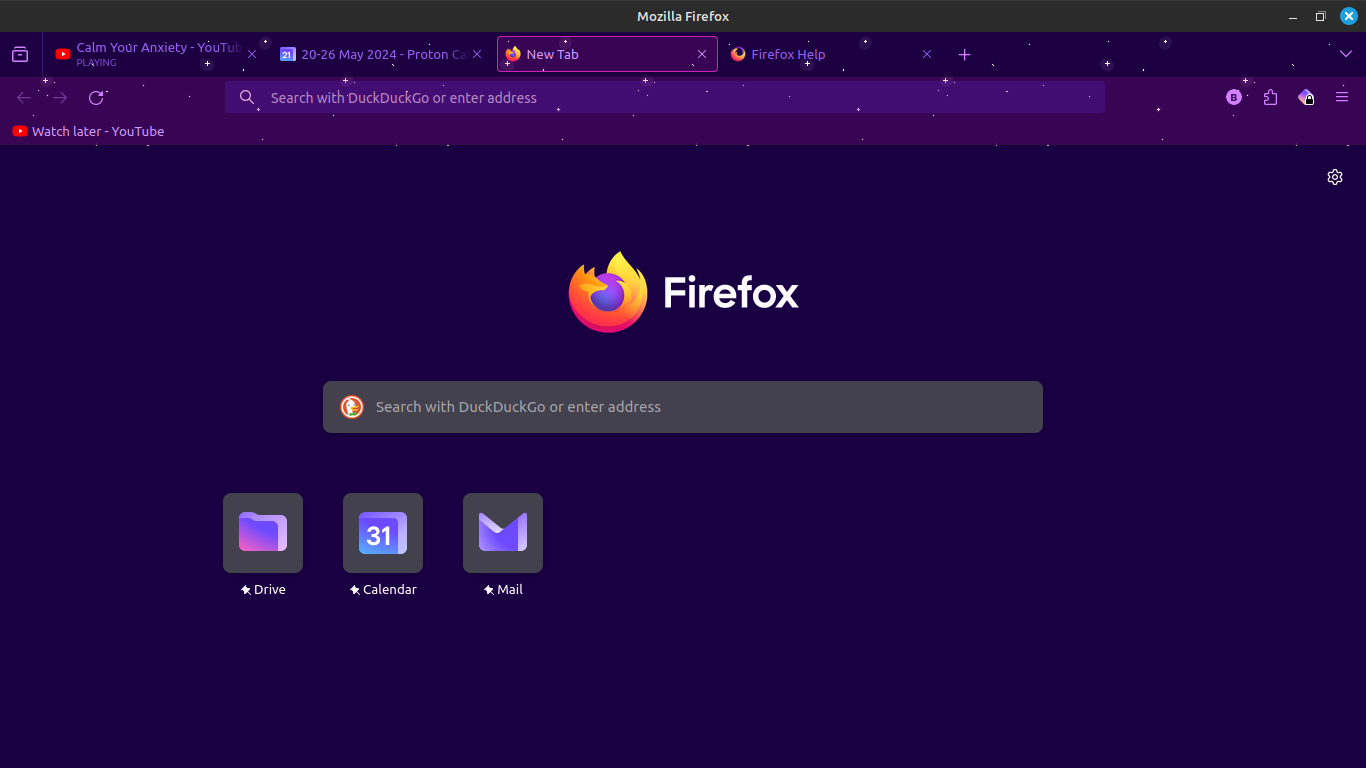
I notice that you have three pinned sites on the Firefox Home page. Did you make other customizations to this page
Does the "Add Shortcut" button appear if you resize the page or increase the number of rows via "Settings -> Home" ?
I did not make any other customizations to the homepage, just added my own shortcuts and deleted the preset ones.
Resizing the page does not help.
Increasing the number of rows has no effect.
It should propagate by itself during usage. Try to browse your popular websites for a while, then restart the browser.
I set it so that my browsing history clears upon closing firefox, so I don't think that's going to solve my problem.
Attached is a screenshot of what it looked like before I reset all settings to default, and had my browsing history on. Still no Add a Shortcut button. I dismissed the shortcut suggestions but all that did was show new ones.