


window opens above browser cannot close

Get a horizontal empty window opening at top of browser, only happens with Mac running firefox and seem to be triggerd by any site requiring a login.Cannot close it unless I close the browser.
All Replies (8)

I can only guess, but it could be the log-in is not displaying properly. If you are using a add-on that changes the color set up of the web page, try turning it off. Clear all cookies and other saved information in case anything got corrupted. If this does not help, take a snapshot and post it here. Good luck.
No add on's . logins are fine, just extra window, it stays there when moving to other sites.
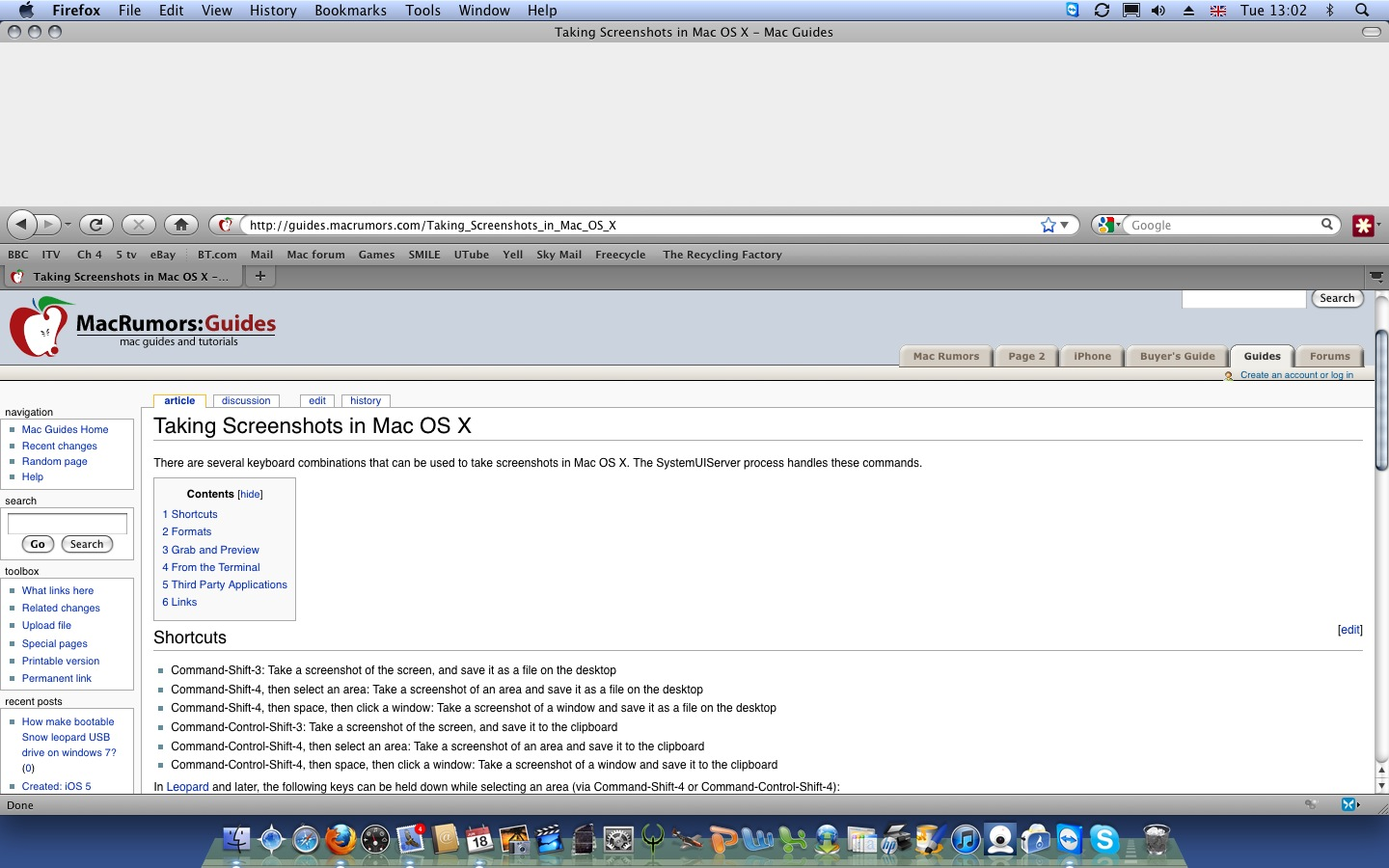
Hmmm.... I have no idea. Hopefully someone will see this message and help out. In the mean time, check your options under display and/or view. It may be a program option.
No usefull option in display etc.
Start Firefox in Safe Mode to check if one of the extensions (Firefox/Tools > Add-ons > Extensions) or if hardware acceleration is causing the problem (switch to the DEFAULT theme: Firefox/Tools > Add-ons > Appearance).
- Do NOT click the Reset button on the Safe Mode start window or otherwise make changes.
- https://support.mozilla.org/kb/Safe+Mode
- https://support.mozilla.org/kb/Troubleshooting+extensions+and+themes
Try to remove the Firefox plist file (org.mozilla.firefox.plist).
- http://www.macfixit.com/article.php?story=20060606082246983 How .plist files become corrupt and troubleshooting the results
Go to "~/Library/Preferences" and remove the plist file for Firefox (org.mozilla.firefox.plist)
No plist file found?
Unable to find instruction on how to open in safemode?
Found only way to open in safe mode is while holding down command key , no option in help menu found.
Seem the add-on 'Last pass' is causing the problem but still no solution short of deleting add-on.?
Modified by foxhole777
I think this may refer to my problem but not sure and does not appear to be resolved. https://bugzilla.mozilla.org/show_bug.cgi?id=674535