


how to reset the address bar so it would work as a google search bar again?

A software I've just installed (wx Download Fast) has altered the setting in my address bar so that when I type in phrases or anything other than a URL, it didn't bring me to a Google search of that phrase. Instead it searches through Fast Address Bar instead.
Is there a way to reset this to the default Google search instead? I've tried resetting it with about:config, but still it directs my searches through the Fast Address Bar thing.
This is how it looks like:
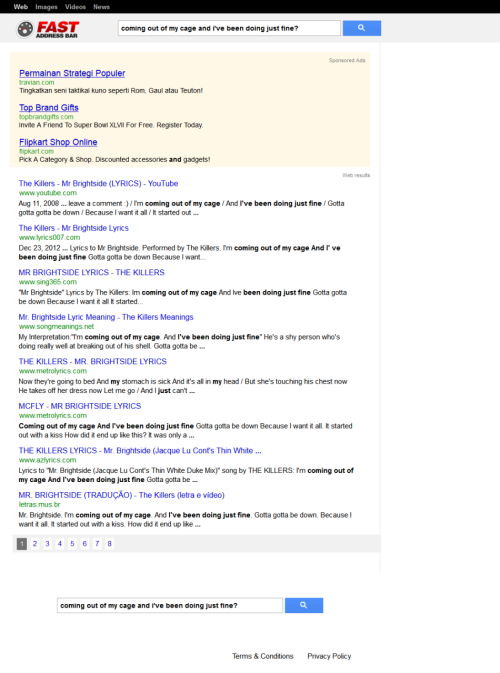 Direct link to screencap: http://24.media.tumblr.com/1c84890a23e47a11d09cafbc17baee93/tumblr_mgebjsK2on1qc1o4mo1_1280.png
All Replies (5)

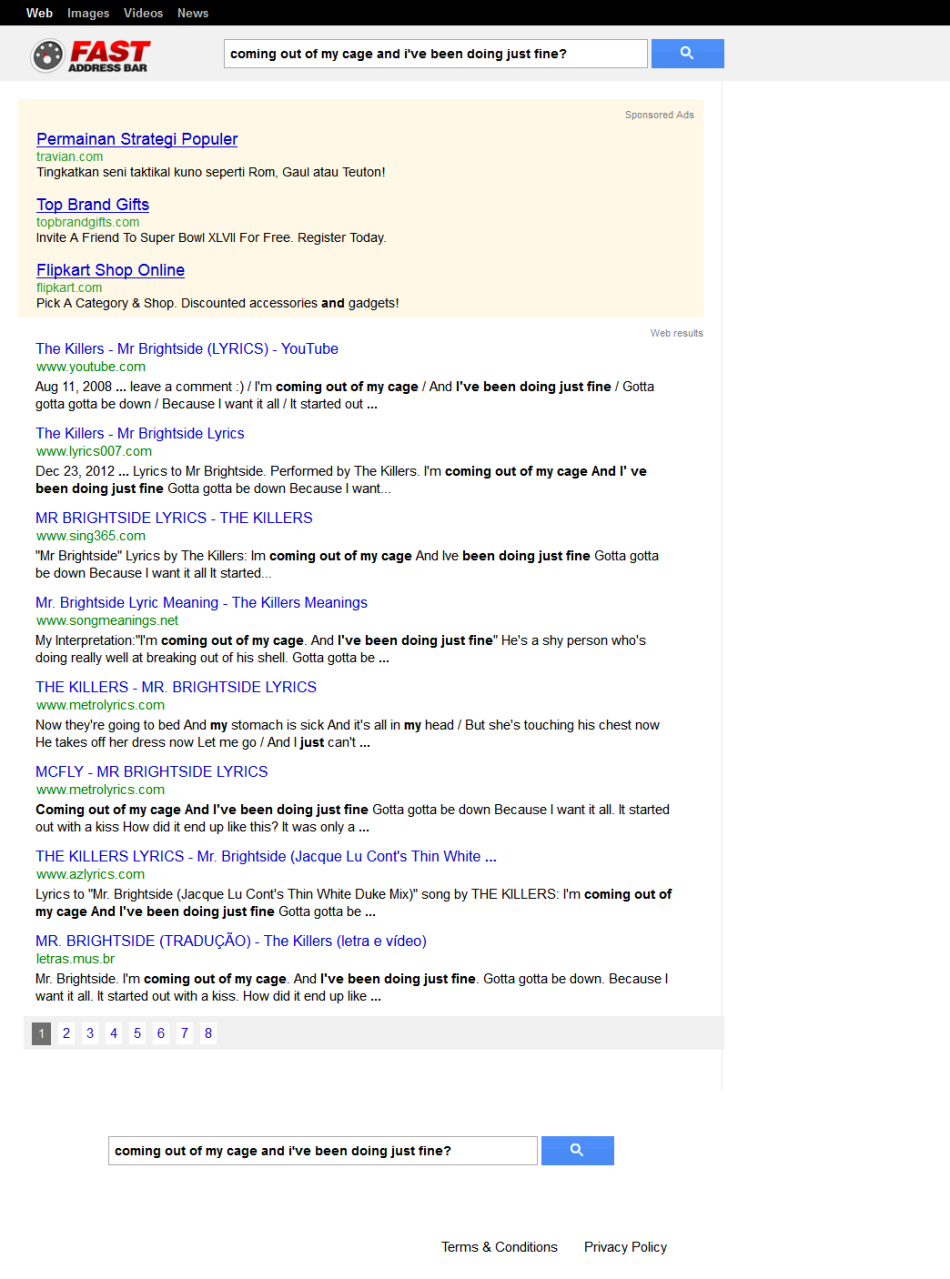
You installed Fast Address Bar Toolbar. uninstall that toolbar.
Remove a toolbar that has taken over your Firefox search or home page
When you enter a search term in the Firefox location bar and press Enter, Firefox will per default do a "I'm feeling lucky" Google search and redirect you to the first result that matches your search term. This behaviour can be changed by a number of add-ons. If you'd like to restore the previous default behaviour, please follow these steps:
- Enter about:config in the Firefox location bar and press Enter.
- You should see a warning that making changes to the Firefox configuration can be potentially harmful to Firefox's integrity. Click the I'll be careful, I promise button to continue.
- In the Search box at the top, enter keyword as the search term. You should see a few remaining items, one of these is keyword.URL. It should be bold.
- Right-click on the keyword.URL setting and select Reset from the dropdown menu.
Now you're done. Please report back if this fixes your problem. Thanks in advance!
You can find more information about the Location bar search feature in the Location bar search article.
Did you uninstall the extension or is this externally installed software?
You can check for problems with preferences and try to rename or delete the prefs.js file and possible numbered prefs-##.js files and a possible user.js file to reset all prefs to the default values.
There's no Fast Address Bar toolbar in the list of my add-ons. I've also tried resetting the keyword.URL from the about:config to no avail.
I ended up resetting the firefox through the troubleshoot information thing, but now the address bar won't accept anything but URLs. It doesn't seem to process non URLs as searchable phrases for Google.
Spam removed
Modified by NoahSUMO
Try typing about:config in the Firefox URL bar. Once you have pressed enter be careful not to change random settings. Type in the search box keyword keyword.URL, double click the URL under the Value field and past in this:
http://www.google.com/search?ie=UTF-8&oe=UTF-8&q=
Then close the tab and it should be back to Google :)
Worked for me.