


I don't have a 3D DOM inspector button

On my home computer, a fresh Firefox 11 install has the 3D button, but on my work computer where I just upgraded from 10 to 11, the button is not there.
Are there some prerequisites for the 3D DOM inspector that I don't know about? Is there a way to find out why it's not showing up, or to forcibly enable it?
Chosen Solution
Please also see this. The More system details on the top right of this page or via Firefox Help (Alt + H) > Troubleshooting Information, says WebGL rendering is blocked for the particular graphics driver.
All Replies (11)
Please check if this happens in a new profile. If it's okay, you can later copy the needed personal data from the old profile. Firefox stores your personal data and settings in another location separate from its files/folder. A new profile would have the default Firefox settings (Tools (Alt + T) > Options, and about:config ), and usually would also be empty of any Extensions and themes (Appearance) in Tools > Add-ons) and their settings. Also, a new profile would have no previous stored website data/settings etc., (Tools > Clear Recent History).
Alas, even with a new profile there still isn't a 3D button.
Chosen Solution
Please also see this. The More system details on the top right of this page or via Firefox Help (Alt + H) > Troubleshooting Information, says WebGL rendering is blocked for the particular graphics driver.
Thanks, I guess I should have actually read that troubleshooting information, eh?
I'll update my drivers and that should take care of it.
Thanks!

No 3D button for Web Developer -> Insptect, no matter what!
Firefox 11.0 (Mozilla Firefox for Ubuntu canonical - 1.0), Ubuntu 10.4, current version of Nvidia accelerated graphics driver, 12 Gbyte memory.
Followed http://www.ubuntugeek.com/howto-enable-webgl-on-firefox-4.html:libosmesa6 installed and the link in about:config is in place.
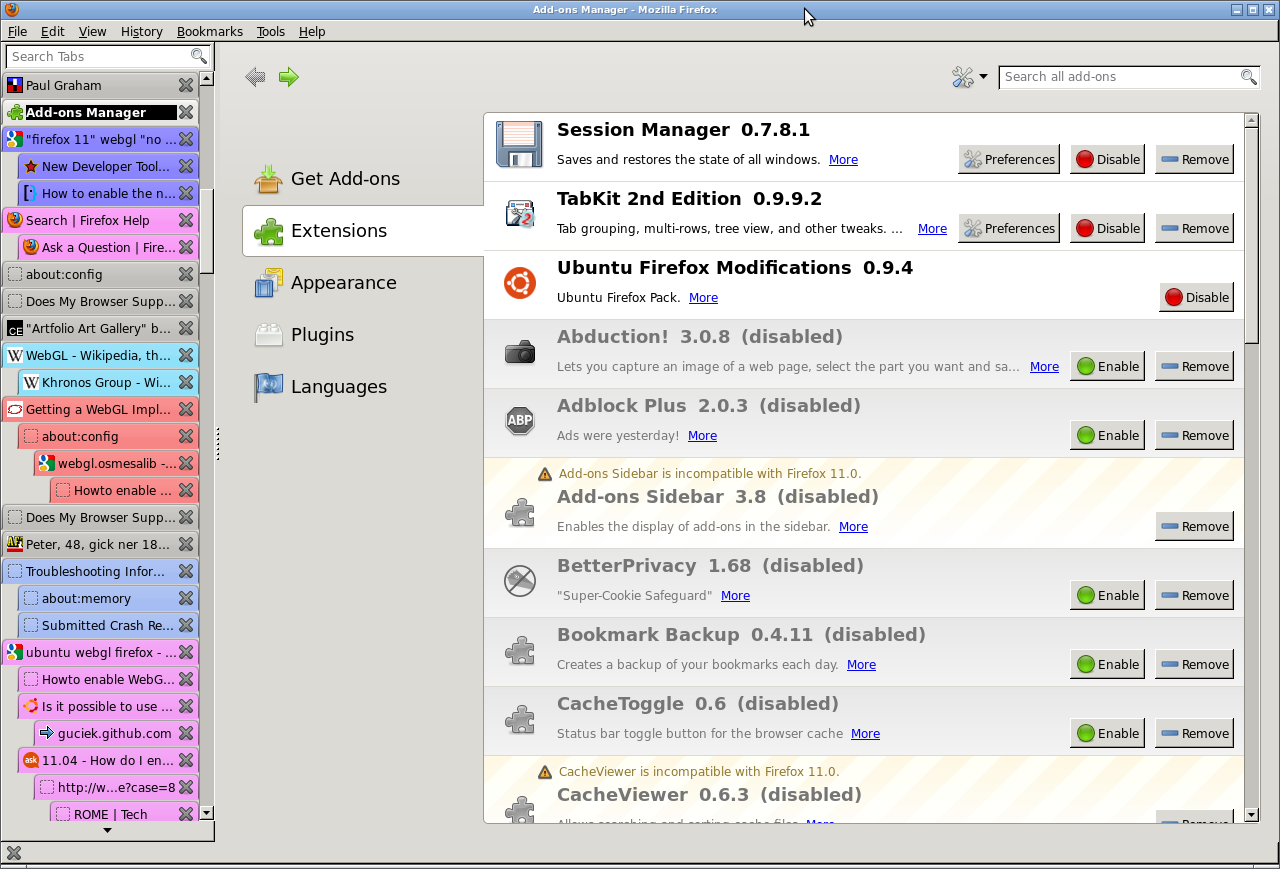
I disabled allmost all add-ons, only session manager, tabkit2 (absolutely necessary for orientation among about 200 tabs) and Ubuntu Firefox Modifications (default on Firefox/Ubuntu) are left. I tested to start Firefox in a new, clean profile.
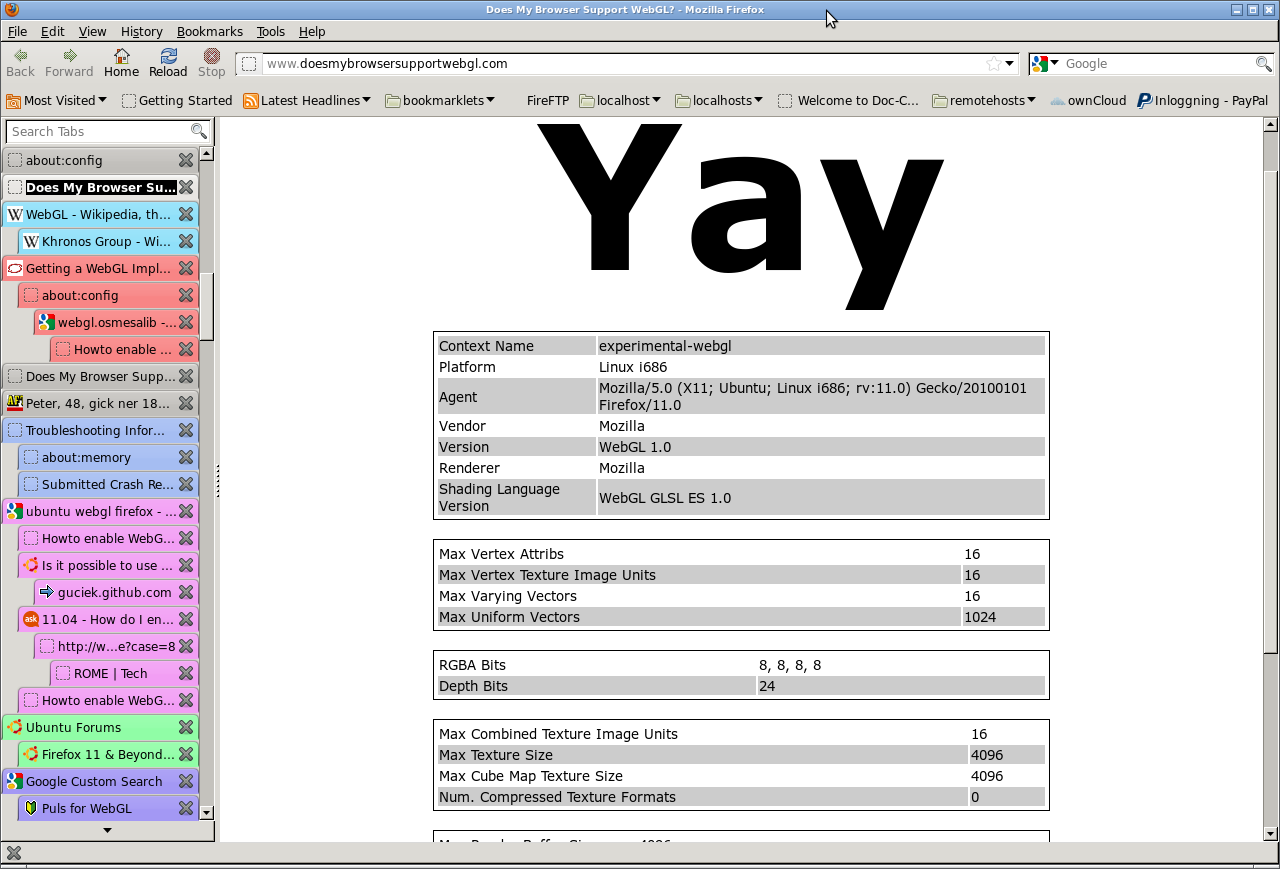
Testing with mesa-utils works. I attach a screenshot from visited http://www.doesmybrowsersupportwebgl.com/, it says that webgl is supported. I can follow examples on pages like http://guciek.github.com/teflyjs.htmll.
WebGL i Chromium works.
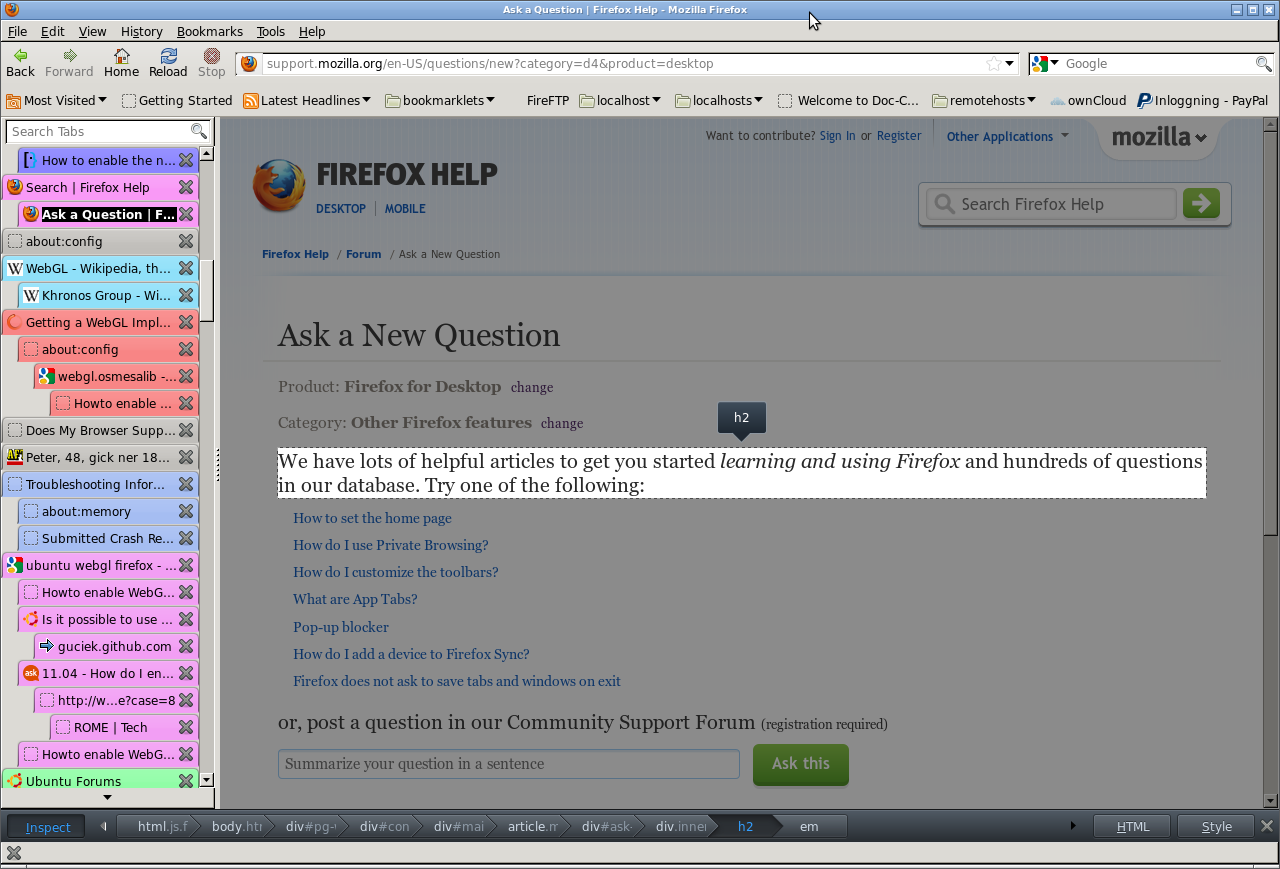
Still, there is NO 3d button! On the rigth bottom edge of Firefox there are only two bottons - HTML and Style. I attach a screenshot as documentation.
(totaly 3 screenshots attached)
Where is the problem?
Hi lzlzlz,
Please also see this. You can also start a new thread which would be helpful in providing more details as you post the question: https://support.mozilla.com/questions/new
Without the 3d button, the new DOM inspector is pretty useless. Any way to get the old one back?
WebGL is required for the 3D View button to work properly.
Does the Graphics section on the Help > Troubleshooting Information page show that WebGL is disabled?
Do you have the latest updates for your graphics display driver?
My graphics card doesn't seem to support it. What do I do now?
Wisco wrote:
Without the 3d button, the new DOM inspector is pretty useless. Any way to get the old one back?
Same as before, DOM Inspector is a separate extension.