


Continued failure of Firefox v 144 to cop with Web Forms

I run a mac mini with OS X Catalina. I keep to that operating system as a number of my work apps work better. I am on the latest version of Firefox (64 bit) 144.0
In the last couple of years I have found webforms on Firefox seem to omit links or progress buttons like CONTINUE. When I check with the issuer or my colleagues I find they all use CHROME.
I have wasted a great deal of time on what I would have thought is a Minimum requirement issue.
Please give me one reason why I should stay with Firefox and not change to Chrome
thank you
Isisombululo esikhethiwe
Thank you so much David - contained the two things I was wanting to hear - and very clearly. In future with web forms I may check with the website 'Is this optimised [only] for Chrome'. Good to see the pluses of staying with Firefox - and I will, thanks Anton
Funda le mpendulo ngokuhambisana nalesi sihloko 👍 0All Replies (6)
Hello Ad16,
Could you please tell me which web forms on which platform you are experiencing this issue with? (e.g. Google Forms, Microsoft Forms, etc.) I look forward to hearing from you.
PS: If you could send me some screenshots, that would be great so that I can report it to the development team.
Thank you for your quick reply. Please note I am not used to Forums being in my late 70s. The local City Council requires you to register for a reduced congestion charge. The Council is not very online efficient but as with previous webforms others who have no problems are using Chrome not Firefox. Here are a few screenshots - Please note I am alraedy signed in to the Council website. Later today I will try Chrome
thanks Anton
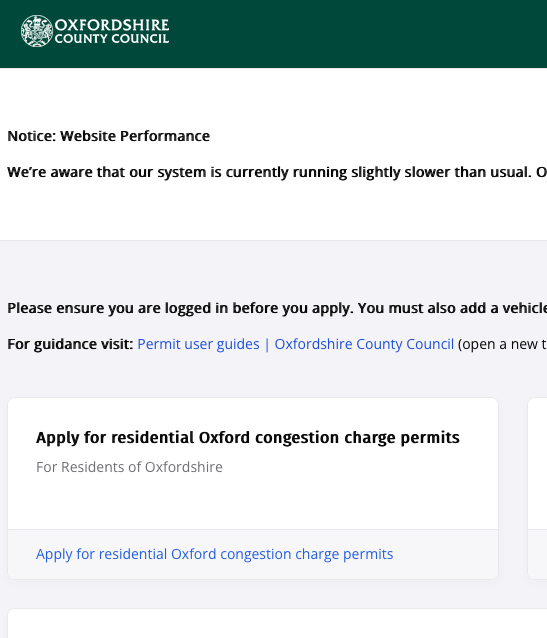
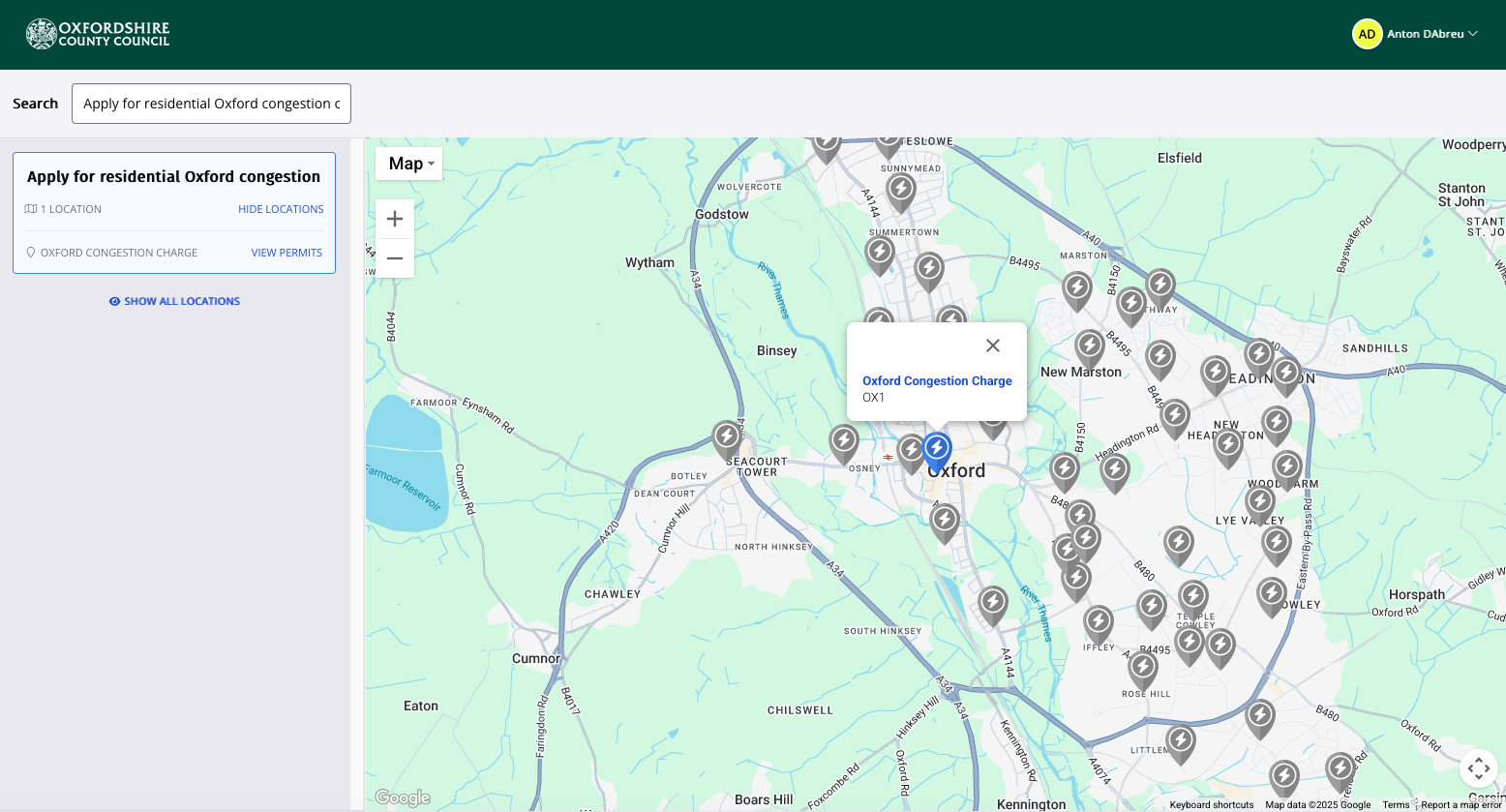
Hi Nathan
The Council updated the website - probably to make it easier for non Chrome users. So it is sorted - but I would appreciate if you do escalate the isssue - the only issue I have found with Firefox and I have been with Firefox 20 years is with Web Forms
many thanks
Anton
Firefox sometimes struggles with certain modern web forms because websites are often optimized primarily for Chrome’s engine. These issues can come from outdated site scripts or compatibility bugs, not necessarily from Firefox itself. The reason to stay with Firefox is privacy and independence it doesn’t track your data for advertising, gives full control over cookies and scripts, and supports open web standards without depending on Google’s ecosystem. If you clear cache, disable extensions, and keep Firefox updated, most form issues can be fixed, but if a specific site still fails, that’s due to poor site coding rather than Firefox’s design.
Isisombululo Esikhethiwe
Thank you so much David - contained the two things I was wanting to hear - and very clearly. In future with web forms I may check with the website 'Is this optimised [only] for Chrome'. Good to see the pluses of staying with Firefox - and I will, thanks Anton