


Download Setting are not applied.

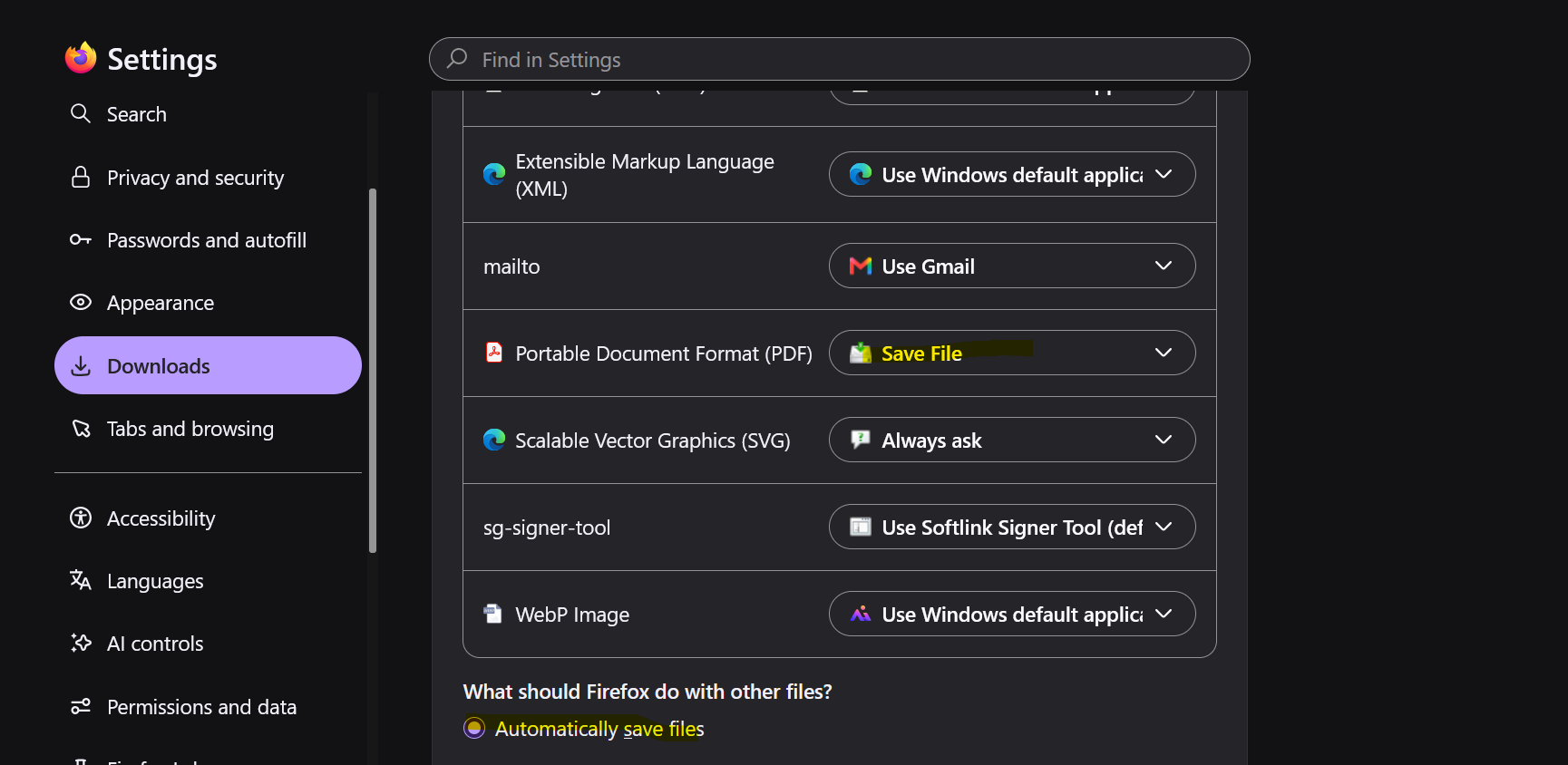
Hi Team, I am facing an issue that i have setup the download setting of PDF file as save file and automatically download in my system. but firfox is not working as expected.
所有回覆 (4)
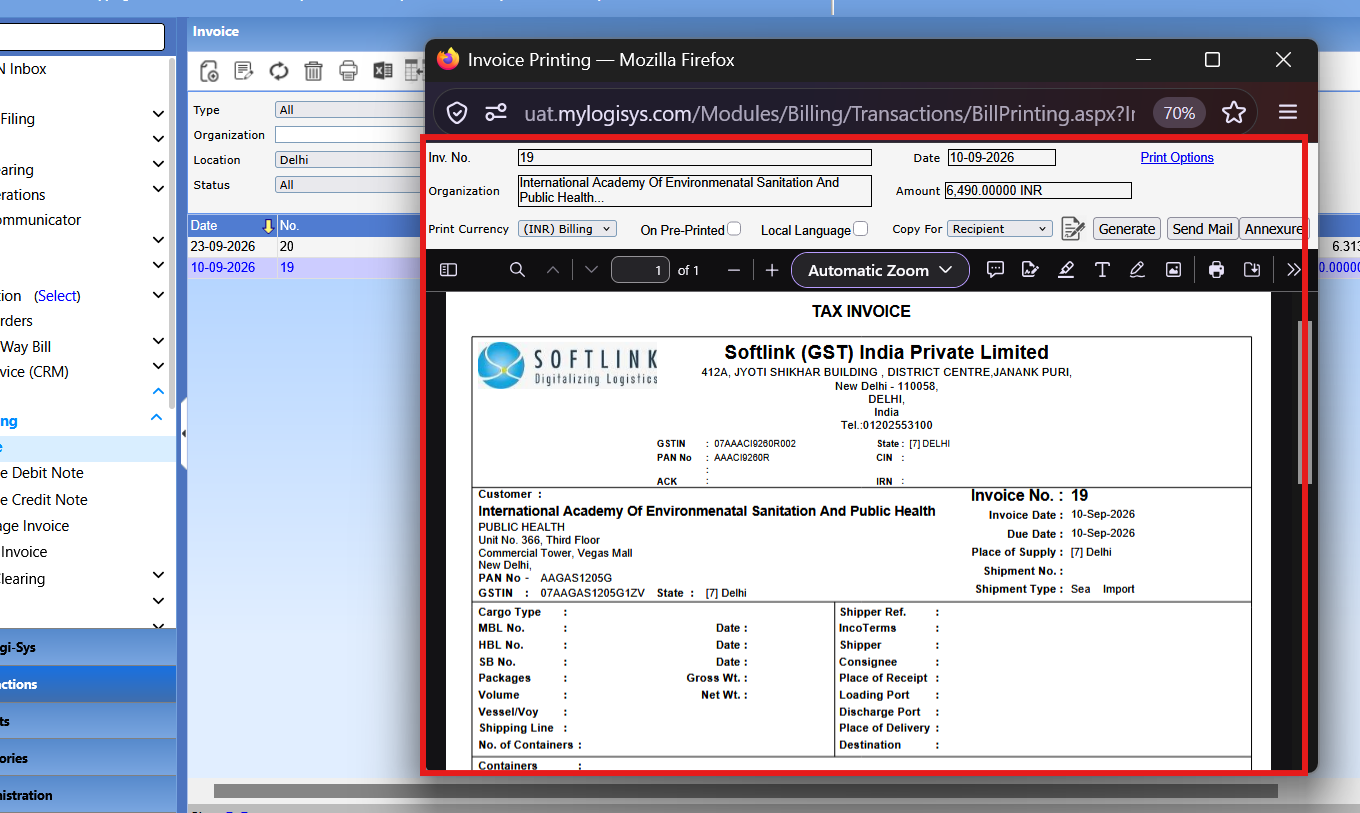
It's working, but this question is about embedded PDFs. Right now you can't auto download it. The page is forcing it to be displayed.
Yes.. it should auto downloaded without displayed on the screen.

TyDraniu is right that this setting only controls how Firefox handles PDF links, not what happens inside the built-in viewer. When a page embeds a PDF or forces it to display inline, Firefox opens it in its own viewer before your download action ever applies, so it will still show on screen. One workaround is to disable the built-in PDF viewer: open about:config, search for pdfjs.disabled, and set it to true, after which your Save File action will apply. Alternatively, you can right-click the PDF link and choose Save Link As, or use the download icon in the viewer's toolbar for individual files. This keeps everything else the same while giving you the auto-download behavior you want.
I have already tried the same setting but still PDF is opening in the browser.