


Open
In settings screens how to change from the purple to another color

In the various settings screens the default color is purple. Is there a way to change the purple to another color?
In the various settings screens the default color is purple. Is there a way to change the purple to another color?
所有回覆 (6)
Bonjour
Type about:addons into your address bar.
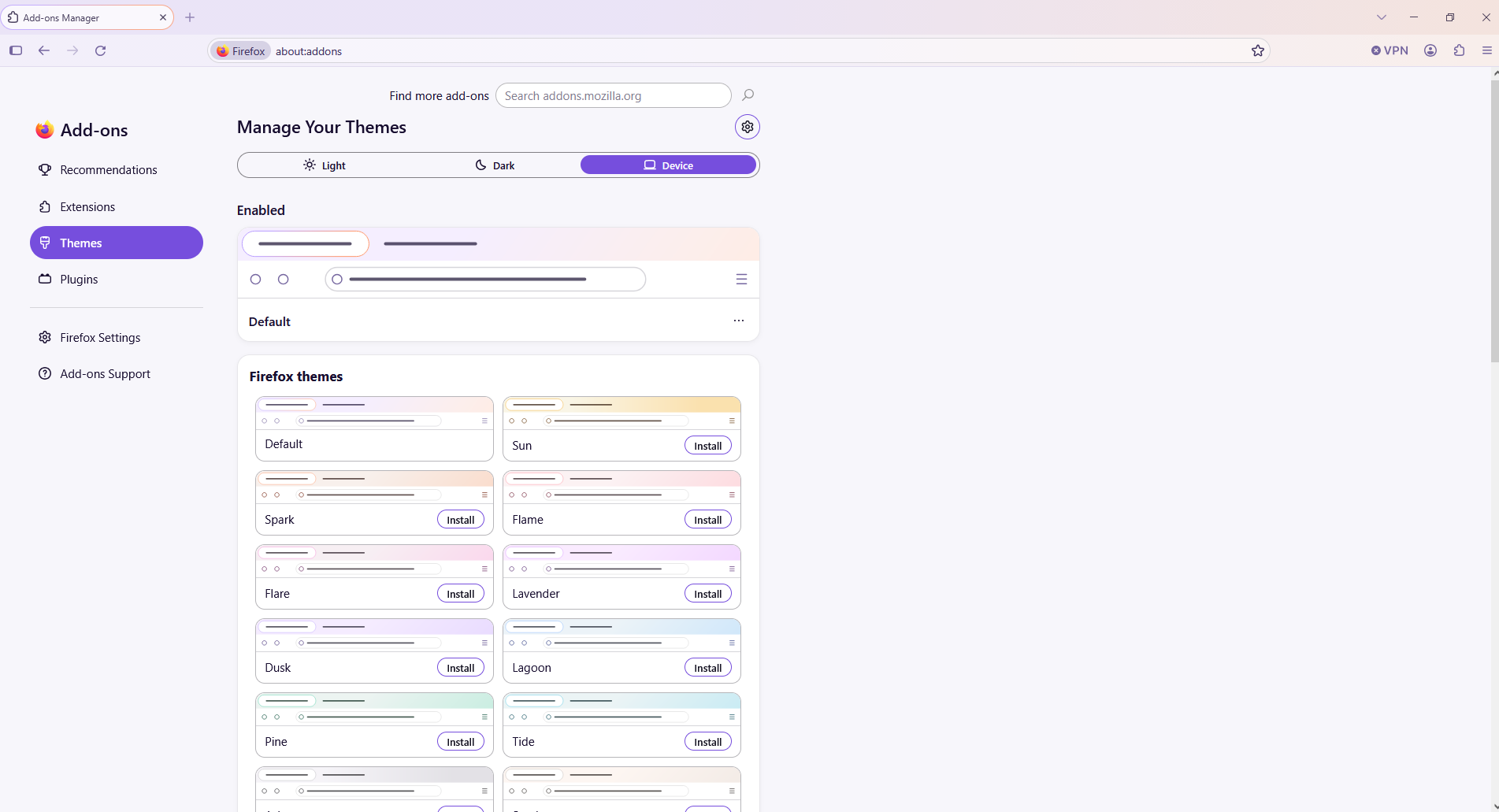
OK it takes me to my add on screen. I see device. what do I do know?
Hi
If you type about:addons into the address bar, you should see the options to change the accent colour and the theme.
I changed the theme to proton but it did not change the accent color. I couldn't find anything about changing the accent color
You may need to look for a different theme where the theme artist has specified a different accent.

I did the about:addons thing, switched to Proton and still have a lot of purple. Please give us a choice.