


Problem with multiple windows when a video is playing in full-screen mode

Since one of the most recent updates, I've been having the following problem:
A video from YouTube or Twitch is playing in full-screen mode in Window 1.
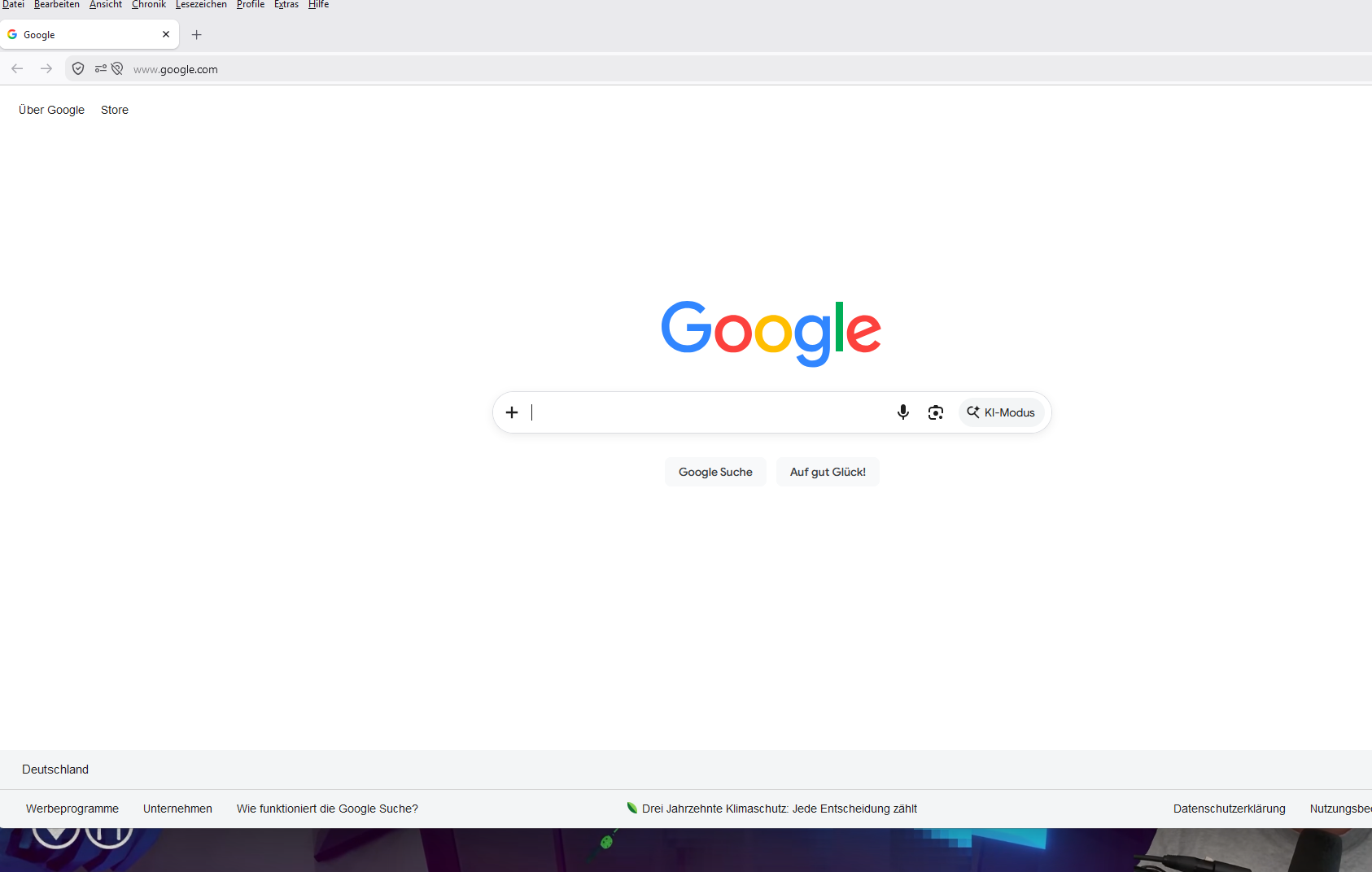
When I open another window and switch back and forth between the two windows, the second window doesn't fill the entire screen, and instead of the Windows taskbar, part of the video from Window 1 is displayed at the bottom. Is there a way to change this back?
Translated with DeepL.com (free version)
所有回覆 (1)
There are many changes around taskbar hiding, fullscreen windows and the like, with fixes in every other version, and new bugs afterwards, so this is somewhat right in the middle of work to fix taskbar showing too much, and showing too little.
There was one spin off scenario logged recently while working on another fix, that sounds like this? https://bugzilla.mozilla.org/show_bug.cgi?id=2064173