Windows 10 reached EOS (end of support) on October 14, 2025. If you are on Windows 10, see this article.

搜尋 Mozilla 技術支援網站

防止技術支援詐騙。我們絕對不會要求您撥打電話或發送簡訊,或是提供個人資訊。請用「回報濫用」功能回報可疑的行為。

了解更多
Open

Issue: Firefox 154.0 Deletes Cookie and Site Data Exceptions After Restart

VIVEK

In Settings → Privacy & Security → Browsing Data → Manage Exceptions, I added websites one by one and selected Allow so that their cookies and site data are kept. My goal is to stay logged in to these websites while Firefox automatically clears cookies and site data for all other websites when I close Firefox.

However, I found a bug: all the exceptions I added are being deleted after I close and reopen Firefox. Because of this, I am being signed out of all the websites where I was logged in.

This issue started after Firefox was updated to version 154.0 (64-bit) on August 19, 2026. Before this update, the exceptions were working correctly.

Please investigate and fix this issue so that the website exceptions remain saved after restarting Firefox.
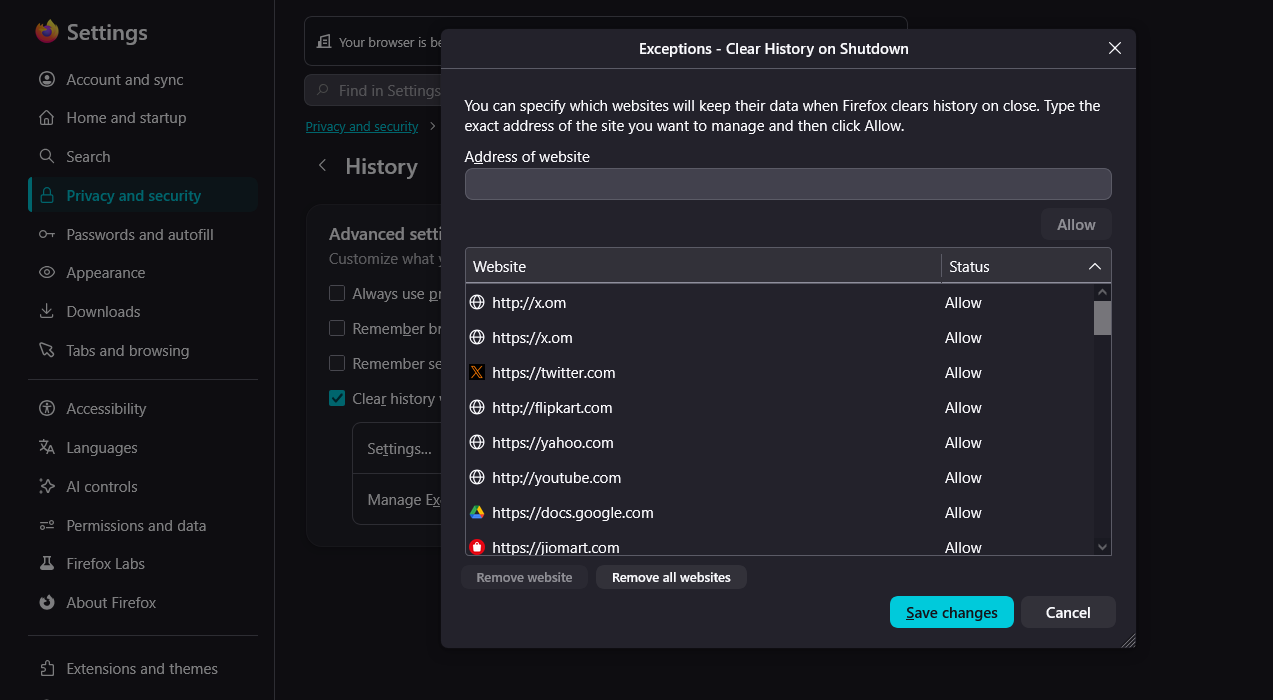
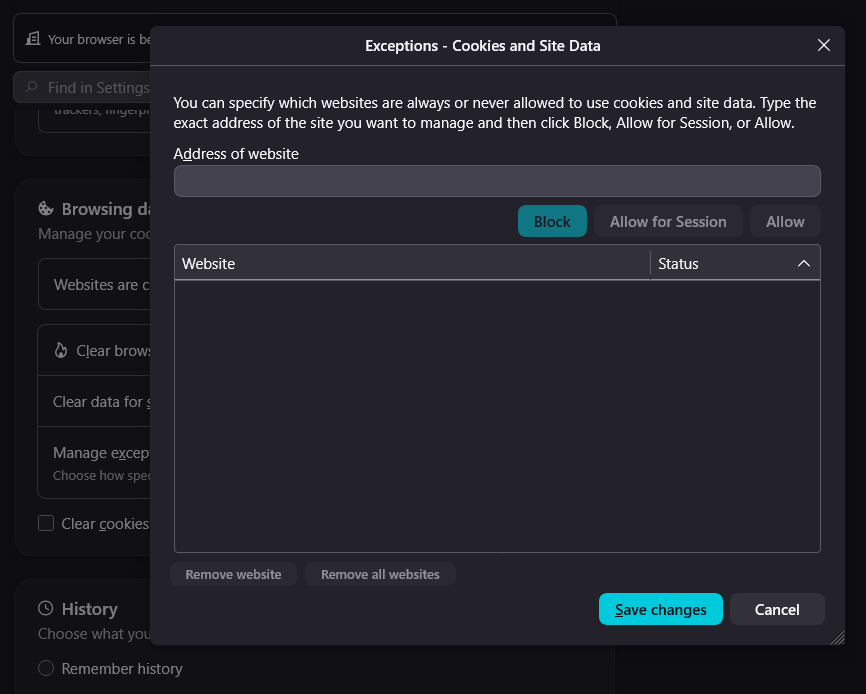
In Settings → Privacy & Security → Browsing Data → Manage Exceptions, I added websites one by one and selected Allow so that their cookies and site data are kept. My goal is to stay logged in to these websites while Firefox automatically clears cookies and site data for all other websites when I close Firefox. However, I found a bug: all the exceptions I added are being deleted after I close and reopen Firefox. Because of this, I am being signed out of all the websites where I was logged in. This issue started after Firefox was updated to version 154.0 (64-bit) on August 19, 2026. Before this update, the exceptions were working correctly. Please investigate and fix this issue so that the website exceptions remain saved after restarting Firefox.
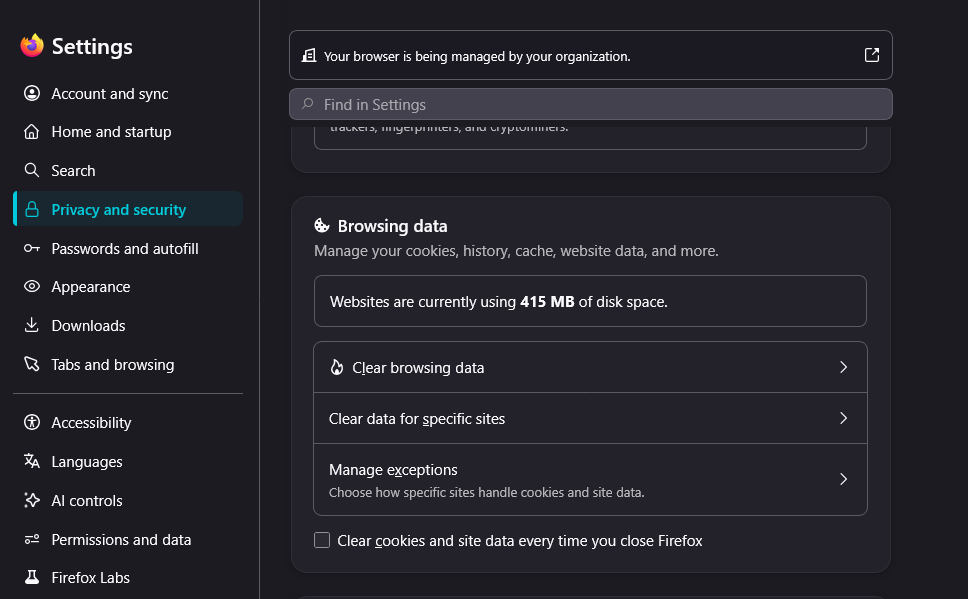
附加的畫面擷圖

所有回覆 (1)

I think the settings just moved to a new category: support.mozilla.org/questions/1599157 – aren't these migrated there now for you?

問個問題

如果您還沒有帳號,您必須先登入帳號 來回覆文章。還沒有帳號的話,只能發問新問題。