


Open
How do I get rid of widgets on the start page?

How do I get rid of widgets on the start page?
How do I get rid of widgets on the start page?
所有回覆 (3)

To get rid of the widgets on your start page, just open a new tab and look for the Gear icon in the top-right corner. Click it, and you'll see a list of checkboxes. Just uncheck things like Shortcuts, Recommended by Pocket, or Recent Activity, and they should disappear from your screen.
由 creeper_diamonds 於 修改
Hello
Take a look Customize at bottom right
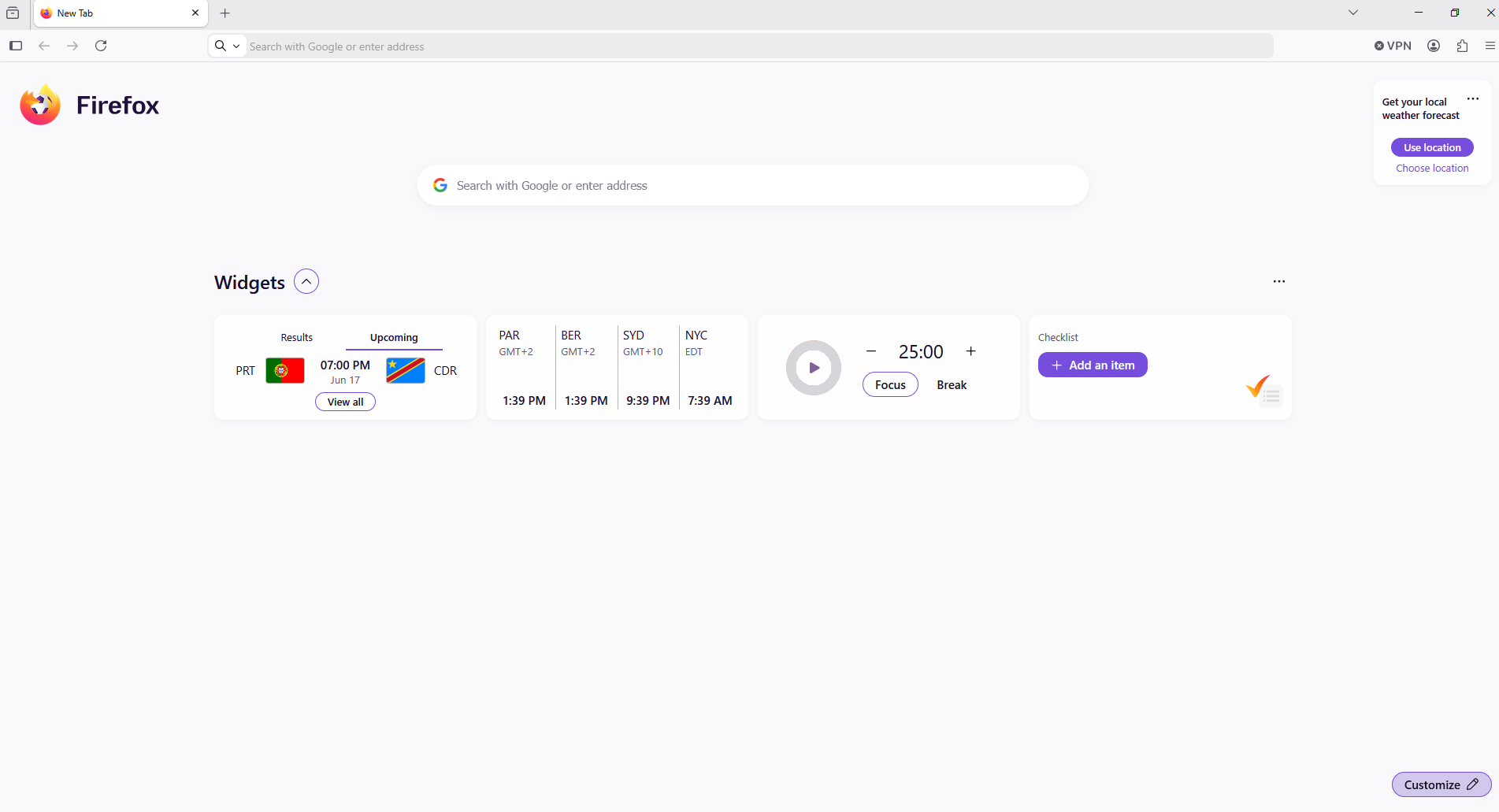
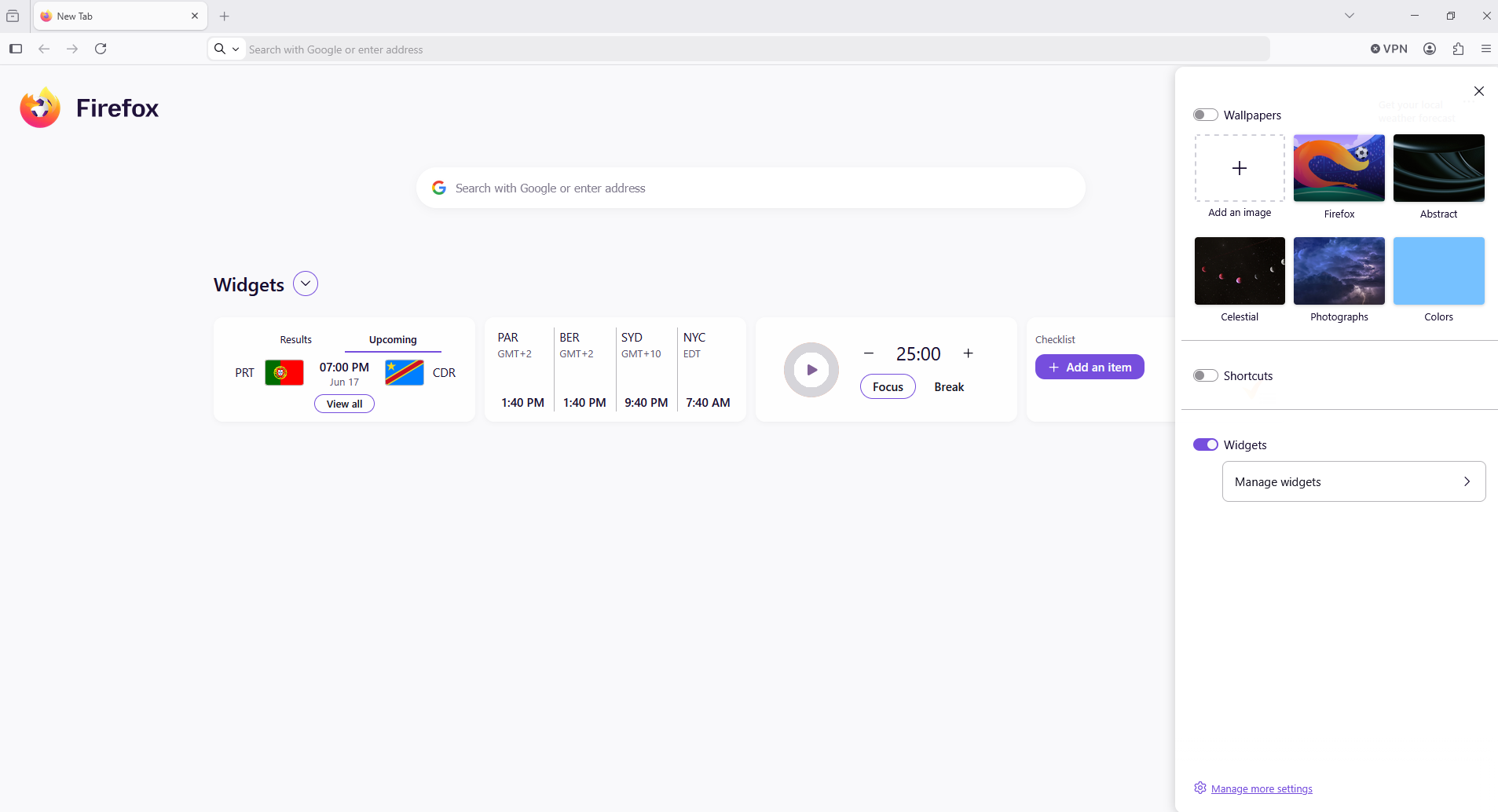
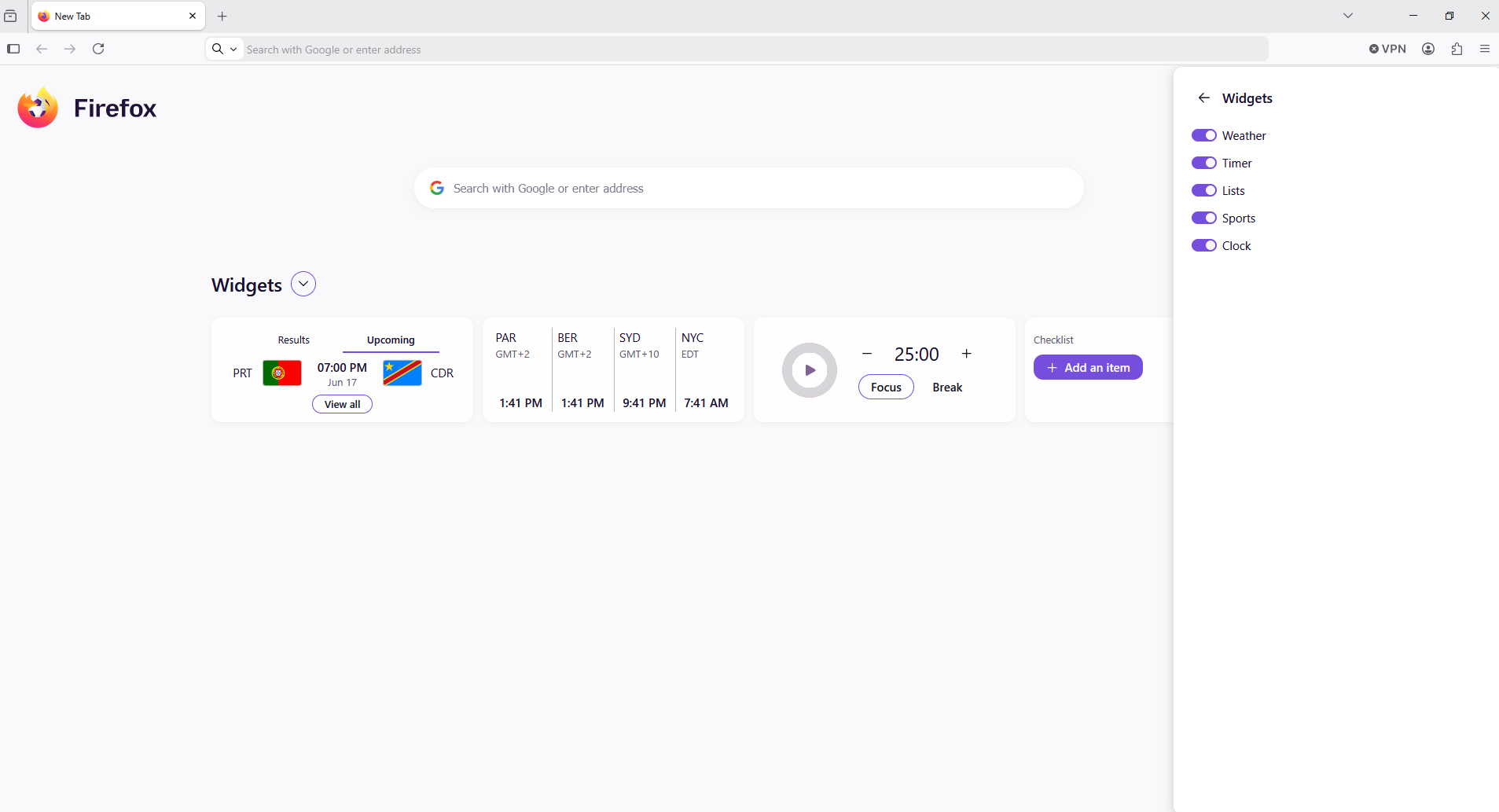
由 Agent virtuel 於 修改

The solution offered by "creeper diamonds" didn't help. After further searching I found it myself. Go to Settings (refered to as the "gear icon"). Click on Home and startup, scroll down to WIDGETS and switch them off.